SecureMail for Microsoft 365 and Exchange Online
Connect SecureMail as a gateway in Microsoft 365 and Exchange Online: connector, Entra ID sync, Outlook add-in and confirmation before sending unencrypted.
SecureMail integrates into Microsoft 365 and Exchange Online as a gateway and smart host. Encryption happens centrally in the mail flow, independently of the client. Users keep sending from Outlook, the cryptographic processing is done by the gateway.
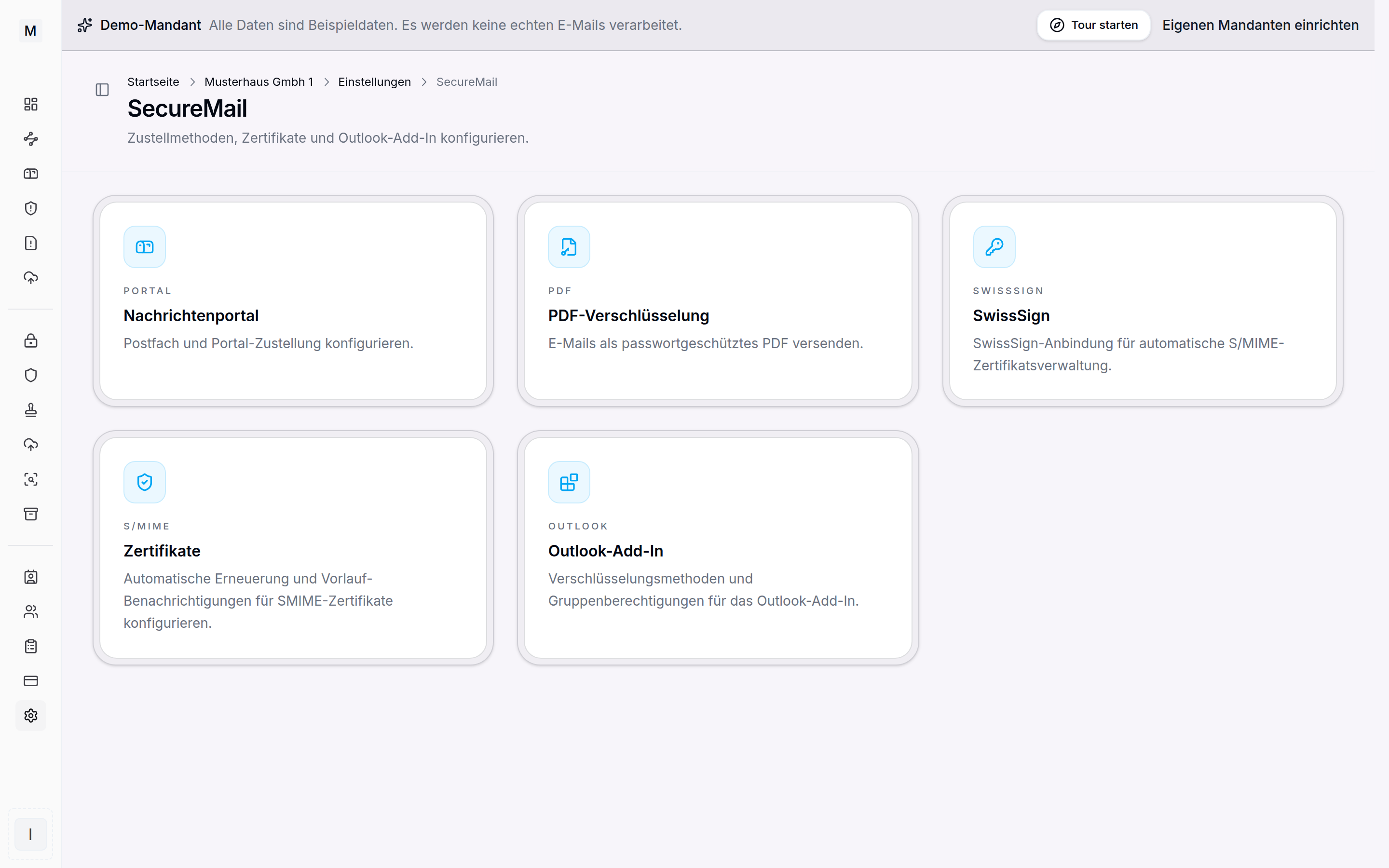 SecureMail settings and the M365 connection.
Connection through the Exchange connector
Mail flow runs through a secured connector between Exchange Online and SecureMail. A transport rule routes messages of the assigned domains to the gateway. Every M365 connection gets its own connector and is responsible for the domains assigned to it. If a domain is newly assigned, the connector is provisioned again so that the rule knows the new domain.
Entra ID as the directory
Users are imported and synchronised through Entra ID. Certificates can thereby be mapped to mailboxes, and new employees are ready for encryption without manual key management. Certificate management itself is described on the S/MIME certificates and PGP keys page.
Outlook add-in
The Outlook add-in makes encryption visible in the client. Per method, that is S/MIME, OpenPGP, PDF password and message portal, it can be defined whether it is available and who may use it: all members or selected groups. The add-in works in Outlook desktop, web and mobile.
Confirmation before sending unencrypted
In addition the add-in can require a confirmation before sending unencrypted. Through the Outlook OnSend event the message is held back briefly when a condition applies, for instance a certain sender group, a recipient domain, an attachment being present or a route without encryption. Accidental sending in clear text can thereby be avoided.
How rules treat outgoing mail is shown in signing and encrypting outgoing messages. A connected domain is the precondition. The technical implementation in detail is described on the product page SecureMail for Microsoft 365 and, for pure gateway scenarios, SecureMail for Exchange Online. The shared add-in deployment is described in the Disclaimer area. For workplaces with Thunderbird the same exists as a Thunderbird add-on.