Creating and setting up a tenant in Conbool
Create a tenant in Conbool: give it a name and open the workspace for domains, modules, members and the audit log. Multi-tenant capable.
A tenant is the central workspace of an organisation in Conbool. It is created right after the first sign-in.
What a tenant is
A tenant holds the domains, modules, members, policies and the audit log of one organisation. All of this data is separated per tenant. Conbool is multi-tenant capable: a group manages its subsidiaries and a service provider its end customers as separate tenants, all in the same console with separate audit logs.
Creating a tenant
Creation runs through the tenant switcher in the portal. Choose the entry for creating a tenant there and give it a name. The name is the display name of the organisation in Conbool and should be unique and descriptive. After confirming, the tenant is ready and the portal switches into its workspace.
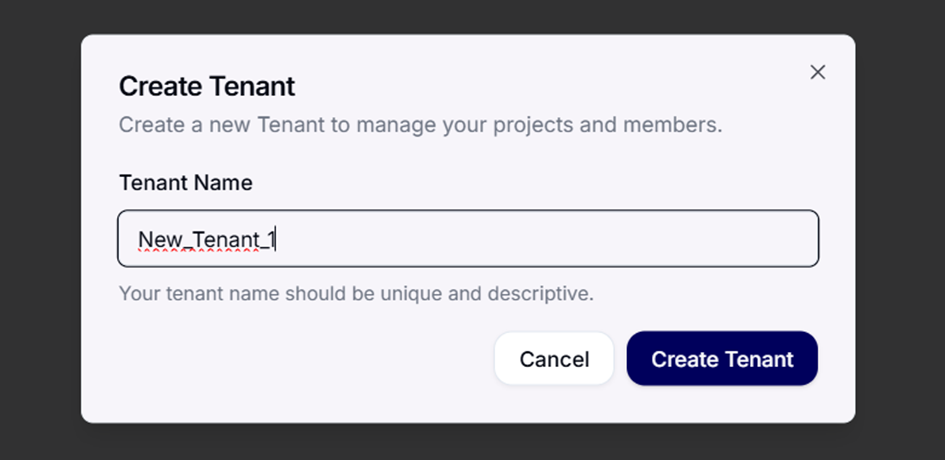 Dialogue for creating a new tenant.
After that
The new tenant next needs a domain so that email can be protected and analysed. Continue with connecting a domain and then users and roles. Licensing of the modules is covered under billing.