Setting up Archive: activation and connection
Activate Archive, connect the mail flow through the gateway or journaling and have the compliance storage provisioned. Explained step by step.
Archive is activated centrally per tenant and then captures every incoming, outgoing and internal message right in the mail flow. Before activation nothing is archived.
Activating archiving
In the portal under settings, Archive, switch on "Activate archiving". Capture takes effect immediately for all mailboxes of the tenant and covers messages including their attachments. Only owners and administrators of the tenant can change this setting. Roles and rights are explained in users and roles.
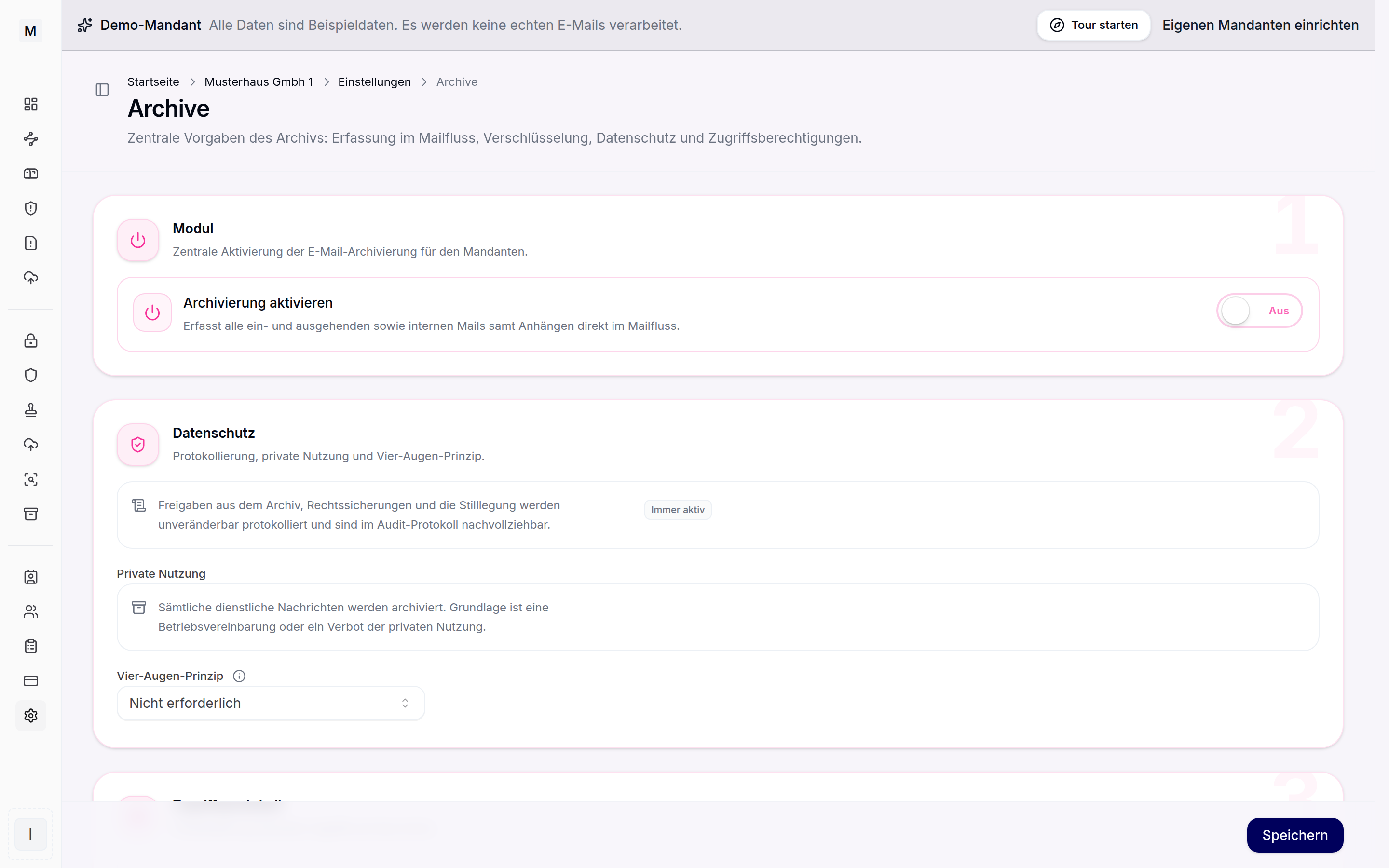
Activation and storage class of the archive.
Connection and journaling
If the mail flow already runs through the Conbool gateway, no further connection is needed, capture happens natively without a connector. Microsoft 365 and Exchange on-premises connect through a journal rule: Exchange delivers journal reports to a dedicated journal address in the archive. An Exchange Online mailbox is not permitted as a journal target, which is why Archive serves as an external journal target. The handover runs encrypted over TLS. The setup step by step is described in setting up journaling. Details are shown on the solution page email archiving for Microsoft 365.
A self-operated mail server without a journal function instead delivers a BCC copy of every message to the same address. That also captures messages between two mailboxes of the same server, which are delivered locally and never reach the gateway. The source is created with the delivery path Copy by BCC for that. The setup on the server is described in connecting your own mail server.
Provisioning storage
The storage class is defined by Conbool as the operator, and only the label standard or compliance is visible in the portal. Standard locks messages in software against change and premature deletion. Compliance adds an object lock that holds every object immutable until the period expires. The bookable capacity is agreed per contract, storage classes and usage are explained in storage and capacity. More on immutability under retention and WORM.
Importing legacy data
Existing archives can be imported. In the archive area under sources and migration, PST, EML and MBOX holdings are read in server side, without an Outlook installation. Duplicates are detected automatically, the migration runs throttled in phases and each batch concludes with a proof of integrity through SHA-256.
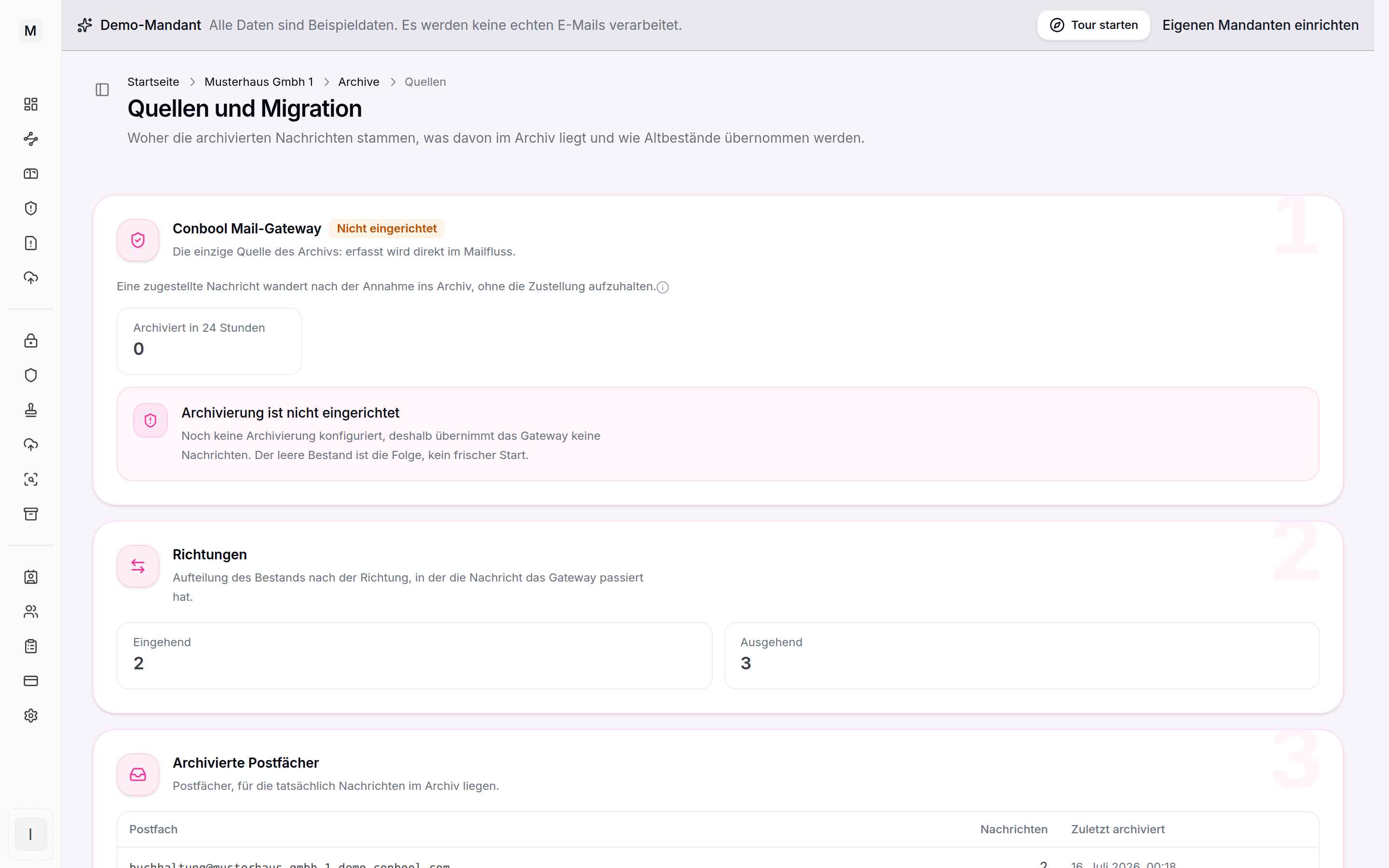
Sources and migration jobs of the archive.