Storage, quota and your own S3 storage
Manage the storage quota per account and member, connect your own S3 storage and govern retention with provable deletion under GDPR.
Every account has a storage quota for SecureFiles. Occupied, reserved and free storage are shown in the dashboard so that a transfer never fails on a silent limit.
Managing the quota
The booked storage quota applies to the entire account. Uploads from transfers, inboxes and pools count towards it, including the storage occupied by invited external parties. The size depends on the booked plan. Plans and prices and licences give an overview. Conbool names prices in an individual quote after a demo.
Under settings the storage can be distributed per member. A default quota applies to everyone, individual members receive their own quota where needed. Pool and inbox limits are counted towards it. For individual members sending can be blocked entirely without changing the rest of the configuration.
Connecting your own S3 storage
Anyone who wants to keep the files in their own storage connects an S3-compatible bucket of their own. Billing stays flat, the data is held in the chosen bucket. In the portal under settings, switch on Enable own storage and choose a storage template. The templates label the data residency as Germany, EU or outside the EU, and regions outside the EU are blocked.
Credentials are stored encrypted and never displayed in clear text. Before saving, a connection check runs: bucket reachable, write, read and delete a test object, presigned upload and download as well as CORS release. Connecting requires an active two-factor session. After repeated failed attempts a connection is deactivated, and new transfers then continue on the default storage.
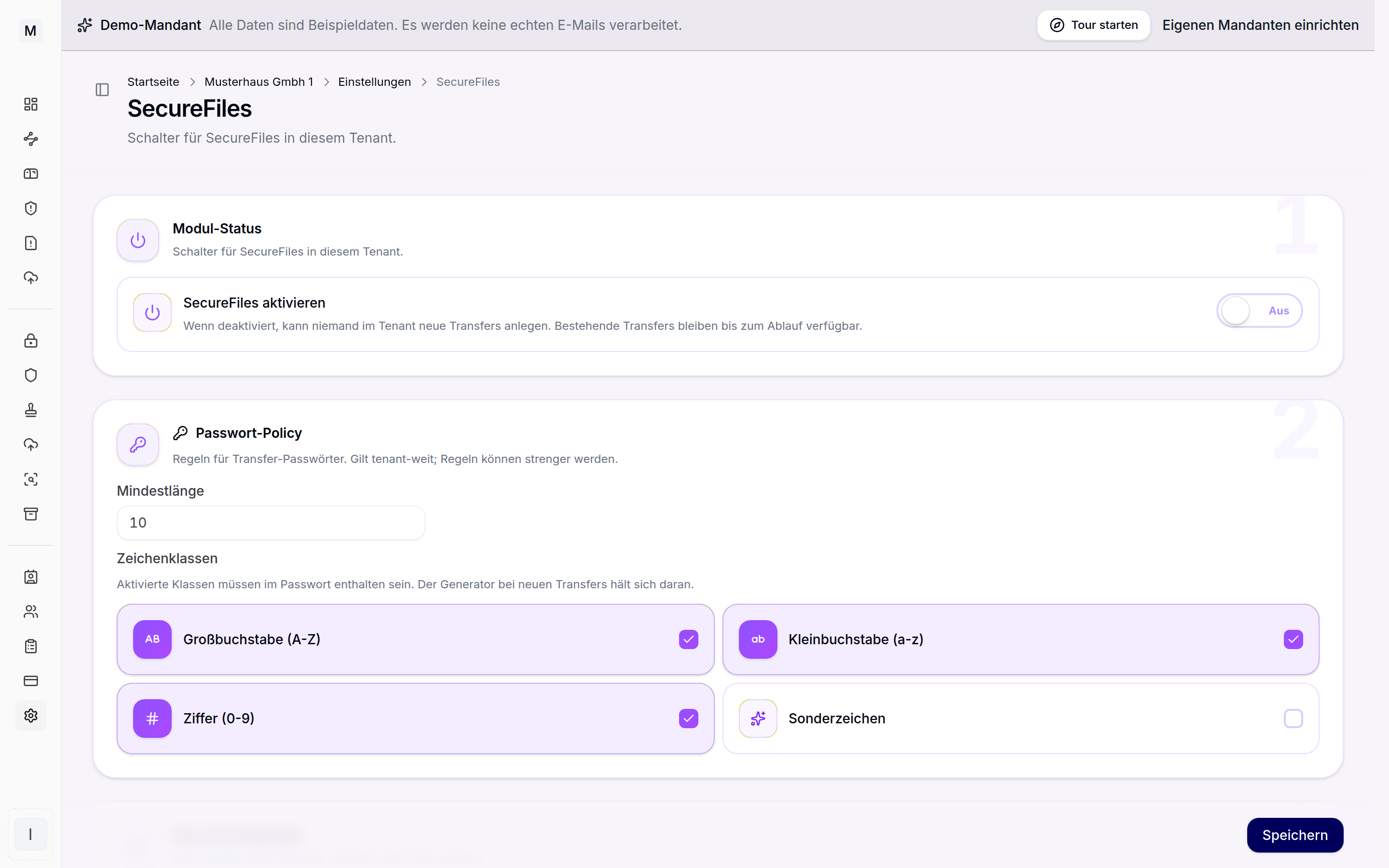 Storage presets and your own S3 storage.
Retention and proof of deletion
Every transfer and every pool has a retention period. After expiry the link becomes invalid and the files are deleted automatically. The deletion is cryptographically effective and not merely a marker. Deletions, expiry events and GDPR deletions land in the audit log and can be exported as CSV or PDF. The implementation of deletion periods under GDPR Art. 17 can thereby be proven, related to the deletion concepts in the archive.
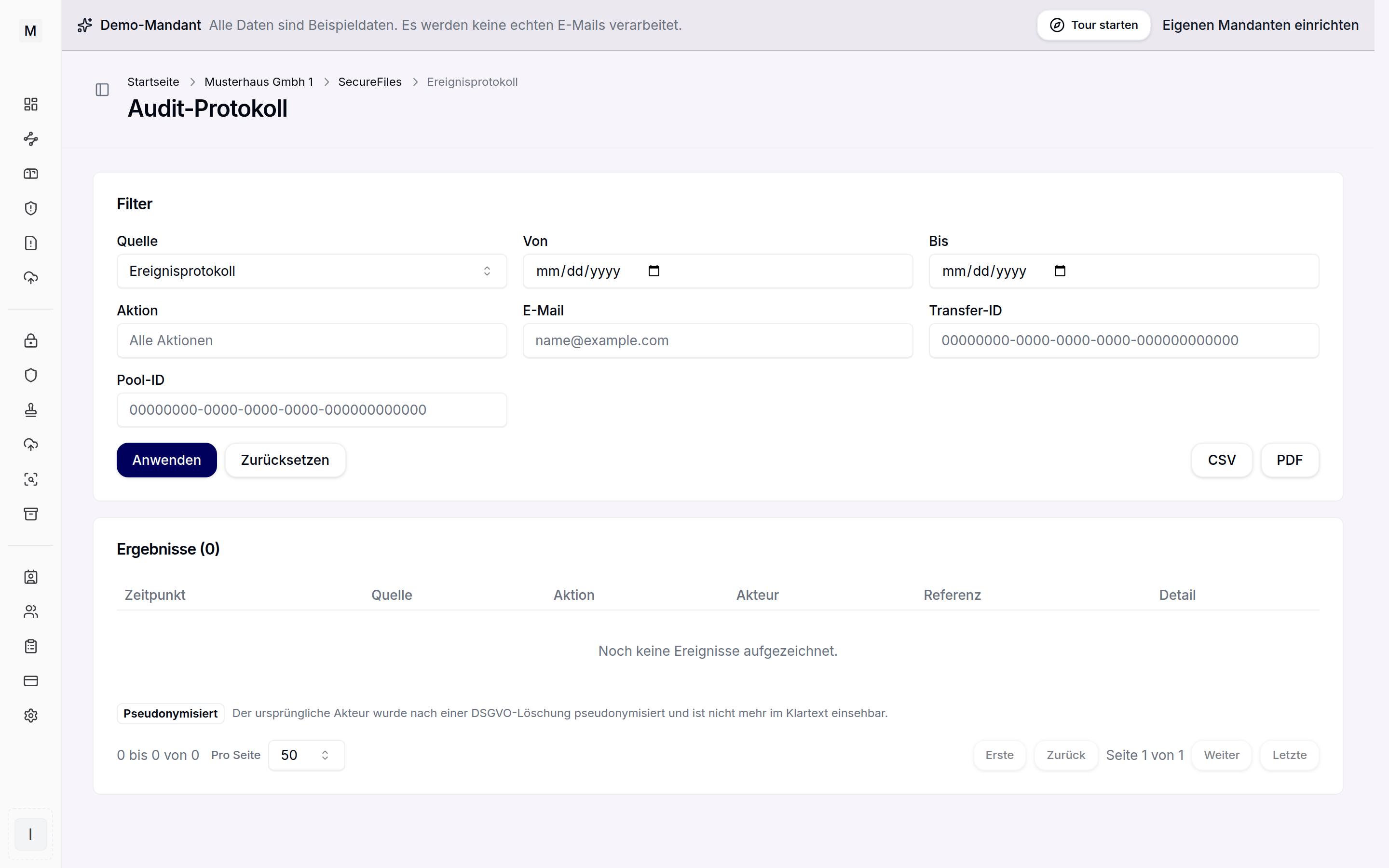 Every access is logged in an audit-proof manner.
Further reading
How occupied storage arises on receiving is described under inbox and receiving, active sending under sending files. The compliance basis is described on the solution page GDPR-compliant file transfer. Back to the SecureFiles overview.