DLP rules for sensitive data in MailGuard
Data loss prevention for outgoing email: detectors for IBAN, PII and credentials, exact data matching, fingerprinting as well as blocking, redacting and encrypting.
Data loss prevention detects sensitive content in outgoing email and prevents it from leaving the company unintentionally. A rule set can merely log hits, block the message or redact the affected content automatically.
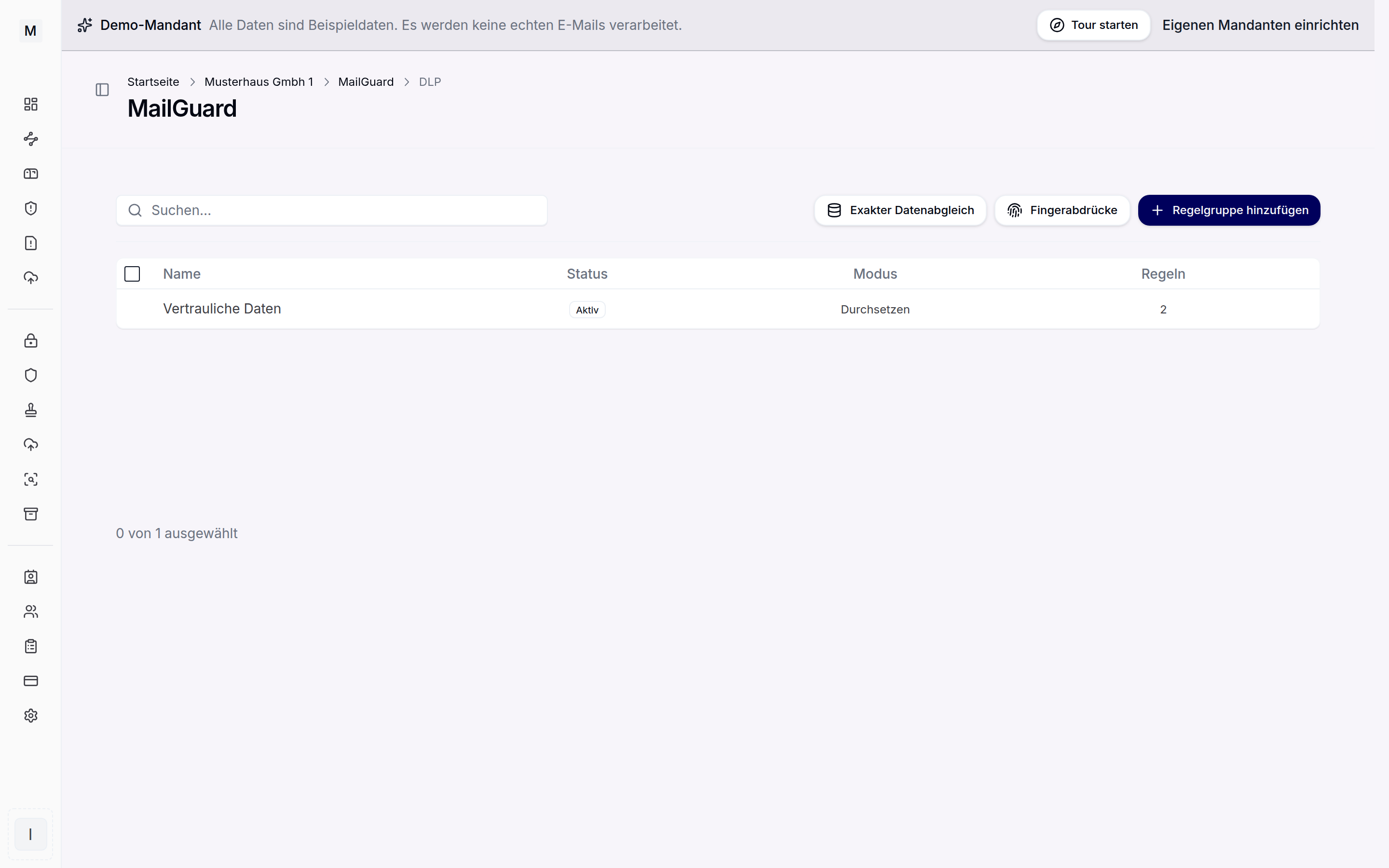
Rule sets for data loss prevention.
Detectors for German-market data
Preconfigured detectors cover the most common kinds of data that need protecting.
- IBAN: bank details such as IBAN and BIC.
- Personal data: address or ID number, for example.
- Card data: card numbers and typical card patterns.
- Tokens and keys: API keys, JWTs and credentials.
Further country-specific patterns such as the German VAT ID can be modelled through custom regex rules and dictionaries. Compliance templates bundle matching detectors for GDPR and PII, PCI DSS, finance and IBAN as well as credentials and can be applied with one click.
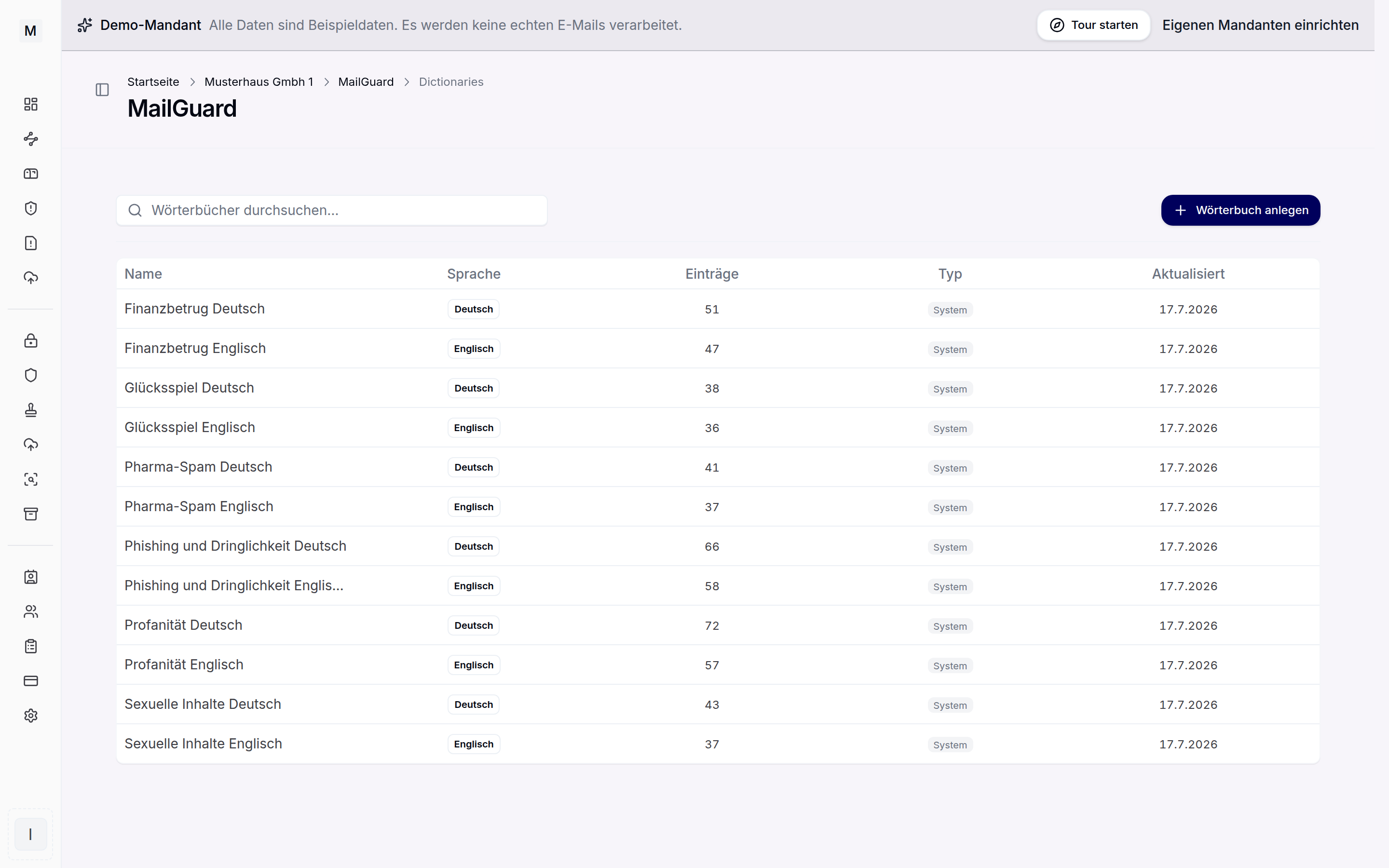
Dictionaries feed the content analysis.
Kinds of detection
Beyond the simple detectors, several kinds of detection are available, including in combined conditions.
- Keywords and regular expressions.
- File type and encrypted files.
- OCR for text recognition in images and PDFs.
- Exact data matching: a CSV is uploaded and stored as SHA-256 hashes, the original data is never kept.
- Document fingerprinting: reference documents are registered, copies and excerpts are recognised through similarity comparison.
- Recipient count as a trigger.
Actions and scope
For each hit a rule defines the reaction: block, move to quarantine, log only, encrypt, redact or partially mask, strip an attachment or metadata, redirect or request manager approval. Checking takes place in subject, body, attachments and headers as chosen. A severity rating from low to critical governs the priority.
The encrypt action hands the message to SecureMail instead of blocking it.
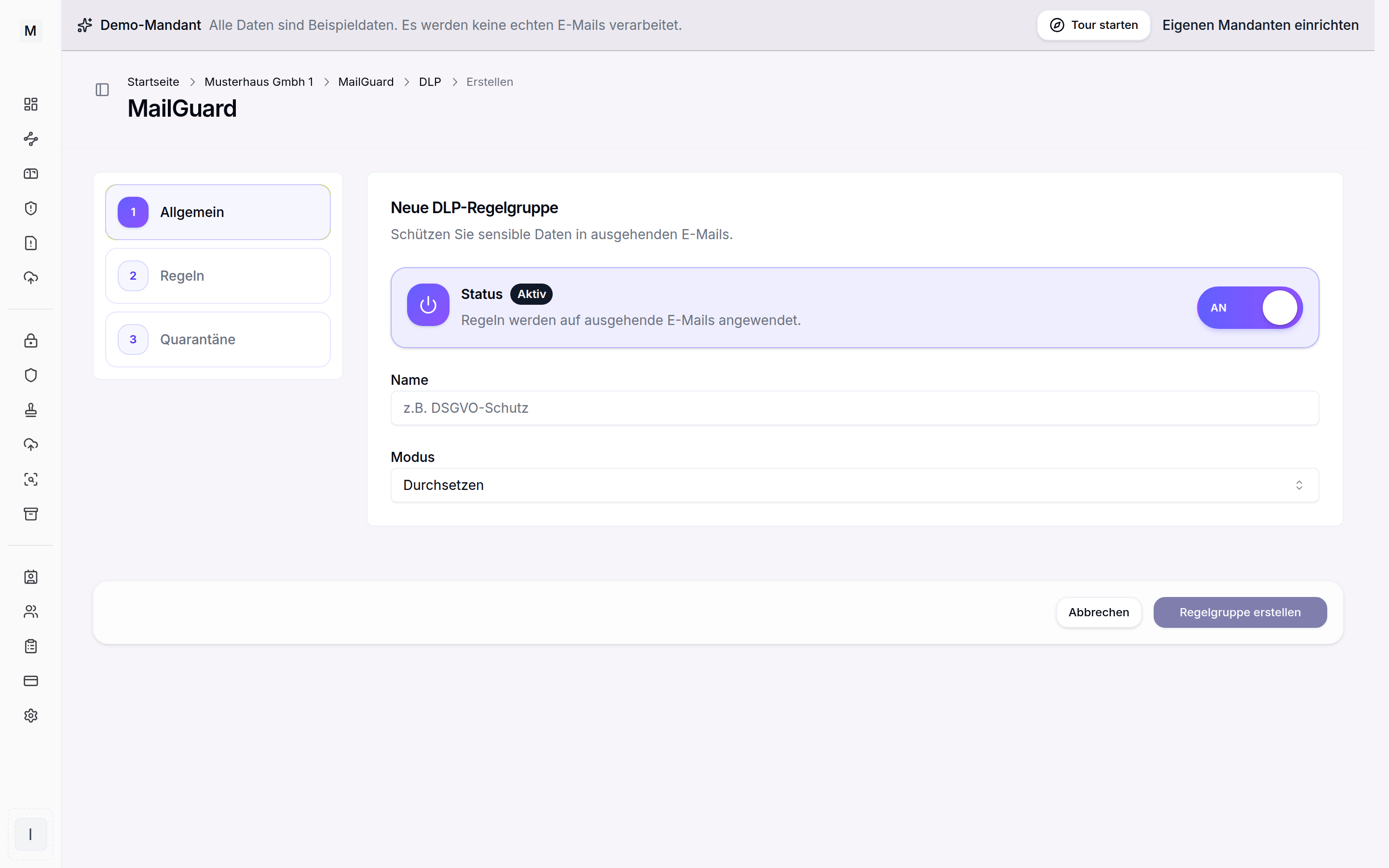
New DLP rule group with status and mode.
Further reading
Attachments with active content are handled by the attachment filter. Blocked messages land in the quarantine. A rule set can first be observed in audit mode. MailGuard gives the overview, the NIS2 email security solution page puts it in context.