Full-text search, access and the four-eyes principle
Full-text search across the archive holding, governed access to other mailboxes, break glass and the four-eyes principle for sensitive releases.
The entire archive holding is searchable in full text. Who may see which mailboxes is governed, and sensitive releases require a second person.
Full-text search in the archive
The full-text search covers subject, content, mailbox, recipient address and attachments. Filters narrow by period, mailbox, direction, size, sender and attachment. Every hit comes with a preview. Individual messages can be restored into the mailbox or exported as an EML or MBOX file. Formerly encrypted messages can be found as well, because Archive stores the decrypted clear text. On encryption see SecureMail certificates. The retention-until column shows the end of the period per message, more under retention and WORM.
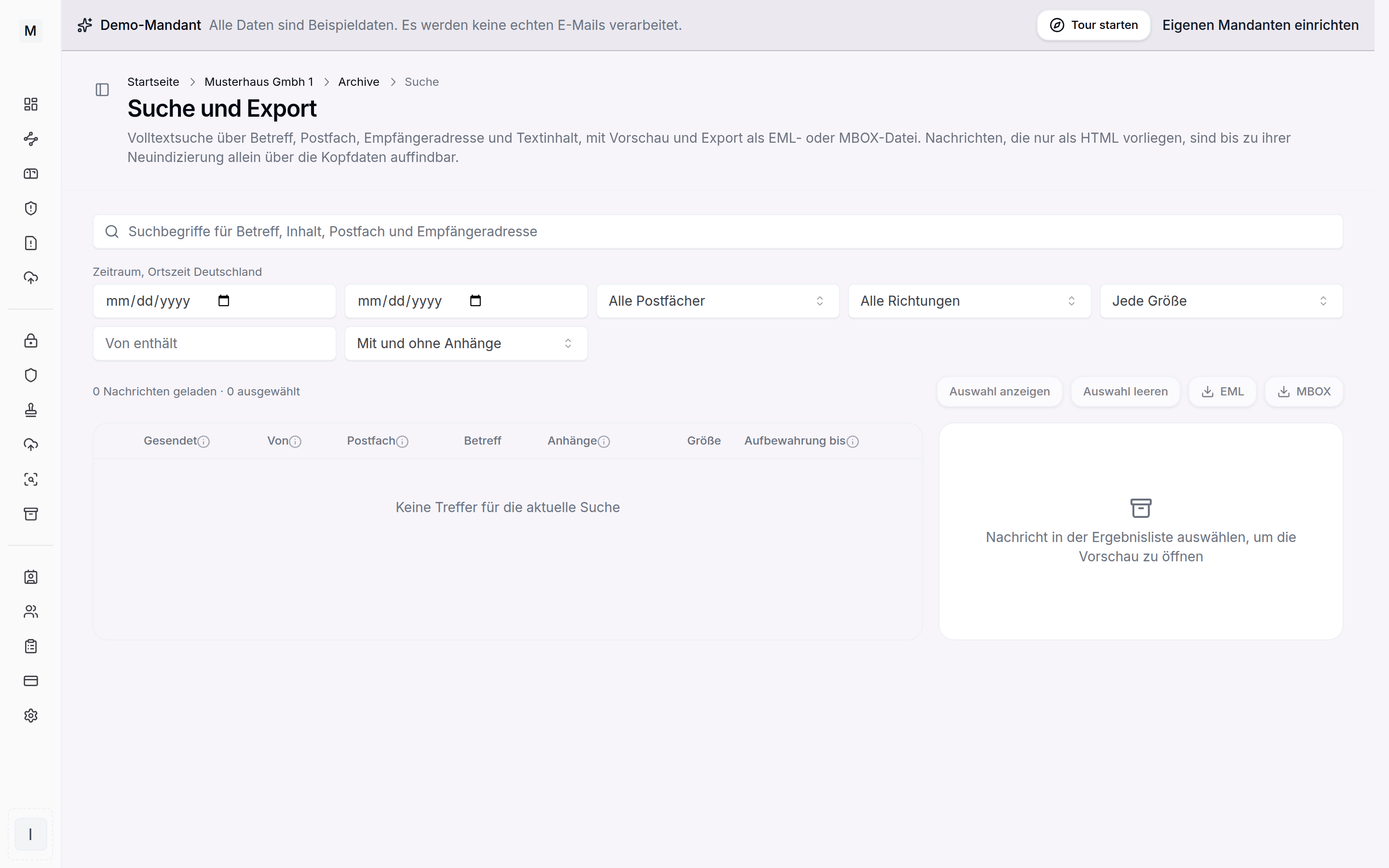
Audit-proof research in the archive.
Access to other mailboxes
By default every member sees only the messages of their own mailbox. Beyond that, owners and administrators grant access permissions, either to a specific mailbox, a department or the entire archive, time limited and with a reason. The basics on roles are shown in users and roles.
Four-eyes principle and break glass
The four-eyes principle defines when a release additionally has to be confirmed by a second authorised person: on every release, from a number of messages, on access to other mailboxes or not at all. It applies as soon as the tenant has at least two people with release rights. If there is only one authorised person, the release is executed immediately in the break-glass case and logged as such. Affected are the export, lifting a legal hold and changes to the archive settings.
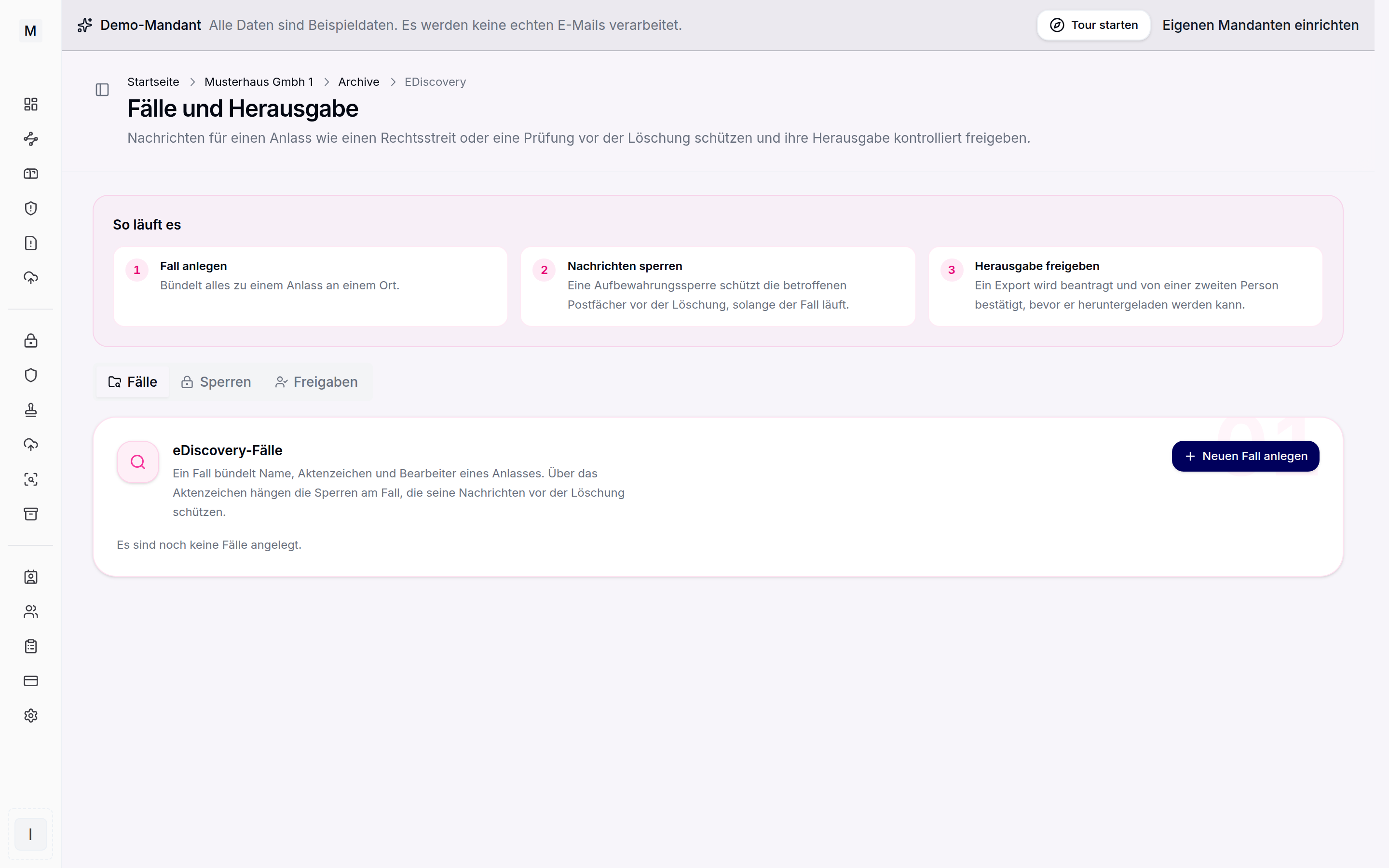
Cases, holds and releases for audits.
Legal hold with the group picker
When setting a hold in the eDiscovery area, the scope can be chosen, either the entire archive, a mailbox or a group. The group picker shows existing groups and additionally virtual entries from the directory, namely departments and verified domains. The entries are searchable and can be expanded down to the member list. If the hold is set on a directory entry, a managed group is created from it automatically and maintained from then on like any other group. Where groups otherwise arise is shown in groups and organisation.
Logging access
Releases, legal holds and decommissioning are always logged immutably. Read access, that is search, preview and download, is recorded by a separate access log. It is off by default, because a complete read log in Germany usually requires co-determination under section 87 (1) no. 6 of the Works Constitution Act. How evidence is kept is shown in deletion concepts.