Recipient authentication for file transfers
Protect recipients through email, password and verified identity. Share passwords out of band and recognise returning recipients through passwordless retrieval.
Recipient authentication determines who may open a transfer. SecureFiles combines several methods, from the simple addressed link to a verified identity.
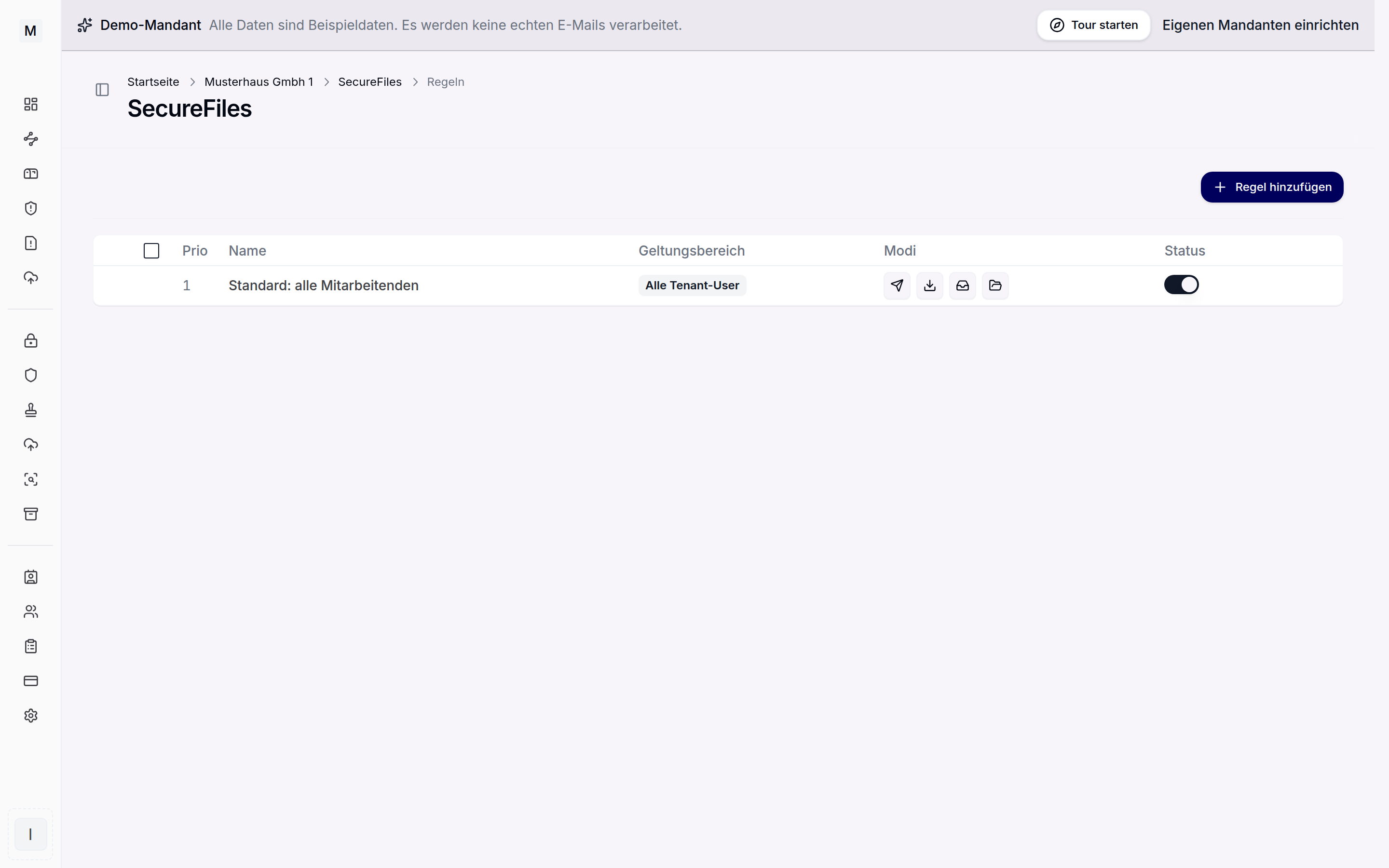 Rules govern authentication and expiry.
The email address as the recipient
With an addressed transfer the download is bound to the released email address. Only someone who enters that address can unlock the files. Addresses not stored as recipients are rejected. Every recipient receives their own link with an individual download budget.
Password and out-of-band delivery
In addition a password can be required. Recipients then enter the password next to their email address in order to unlock the files. Share the password out of band, that is through a second channel such as the telephone, never in the same email as the link. Otherwise link and password run over the same path and the protection is gone.
Optionally the password can go to the recipient automatically in a separate mail. That is more convenient but weaker, because both messages use the same channel. A tenant-wide password policy defines the minimum length and the required character classes, and the generator in the send form follows it. Too many failed attempts are slowed down by a rate limit.
Verified identity and passwordless retrieval
Internal users authenticate through the Entra ID connection with single sign-on, so their identity is verified. For external returning recipients there is passwordless retrieval: whoever has once entered a password correctly can download directly on future transfers. The trust is bound to the device and expires. Initial access thereby stays protected and subsequent access is frictionless.
Interplay within a transfer
Password, expiry and download limits are set per transfer when sending, and they apply analogously to uploads in the inbox. A related access concept for encrypted email is described by the SecureMail message portal. From Outlook, password protection is set directly in the SecureFiles add-in. Back to the SecureFiles overview.