Creating an email signature and disclaimer in the editor
Create an email signature in the visual editor: placeholders from the directory, fonts, layouts and an automatic plain text variant.
Signatures, legal notices, banners and campaigns are created as templates in the visual editor. Every template consists of HTML content and a plain text variant and can be filled dynamically through placeholders.
Creating a template
- In the portal under Disclaimer, open the templates area and choose "Add template".
- Set name, type and language. Signature, legal notice, banner and campaign are available as types. The type determines where in the message the template is later placed.
- Choose the scope, for instance outbound to external recipients.
- Design the content in the editor and save.
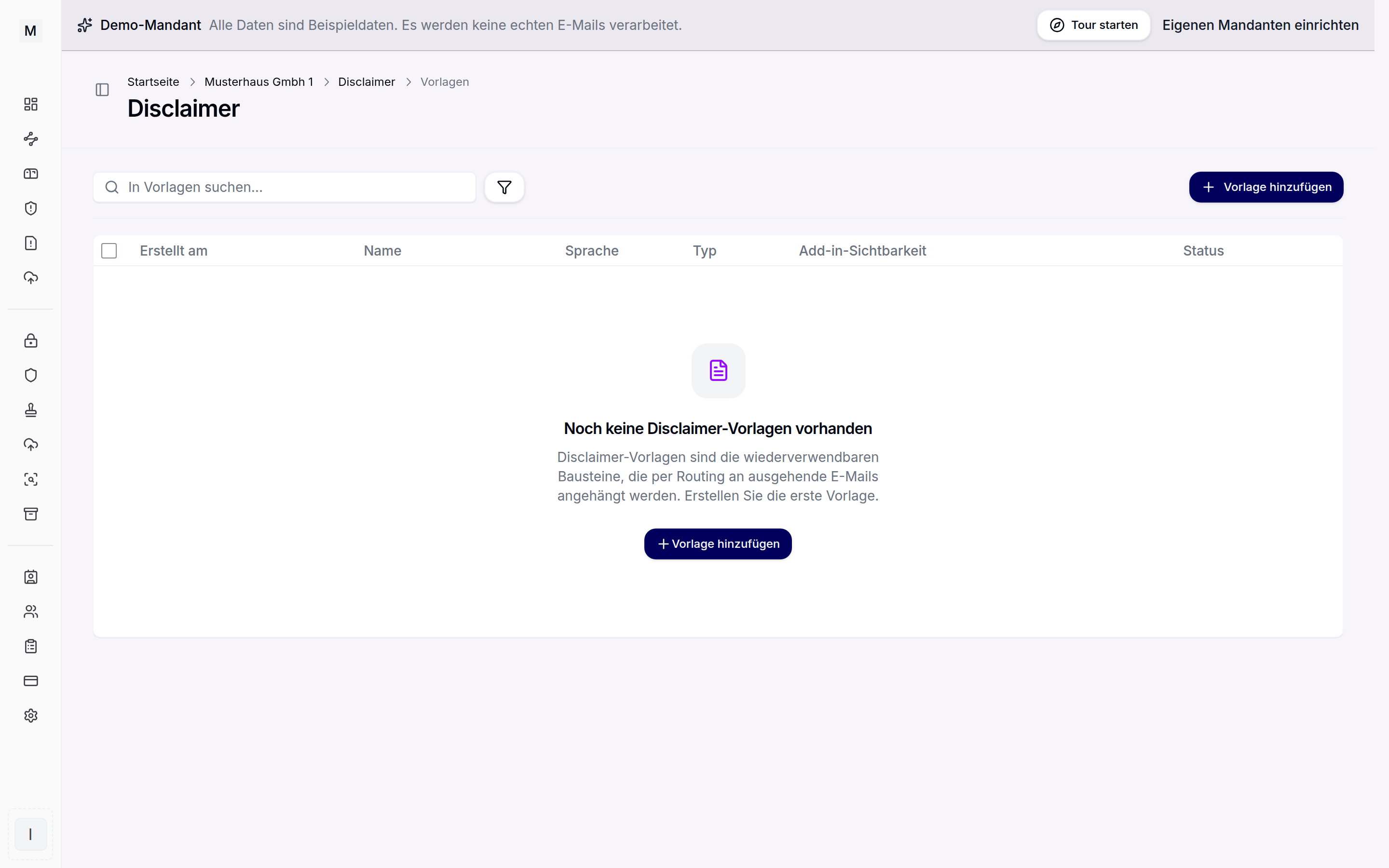
Templates per type, language and scope.
Campaign templates
The campaign type is meant for time-limited content, for instance a trade fair notice, a product announcement or an event date. A campaign template is designed like any other template and is usually set as its own building block. It knows all three positions and always follows the block before it: at the top below the banner, under the last reply directly below the signature.
Marketing content thereby stays separate from signature and legal text. An expiring campaign is ended through the period of its block, while the other blocks continue unchanged. Assignment is described under rules and assignment.
The visual editor
The editor works without HTML knowledge. Elements such as tables, images, links, social links, meeting links and separators can be inserted. Images come from the Disclaimer storage and are hosted directly at the gateway.
Starter templates
The starter templates button opens a selection of ready-made drafts. Only what fits the selected template type is offered: 21 signature layouts, six banners, six legal notices and eight campaigns. The signature layouts differ not only in arrangement but also in features, for instance with a logo, with a brand bar, with a tinted card, with a portrait photo from the directory, with network icons, with an advertising banner or as a compact version for follow-up messages.
Logo, banner and icons initially come as neutral placeholders from the bundled image library and are exchanged for your own artwork in the editor. Contact lines come in two versions: with letter marks, which also survive in the plain text version of the message, or with image icons. An accent colour can be chosen before inserting, and the preview tiles show it immediately. All drafts hide empty fields automatically: anyone without a mobile number in the directory gets neither an empty line nor an icon without a value. The legal notices draw on the central company data and cover the German company forms GmbH, UG, stock corporation, sole trader and registered association.
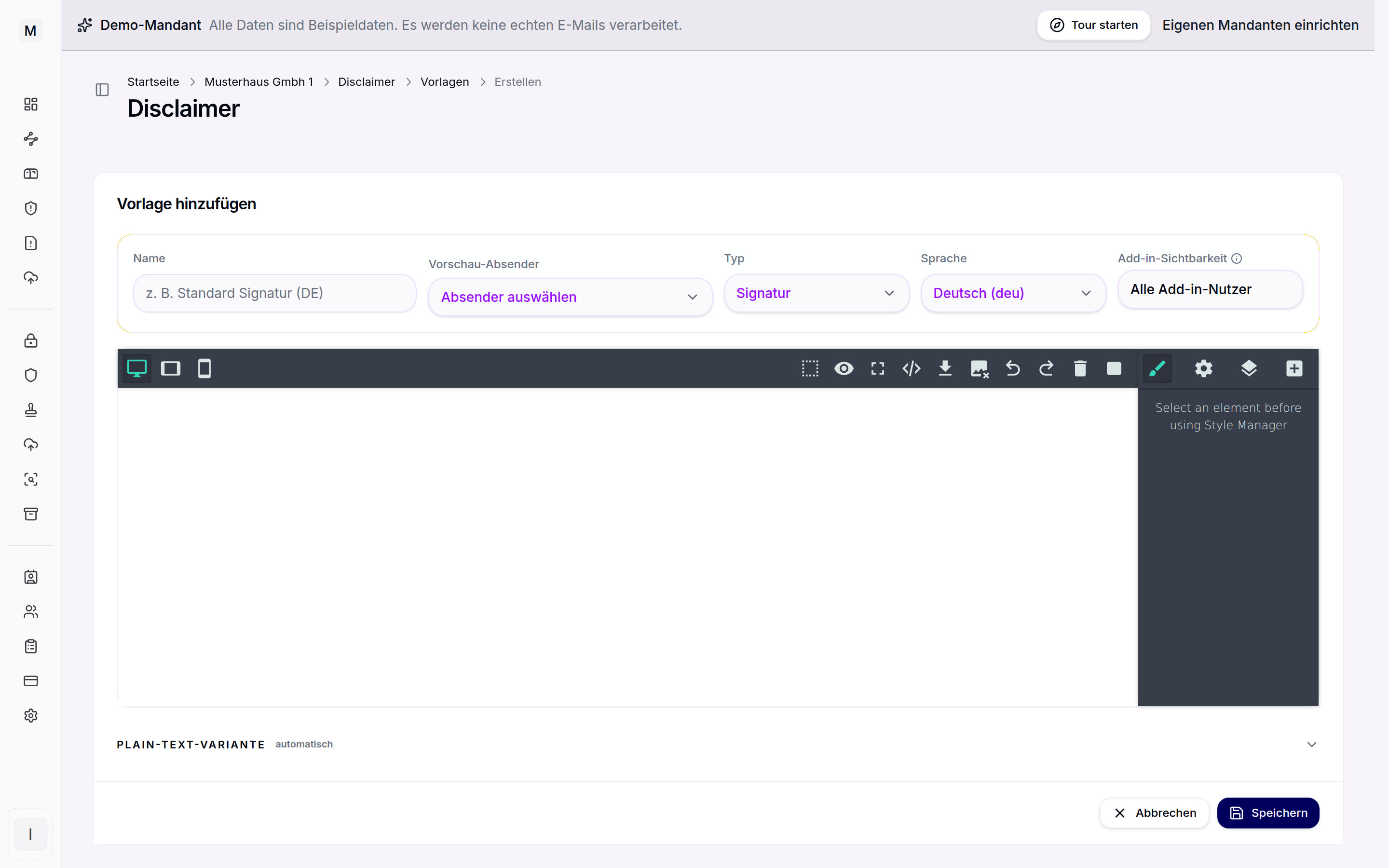
Signatures are created in the visual editor with placeholders.
Placeholders and variables
Placeholders fill the template at runtime with the data of the respective sender. Two groups are available:
- User data from the directory: display name, first name, last name, job title, department, location, phone, mobile, fax, email and photo. The source is Microsoft Entra ID or LDAP, including extension attributes.
- Company data from the configuration: company name, address, central phone number, website, commercial register, VAT ID, authorised representatives and legal text.
If a value is missing, the "remove if empty" option removes the affected line automatically so that no gaps arise. Company data is maintained centrally under settings, see legal footers.
Sender address for shared mailboxes
People who write from a shared mailbox often want to keep their personal signature, but with the address of the mailbox. For this there is the field "Sender address" in the contact group, next to the field "Email". It shows the address the message is sent from:
- In the Outlook add-in this is the sender in the compose window. From your own mailbox it is your own address, from a shared mailbox or with an alias it is that address.
- Name, job title and phone remain those of the person writing.
- On the server it is the sender address of the message.
One template is therefore enough for all mailboxes, fixed addresses per mailbox are no longer needed. The field can be linked like the email address. If the sender changes after the add-in was opened, the side panel reloads the templates.
Fonts
For consistent rendering, email-safe fonts are available, among them Arial and Helvetica, Calibri, Times New Roman, Roboto as well as a system sans serif. Size, colour and emphasis are adjustable per text element.
Plain text variant and preview
For every template the editor automatically creates a plain text variant for plain text mail. The variant can be overwritten manually where needed. The preview shows HTML and text with sample data. A preview sender replaces the user placeholders so that the result can be checked before activation.
Which template applies when is governed by assignment through rules. Back to the category overview central email signatures.