Connecting a domain and setting DNS records
Connect a domain in Conbool: set TXT verification, SPF, DKIM and MX in DNS and verify the domain, then mail flow starts.
A connected domain is the precondition for protecting and analysing mail flow. A wizard walks through the setup step by step.
Adding a domain
The setup wizard sits inside the tenant under Configuration. It covers four steps: registering the domain, verification, naming the mail server and completion. For the mail server you enter the internal relay host of the organisation to which Conbool hands incoming email on. Alternatively a domain can be added in the settings under Domains.
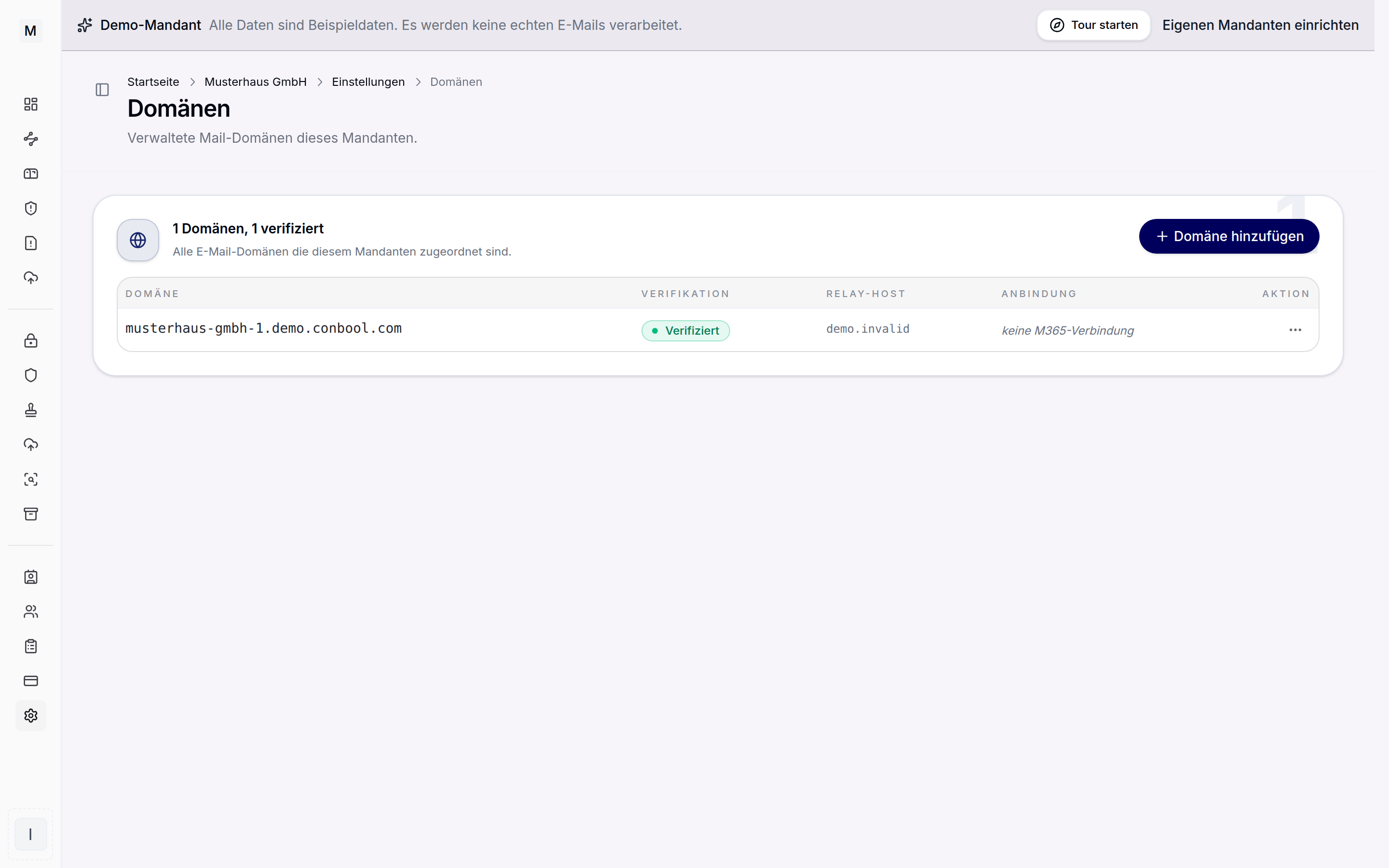 Managed mail domains with verification status and connection.
DNS records
For every domain the wizard shows the concrete values ready to copy. These values are entered at the DNS provider of the domain. Four record types matter:
- TXT verification confirms control over the domain.
- SPF authorises the Conbool mail server as a permitted sender.
- DKIM signs outgoing messages cryptographically.
- MX routes incoming email through Conbool.
The concrete host names and values are shown in the wizard only, because they differ per domain. Fixed values cannot be given in advance.
Verification
Once the records are set, Conbool checks the DNS server side. If a record is missing, the check reports it individually and the domain can be verified again after the correction. The MX record is optional at the start and required for receiving incoming email through Conbool. That way the mail flow can be switched over deliberately after the rest of the setup.
An old TLSA record before switching the MX
Anyone who has run their own mail server with DANE so far often still carries a TLSA record in their zone. It describes the certificate of that old server and no longer fits once the MX points to Conbool. So before setting the MX record, check once:
dig +short TLSA _25._tcp.example.com
If an answer comes back, the record belongs deleted at the DNS provider. Correcting it does not help: a TLSA record belongs at the host name of the mail server from the MX record, not at your own domain. A checking sender reads the MX record first and looks for the TLSA record there afterwards. Only a domain with no MX record at all is itself the right place.
As long as your own zone is not signed with DNSSEC, such a record has no effect and nobody notices it. If DNSSEC is switched on later, it counts from that moment: checking senders such as Microsoft 365 then reject every message permanently with 550 5.7.323 tlsa-invalid, without a retry and without anything having changed at Conbool. Incoming mail stands still until the record is gone.
If DANE is wanted for the inbound path, the matching record is maintained at the host name of the Conbool MX, not in the zone of your own domain.
Next steps
SPF and DKIM are at the same time the foundation of outbound identity. The pages on SPF and DKIM and on the DMARC record go deeper. For inbound protection, MailGuard follows. Continue the onboarding with users and roles.