Protect · Communicate · Retain · Microsoft 365
Secure email and Microsoft 365.In one platform.
Twelve products, one console, operated in Germany. You hand over the work, never the control.
- ISO 27001 data centres
- GDPR and DPA
- Operated in Germany
- Multi-tenant for groups and MSPs
The platform
Twelve products. Four areas. One platform.
Protection, encryption, archiving, mailboxes and Microsoft 365 in one console, with one point of contact.
Protect
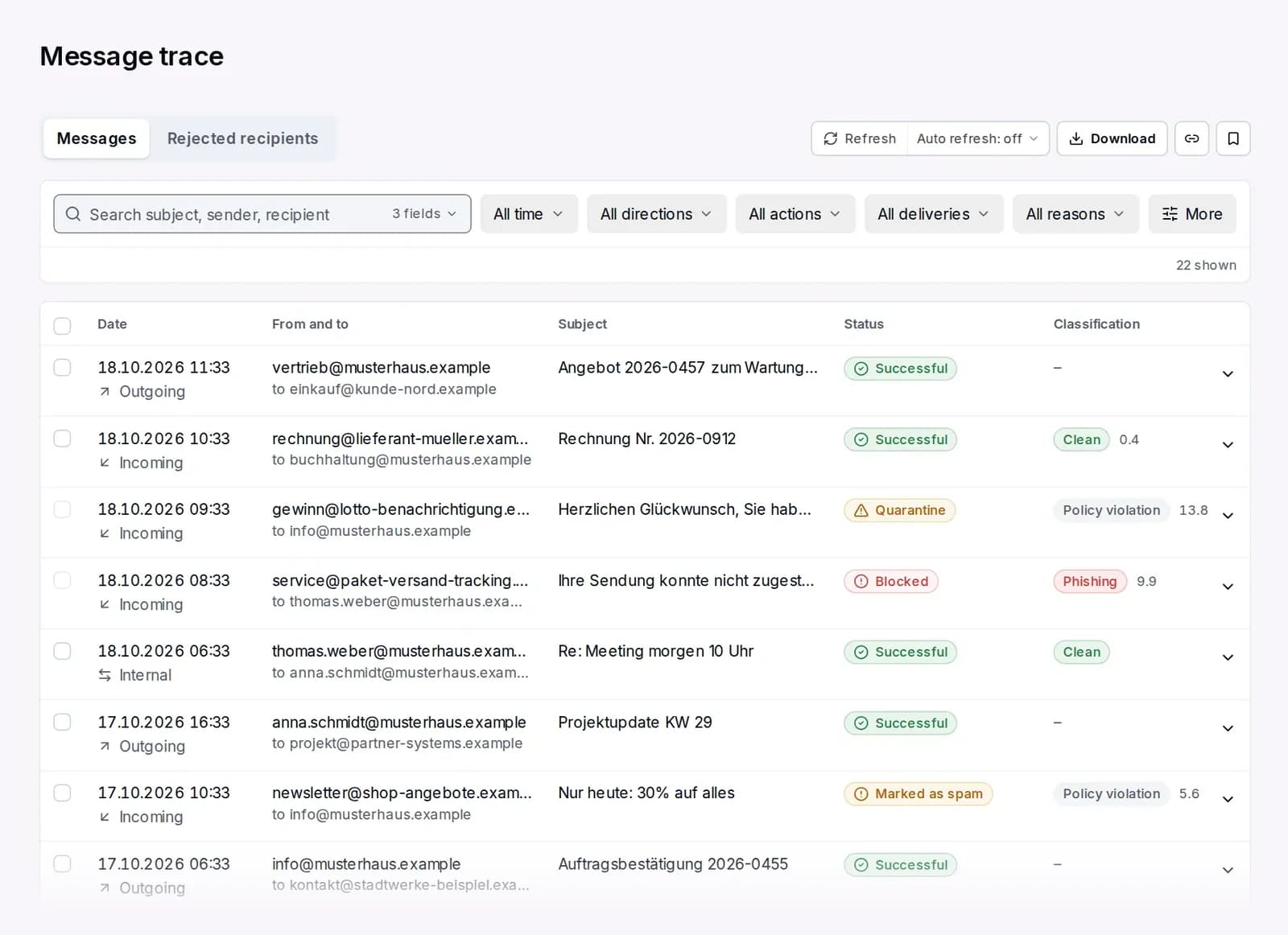
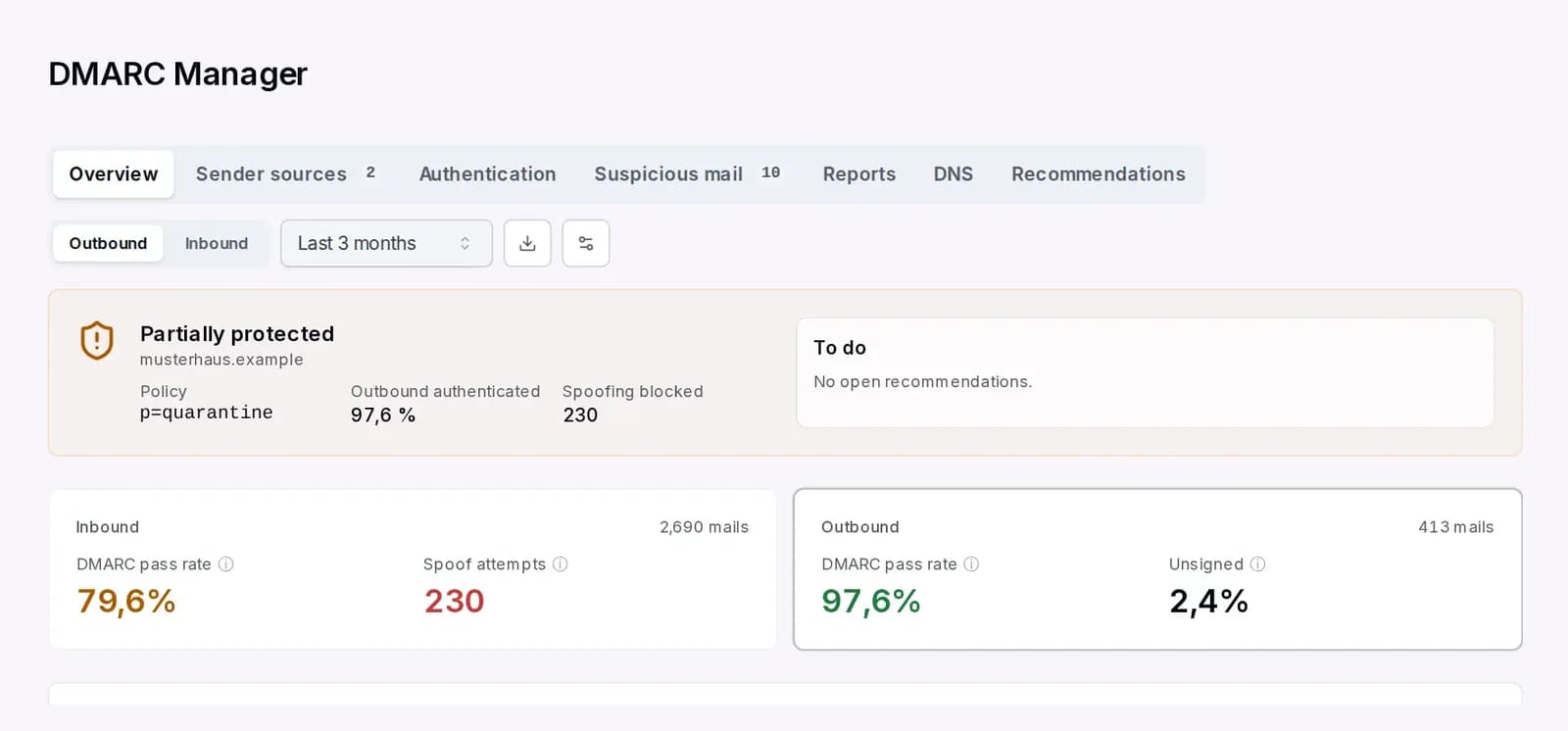
What comes in and who sends in your name
Communicate
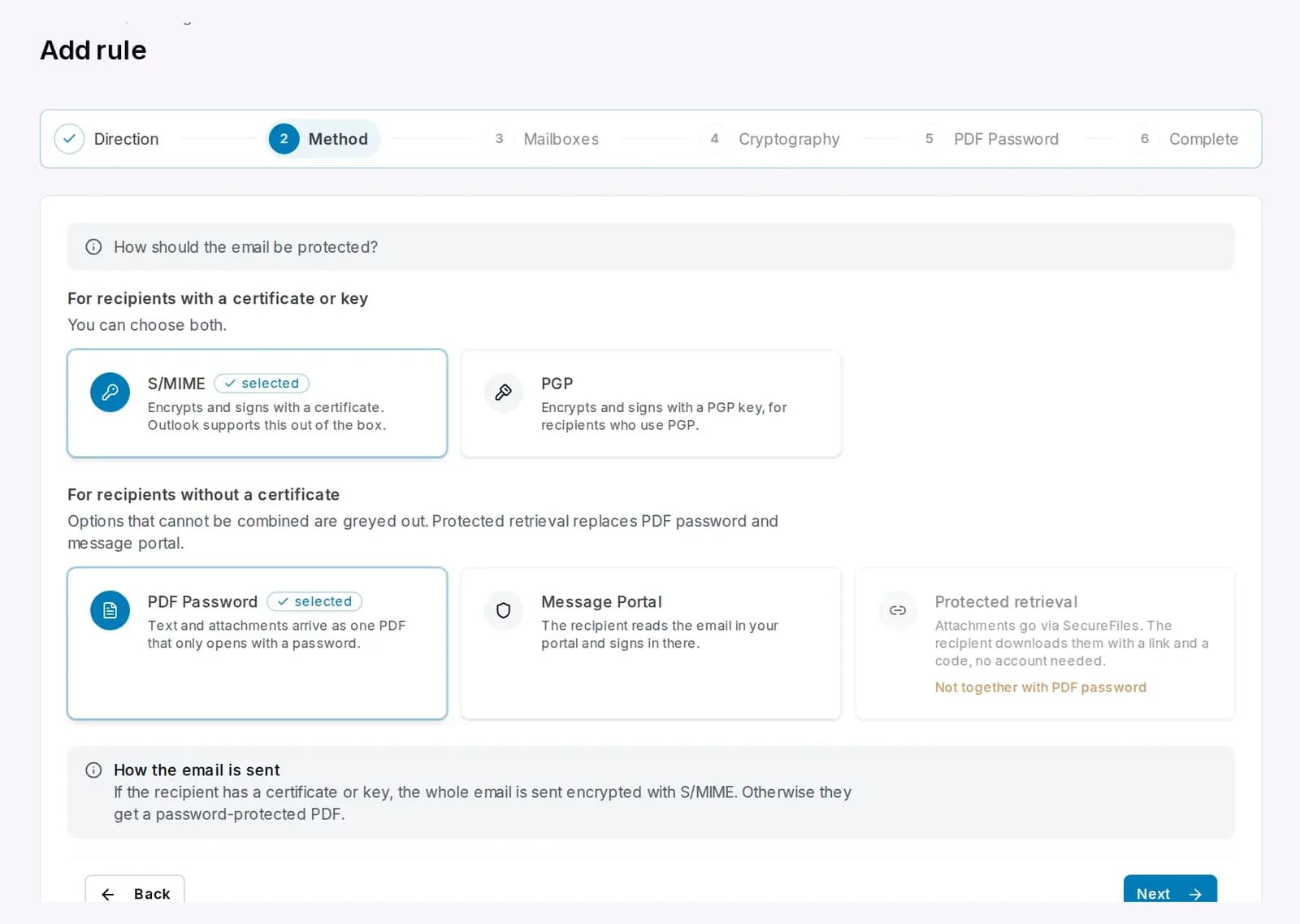
What goes out, confidential and consistent
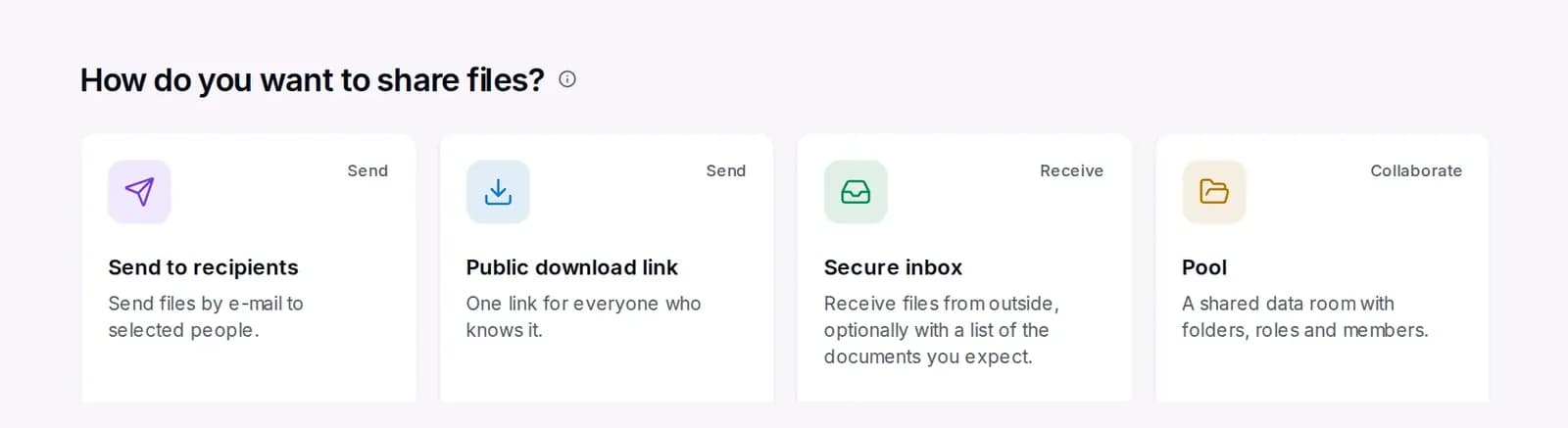
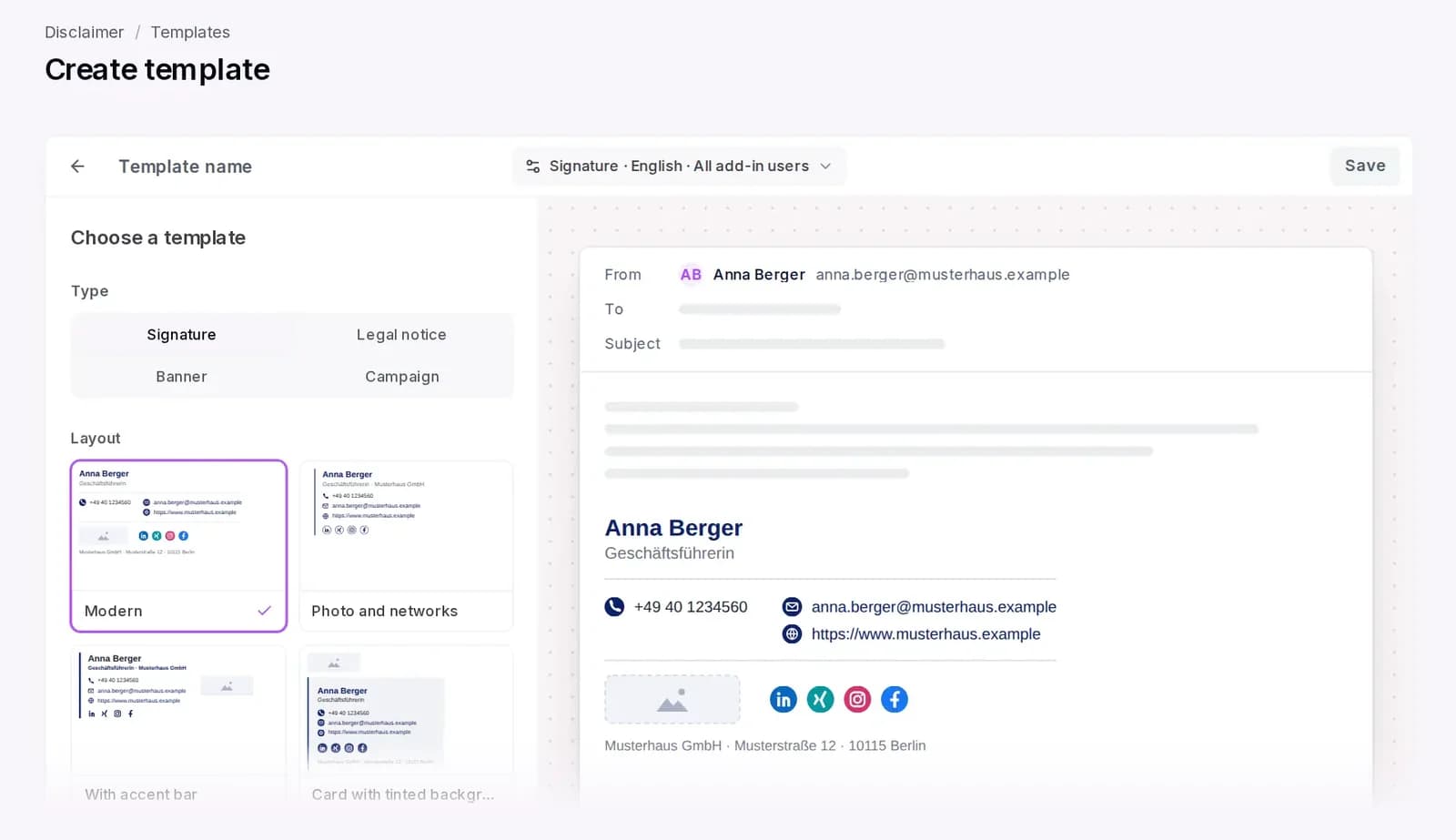
Retain and operate
What must be kept and what must keep running
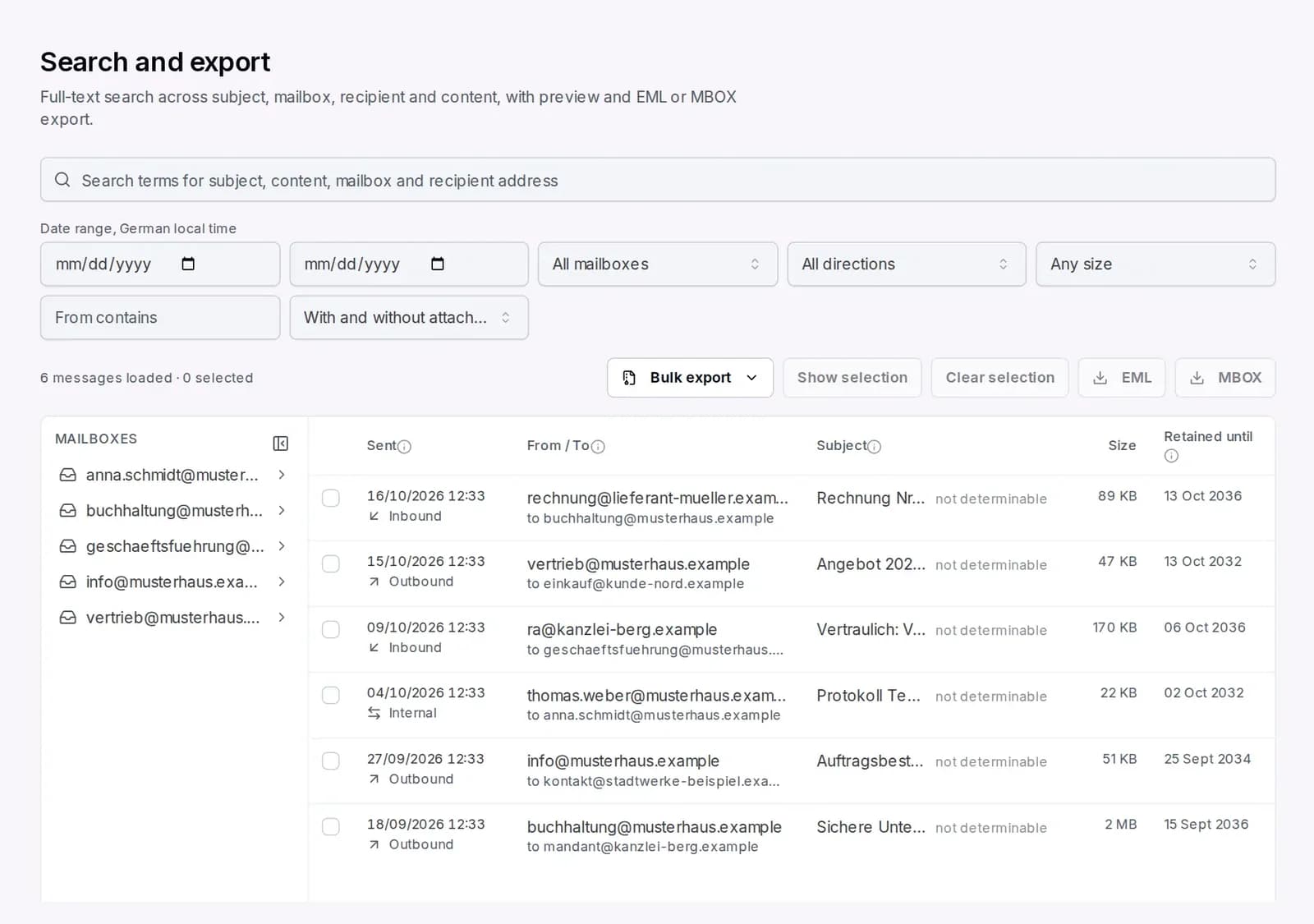
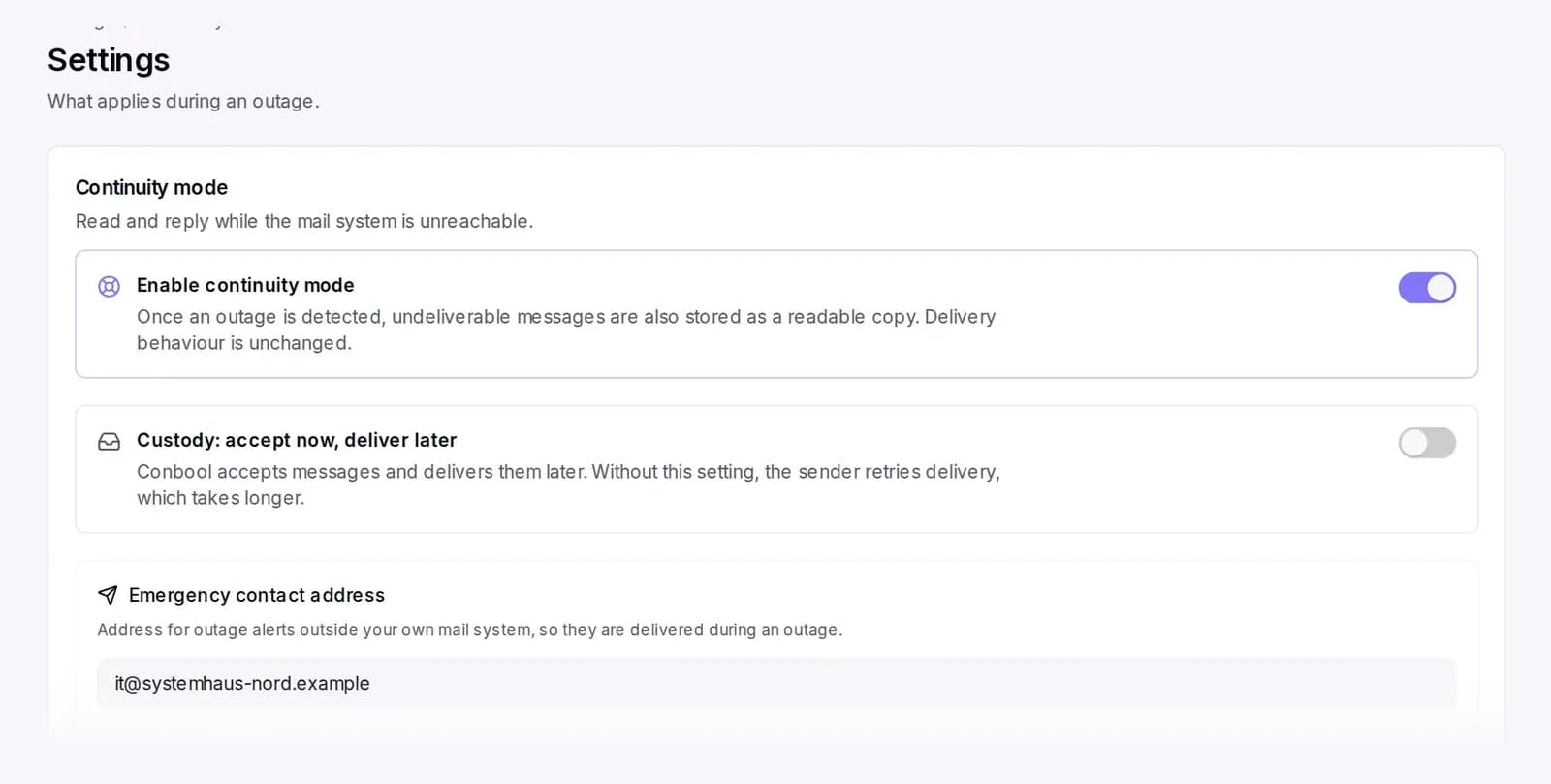
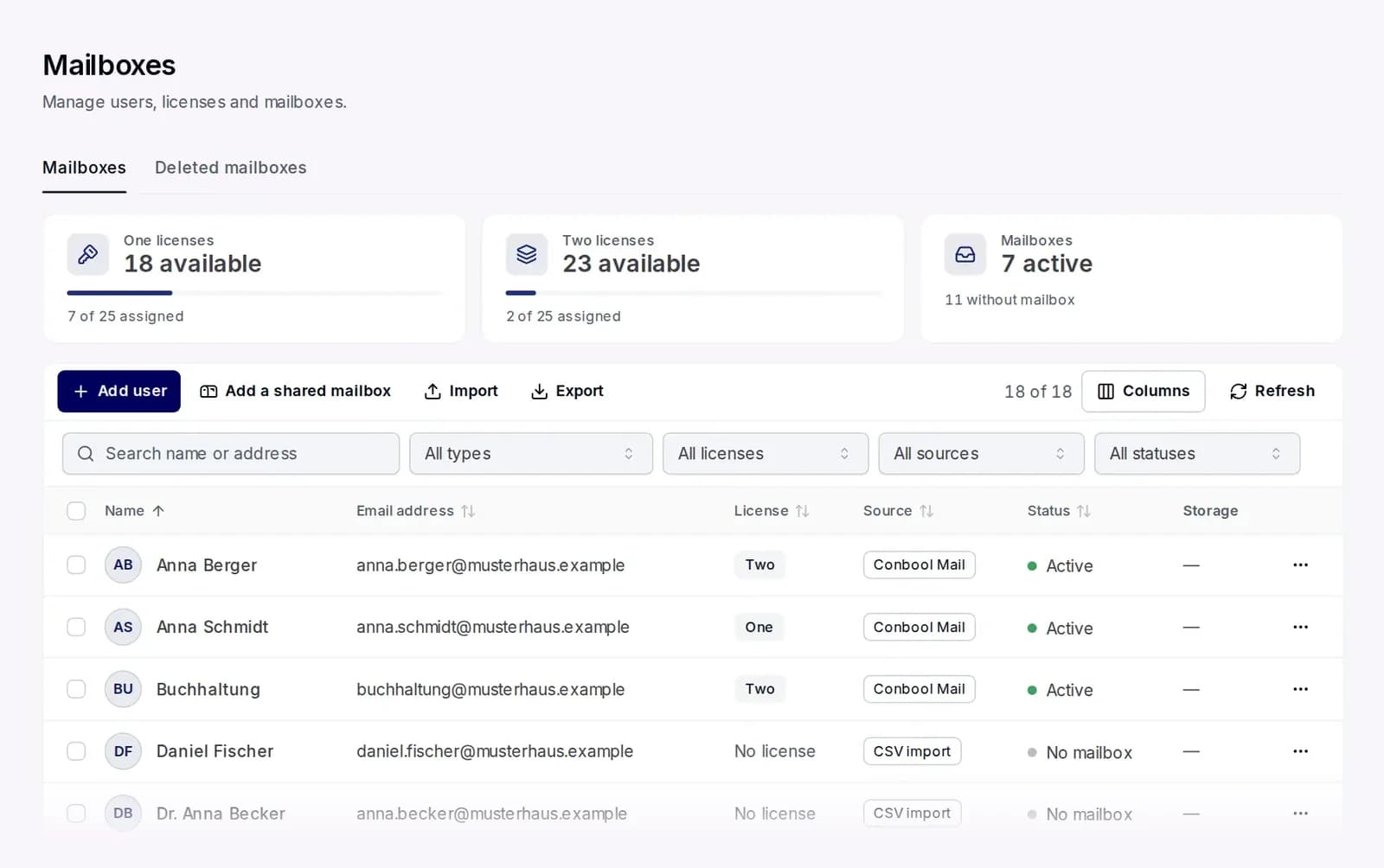
Microsoft 365
Data, access and settings under control
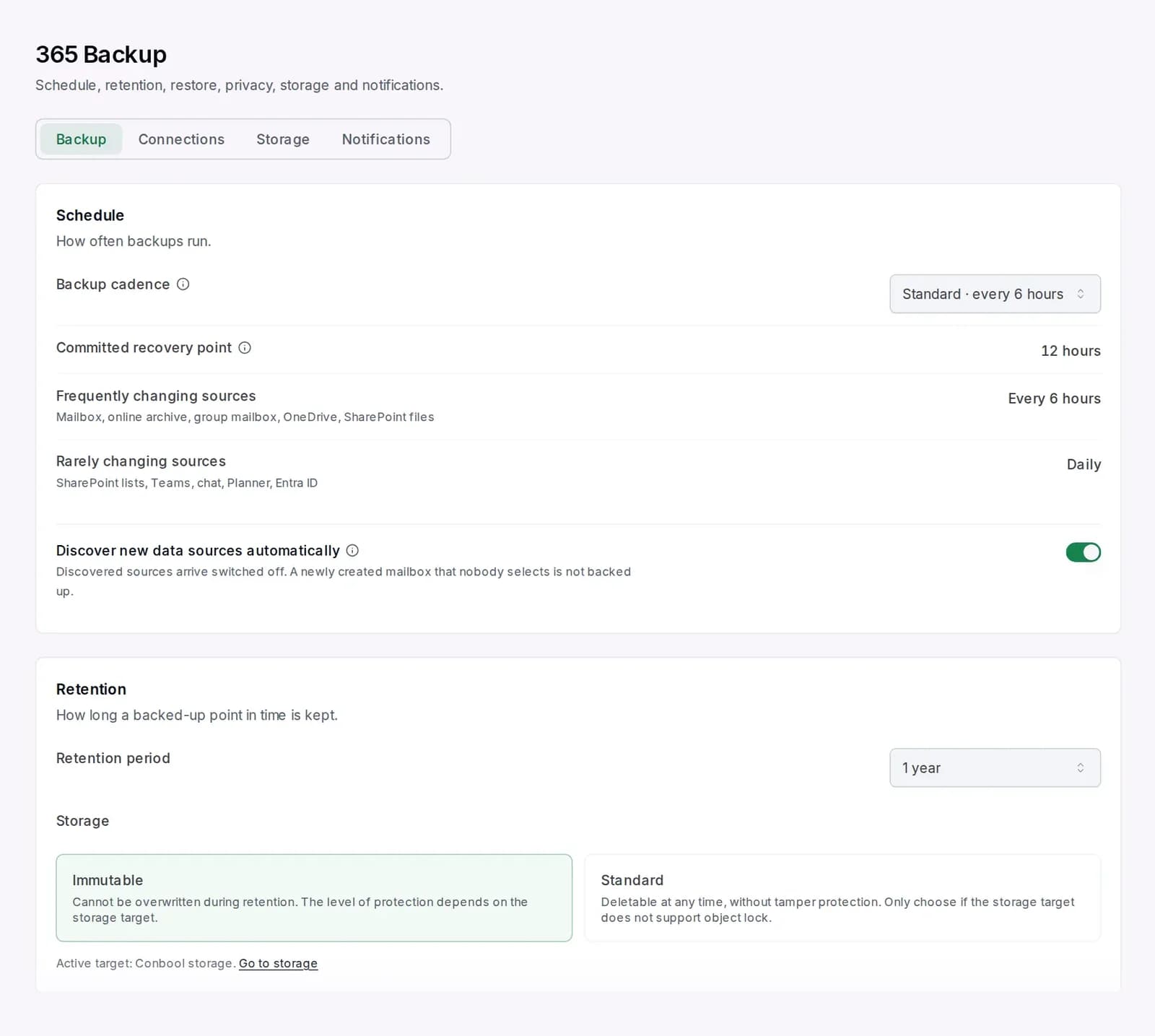
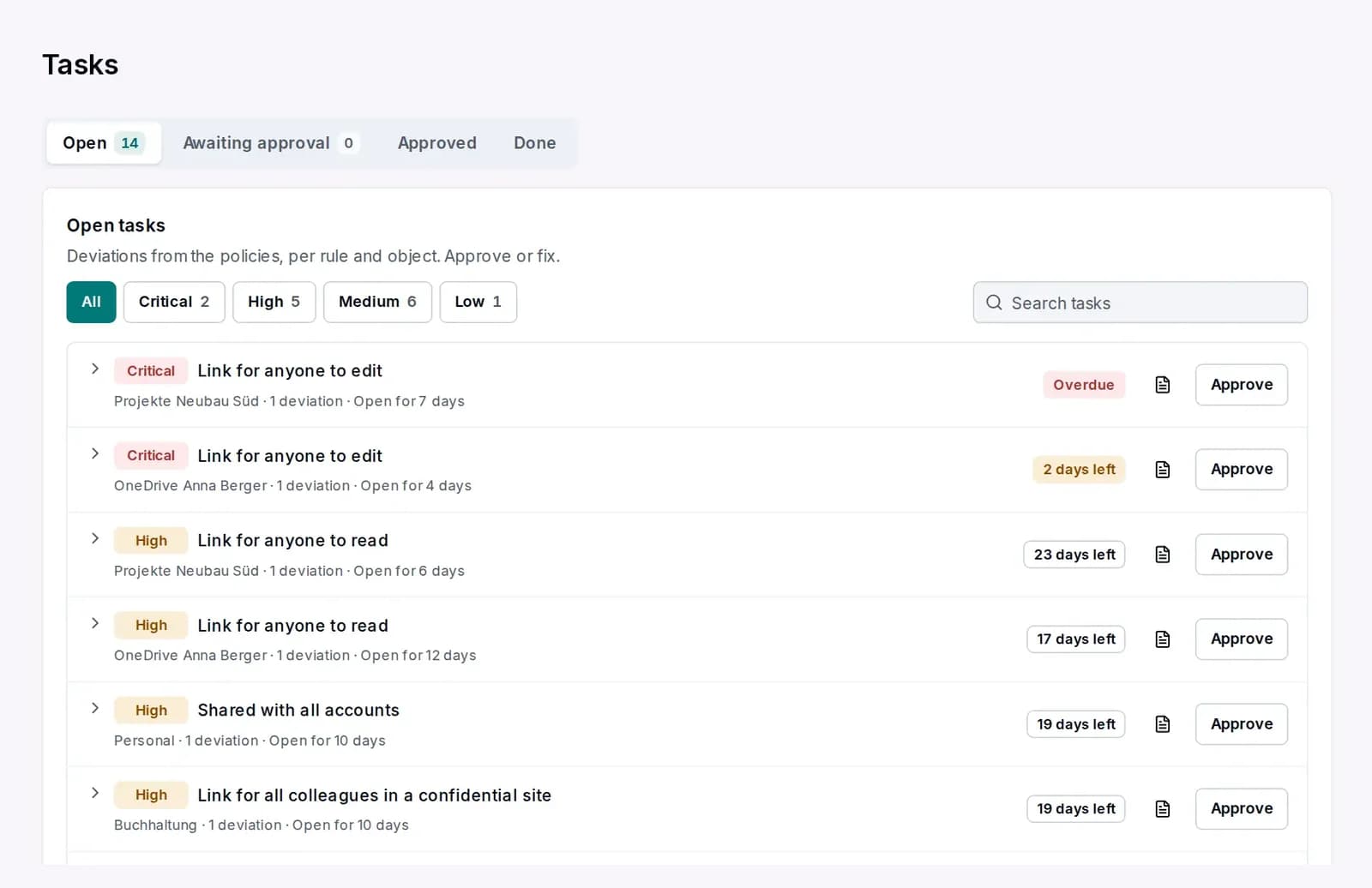
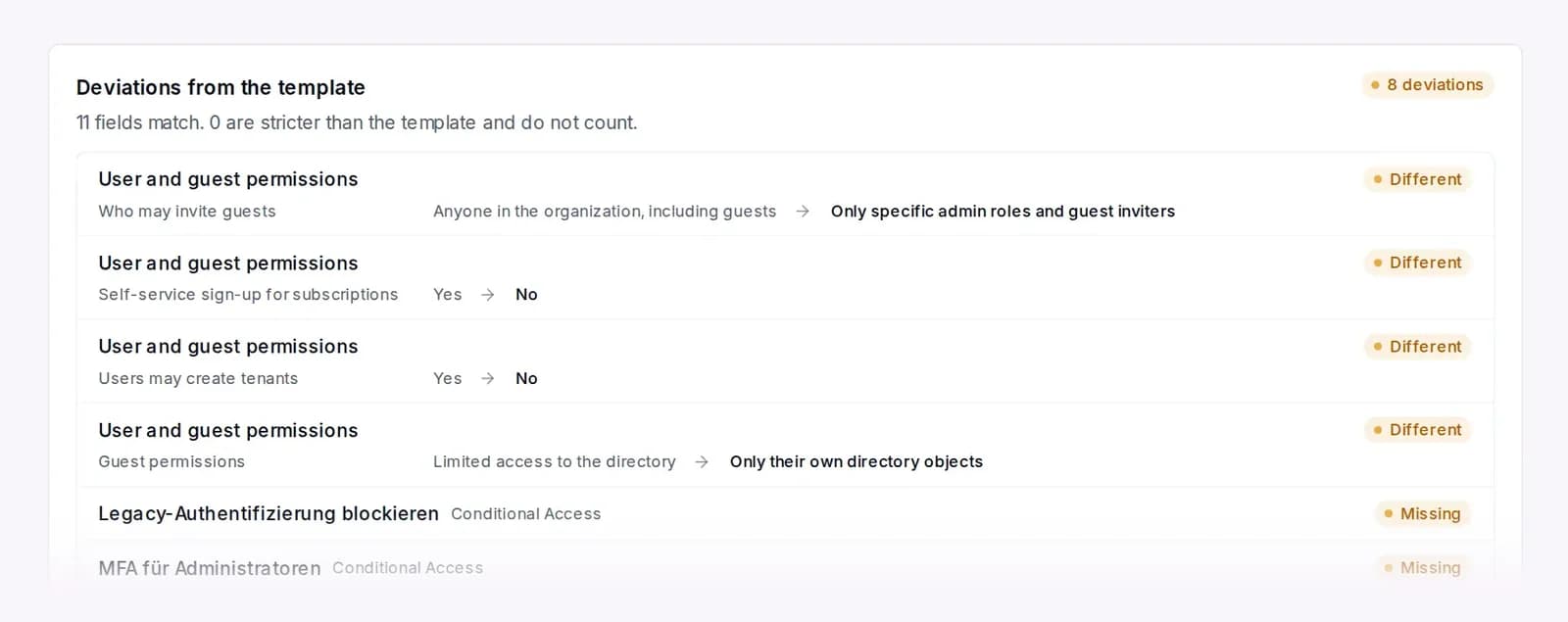
Working together
More than twelve tools side by side.
Every product runs on one platform, and they work together.





A forgery attempt shows up in the reports and is rejected at the gateway.
What our customers say
“The Conbool Suite won us over because it's the best turnkey email solution, one that flexibly adapts to our requirements.”
 Thomas KlockenkämperHead of IT, Asklepios Medical School




Why Conbool
You hand over the work. Never the control.
Operation in Germany, one audit log across all products and the evidence auditors expect.
- 12products in one console, with one audit log
- 1contract and one DPA with Conbool GmbH in Hamburg
- ISO 27001data centres in Germany, no US CLOUD Act
- 90 daysof logs retained, with SIEM integration
Cloud or your own data centre
Selected products run on your premises if you wish, with the same interface.
For groups and MSPs
Every tenant in one console, with templates for all of them.
- GDPR
- DPA under Art. 28
- NIS2
- BSI
- Entra ID
- Active Directory
- LDAP
- SIEM
Questions
Frequently asked questions about Conbool
Your question is not listed? Your contact in Hamburg answers personally.
Get in touchWhat is Conbool?
Conbool is a platform for email and Microsoft 365 from Germany. Twelve products in four areas stop attacks, protect confidential communication, retain data tamper-proof and keep Microsoft 365 under control. You manage everything in one console, under one contract.
Does Conbool work with Microsoft 365 and Exchange Online?
Yes. Conbool is designed for Exchange Online and works in the mail flow, inbound and outbound, without employees changing how they work. 365 Backup, 365 Permissions and 365 Tenants work directly in your Microsoft 365 tenant. Conbool also runs with other mail servers and in hybrid environments.
Do I need Microsoft 365 to use Conbool?
No. Conbool Mail gives you mailboxes, calendars and contacts on your own domain, operated in Germany. You add the security products per mailbox.
Do employees or recipients have to install anything?
Usually not. Conbool works in the mail flow, and there are add-ins for Outlook. Recipients of encrypted messages read them in the browser.
Where is my data processed?
In ISO 27001 data centres in Germany. Your contract partner is Conbool GmbH in Hamburg, and a data processing agreement under Art. 28 GDPR is included. Selected products can also run in your own data centre.
Can I start with one product?
Yes. Many customers start with one product, such as MailGuard or 365 Backup, and add more later. Everything stays in the same console.
How long does the rollout take?
A test account is ready in a few minutes, 30 days free and without a credit card. Rolling out across the company typically takes one to two weeks, usually with a pilot group first.
Is Conbool suitable for IT service providers?
Yes. Conbool is multi-tenant. MSPs manage their customers separately in one console and reuse templates and policies for all of them.
Does Conbool help with GDPR and NIS2?
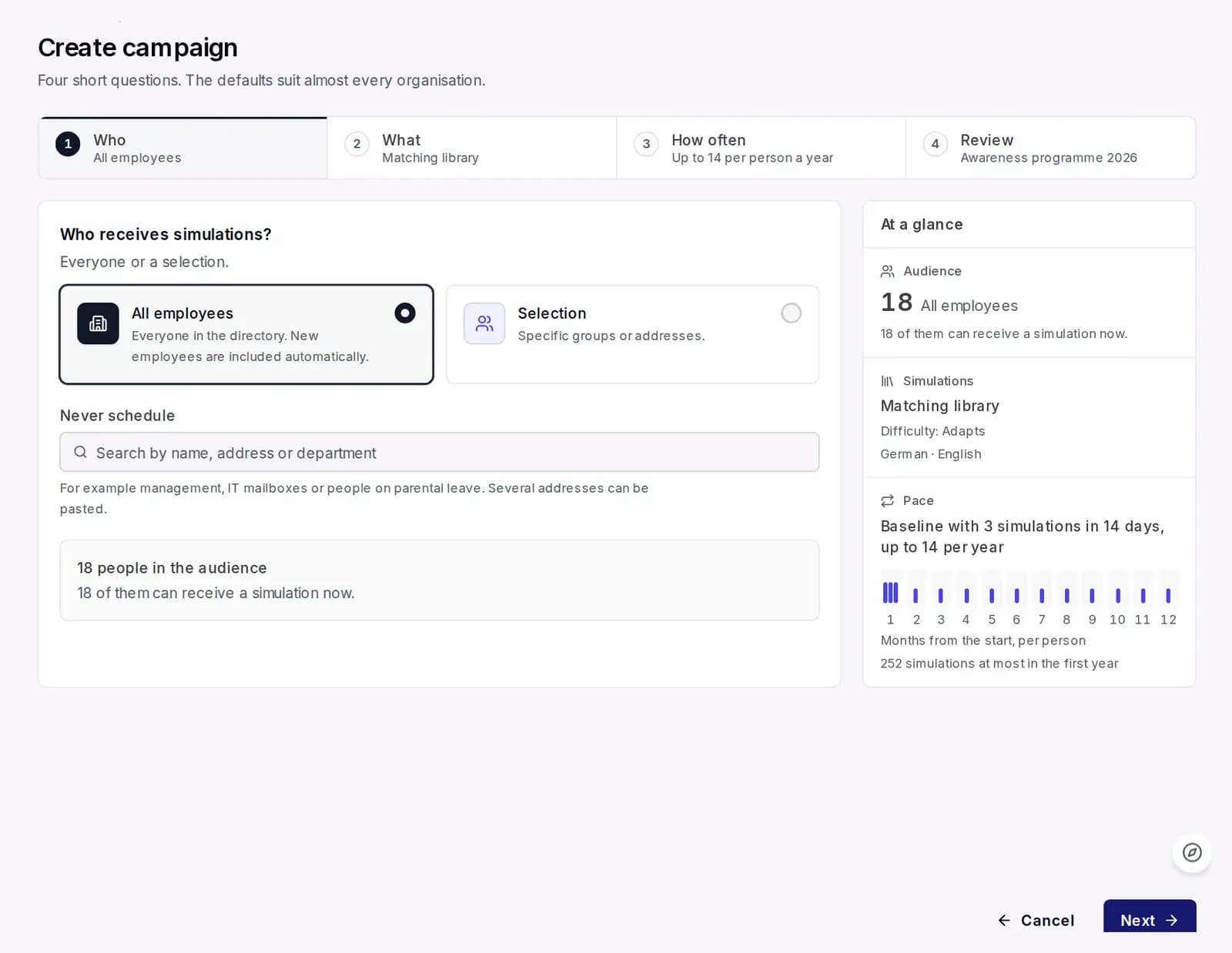
Conbool is built for GDPR-compliant use. For NIS2, the audit log, the training records from Awareness, 365 Backup and Continuity provide building blocks auditors expect.
Getting started
Test today. Rolled out in one to two weeks.
Create an account
30 days free, no credit card.
Connect your domain and Microsoft 365
The assistant sets the records at your DNS provider.
Roll out step by step
A pilot group first, then everyone. Your employees stay in Outlook.