Managing S/MIME certificates and PGP keys
Manage S/MIME certificates and PGP keys centrally: import, issue through SwissSign or your own MPKI, create and renew PGP keys per group automatically, distribute over LDAP.
SecureMail manages all certificates and keys centrally in the tenant. Public certificates of the counterparts and your own private certificates are held separately and are available to the routing for signing, encrypting, decrypting and signature verification.
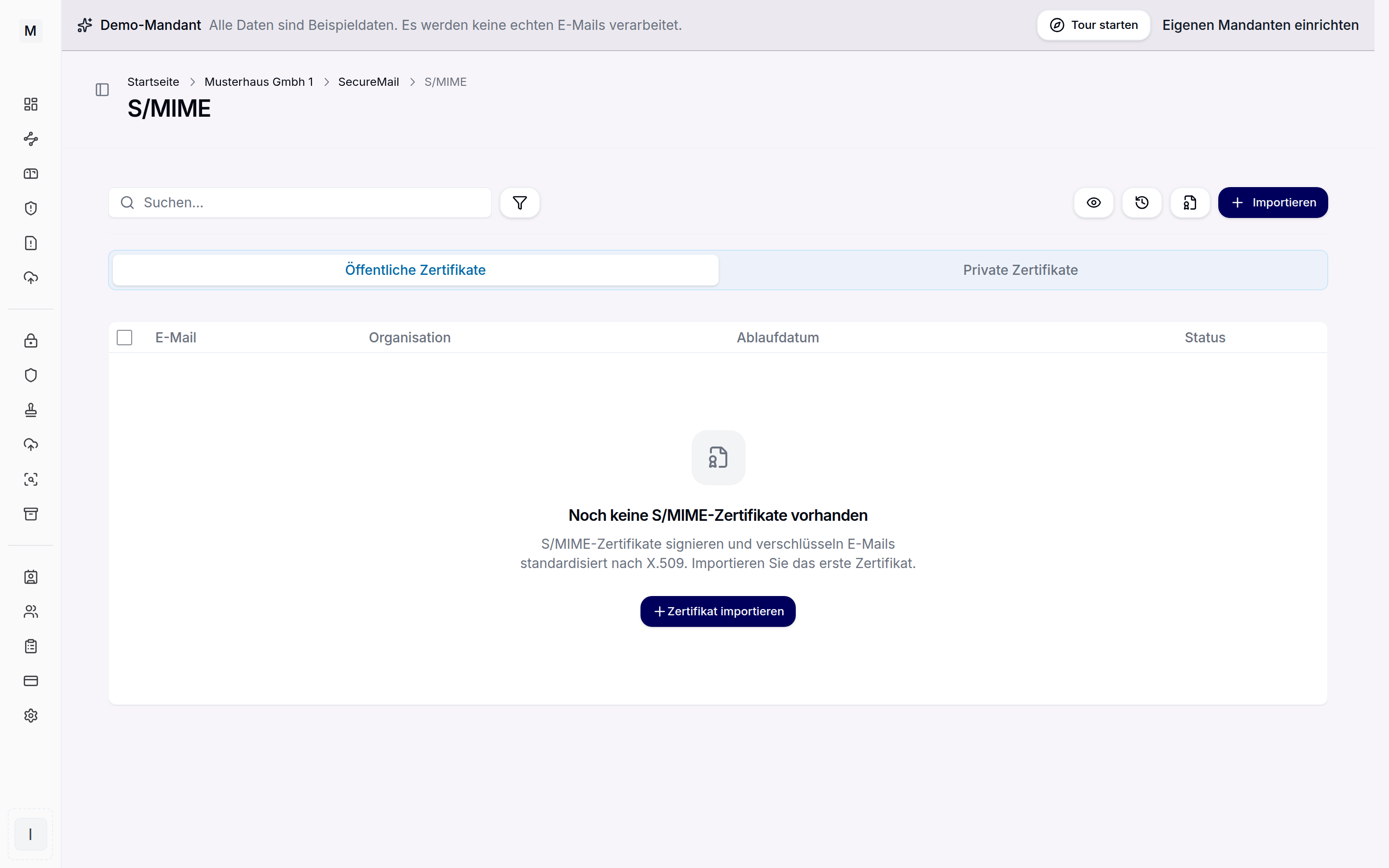 Central management of the S/MIME certificates.
Importing certificates and keys
S/MIME certificates can be imported from a file, the formats crt, pem, der, p7b, p7c, p12 and pfx are supported. PGP keys are read in as gpg, pgp or asc. Private keys can additionally be held in a hardware security module. Existing certificates can be viewed and downloaded, for instance for export into other systems.
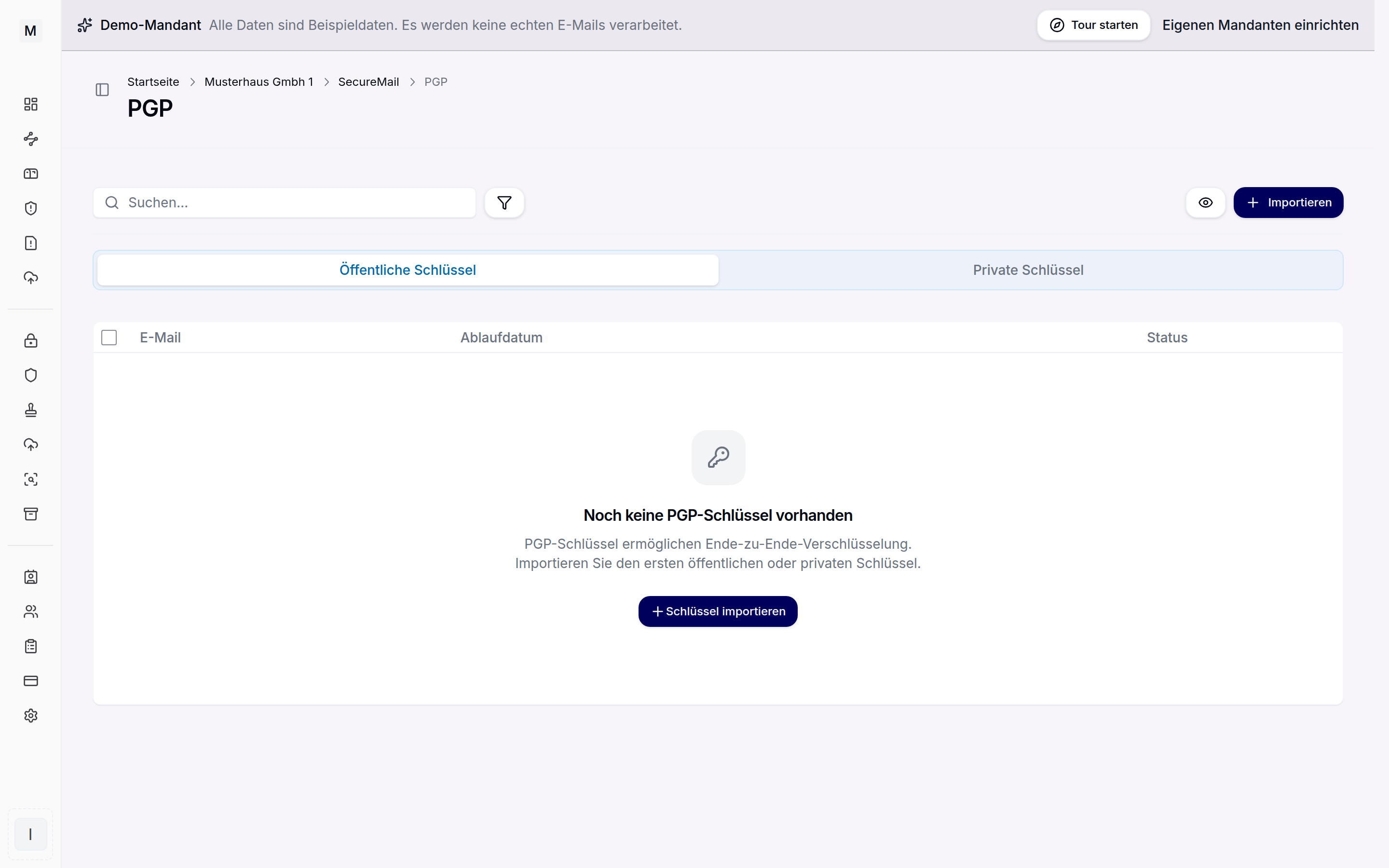 Management of the OpenPGP keys.
Issuing certificates through SwissSign or your own MPKI
Besides importing, SecureMail can issue certificates itself. Through the SwissSign connection, publicly trusted S/MIME certificates are ordered from a trust centre. Alternatively your own MPKI, that is an internal certificate authority, issues certificates for your own mail addresses. The internal CA suits infrastructures without an external provider.
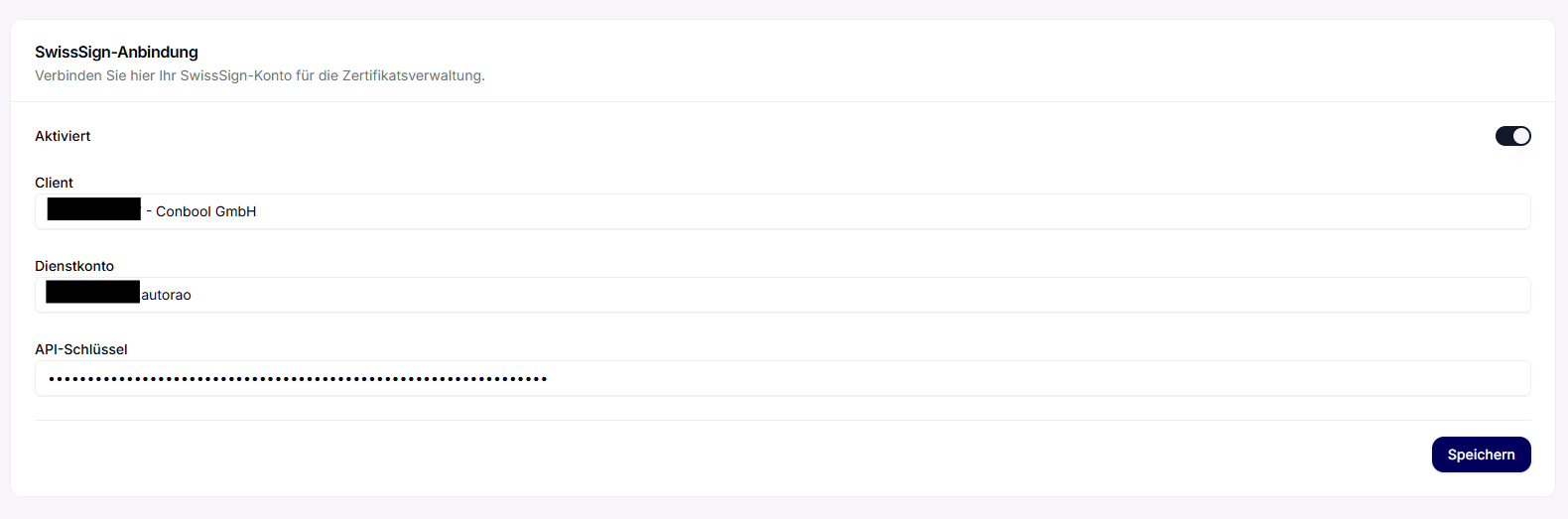 Choosing the certificate authority, SwissSign or your own MPKI.
Automatic renewal
Automatic renewal checks daily for certificates about to expire and renews them in time. It is available for certificates of the internal CA and for certificates issued through SwissSign. In addition, advance notifications warn before the expiry date. Individual certificates can be renewed or revoked manually.
Automatic PGP keys for groups
For a group, SecureMail can create PGP key pairs for all members and keep them current. The switch is under Administration › Groups in the group, on the PGP keys card. The same card sets the algorithm for new keys, Ed25519 or RSA 4096, and the validity from one to ten years.
- Creation: every member with an address on a verified domain of the tenant receives a key pair. Addresses on other domains are skipped, because their keys belong to the other party.
- Renewal: 30 days before expiry, SecureMail extends the key by the configured validity. The key stays the same and its fingerprint does not change. Correspondents only need to re-import the public key instead of trusting a new one.
- Existing keys: imported keys and keys created by hand are never changed by the automation. If such a key expires, the group shows a notice.
- Timing: the run starts right after the group is saved and then every hour. New members therefore usually receive their key within an hour. When very many keys are due at once, SecureMail spreads them over several runs.
If an address belongs to several groups with the automation enabled, the algorithm and validity of the oldest group apply. The card in the group shows the result of the last run: created, renewed and unchanged keys, plus addresses that need attention. A notice appears, for example, when SecureMail would use the key of another address for an address, or when a key pair is incomplete. Every creation and renewal is recorded in the audit log.
An overview is on the PGP key management page. The automation requires a SecureMail licence. Enabling or changing it in a group additionally requires the permission to import PGP keys.
Distribution over LDAP
Through an LDAP connection SecureMail can look up certificates in a directory. A separate base DN for certificates can be stored for this and used as a fallback when no matching certificate is available locally. Central directories and the mail flow thus stay in sync.
How the keys are used in operation is shown in inbound messages and outbound messages. The connection to Entra ID is described in SecureMail for Microsoft 365. The SecureMail index gives an overview.