A team in Microsoft Teams looks like one place. Technically it is several: the conversations, the files in SharePoint and, for private and shared channels, a SharePoint site of their own each. This split is what makes backing up Teams harder than it looks.
Why private and shared channels are often missing
The files of a standard channel live on the team's SharePoint site. Private and shared channels, however, each get a site of their own, with their own permissions and their own members. A backup that only covers the team site leaves these channels out.
Then there is the question of who belongs where: the members of a private or shared channel are not automatically the same as those of the team. Without this information, a channel can be restored with its files, but not with the right people.
What Conbool 365 Backup backs up in Teams
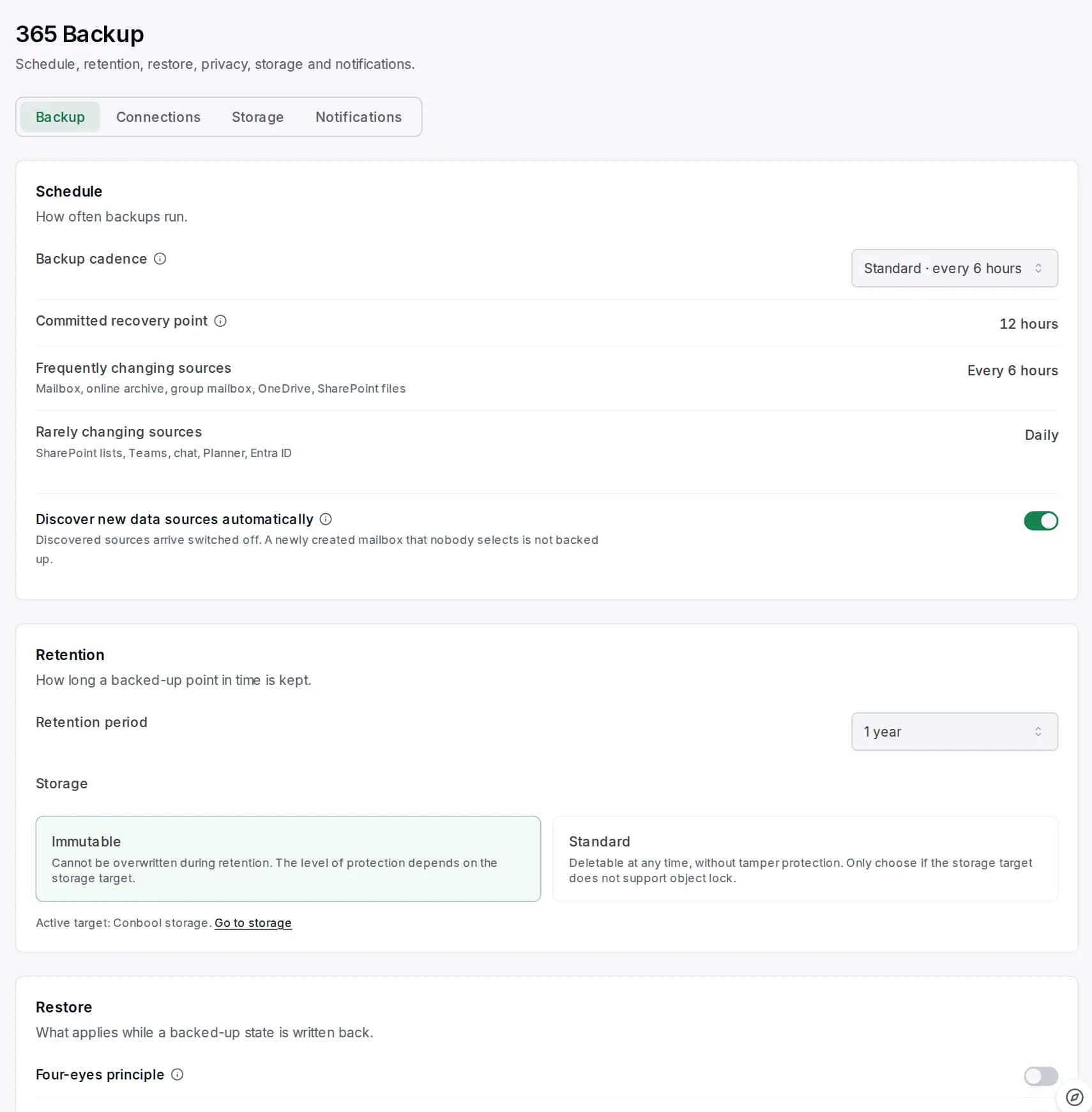
Conbool 365 Backup backs up the parts of a team together:
- Standard, private and shared channels including their files
- Channel members, including those of private and shared channels
- The team notebook (more in Back up OneNote notebooks)
That saves searching for the right storage location. And the backup stays reachable even after the team has been dissolved in Microsoft 365.
How channels come back
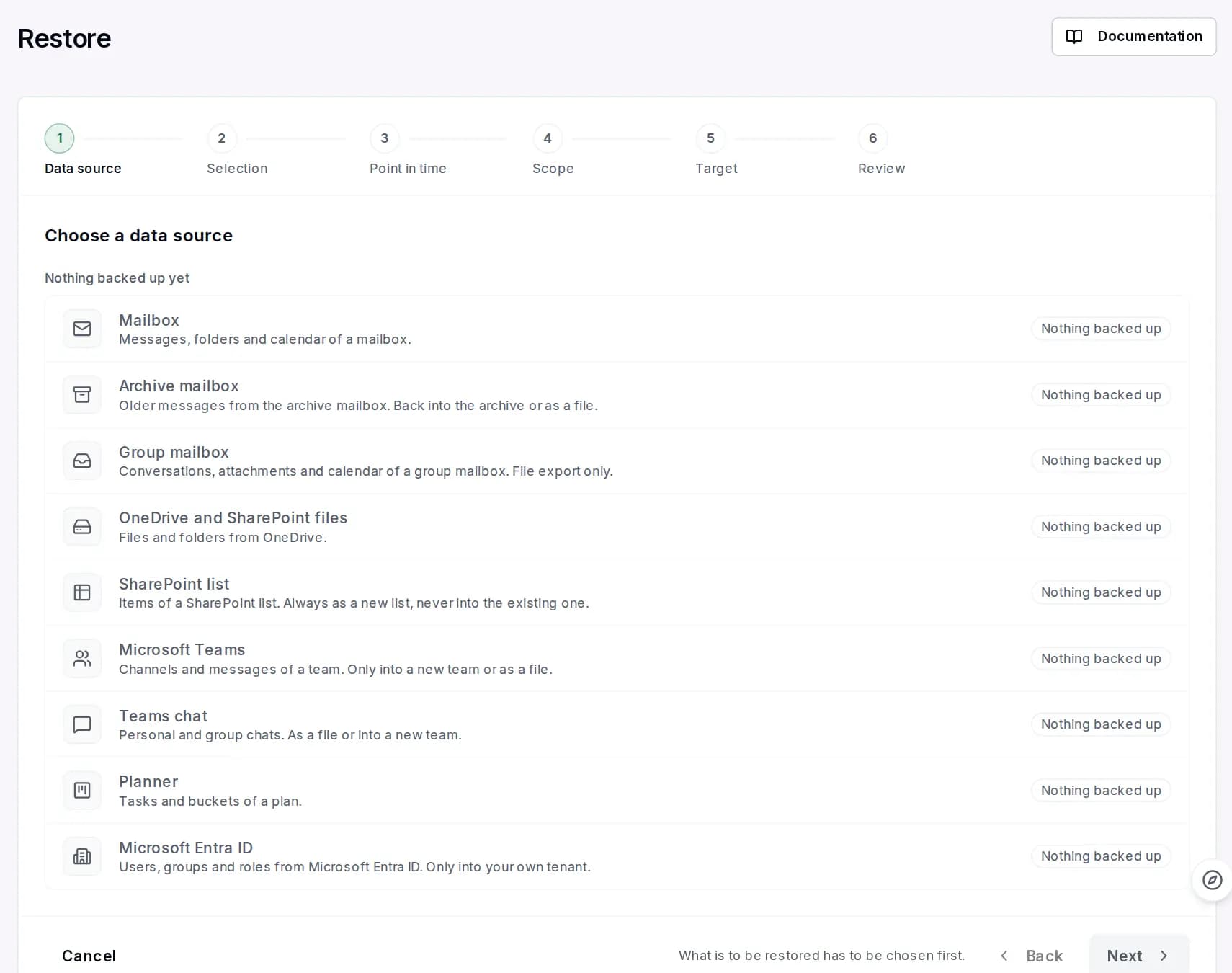
Microsoft does not allow writing back into an existing team. Conbool 365 Backup therefore offers two ways:
- Into a new team. The channels are created in a new team whose name carries the time of the backup. Members of private and shared channels become team members there so they regain access.
- As a readable history to download. For traceability, for example when only a conversation is needed.
Individual files from the channels can be restored selectively, as with SharePoint.
Typical cases
- A project team was dissolved after completion, and months later the documents are needed.
- A private channel was deleted because nobody knew that contracts were still stored there.
- A shared channel with a partner company should remain traceable after the collaboration ends.
More on backing up Teams and SharePoint is on the page Teams and SharePoint backup.
Frequently asked questions
Are private channels in Teams backed up as well?
With Conbool 365 Backup, yes: standard, private and shared channels including files and channel members.
Can I restore a channel into an existing team?
No, Microsoft does not allow that. Conbool 365 Backup creates the channels in a new team whose name carries the time of the backup, or provides the history as a download.
What happens to the backup when a team is dissolved?
The backup stays reachable. Channels, files and the notebook can be restored even after the team has been dissolved.