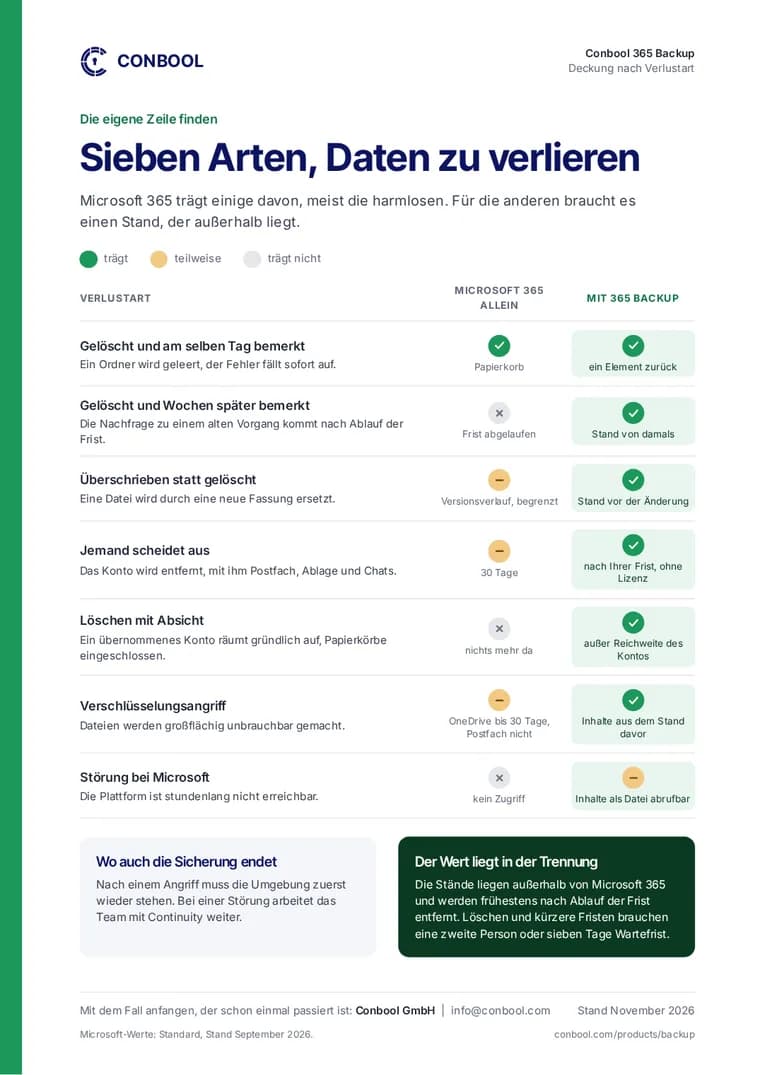
Entra ID, formerly Azure Active Directory, decides who may do what in Microsoft 365. A deleted group takes away access to a site for dozens of people. A missing role assignment brings administration to a halt. The Entra ID recycle bin helps only to a limited extent: it keeps deleted objects for a while, but does not undo changes to existing objects.
What Conbool 365 Backup backs up in Entra ID
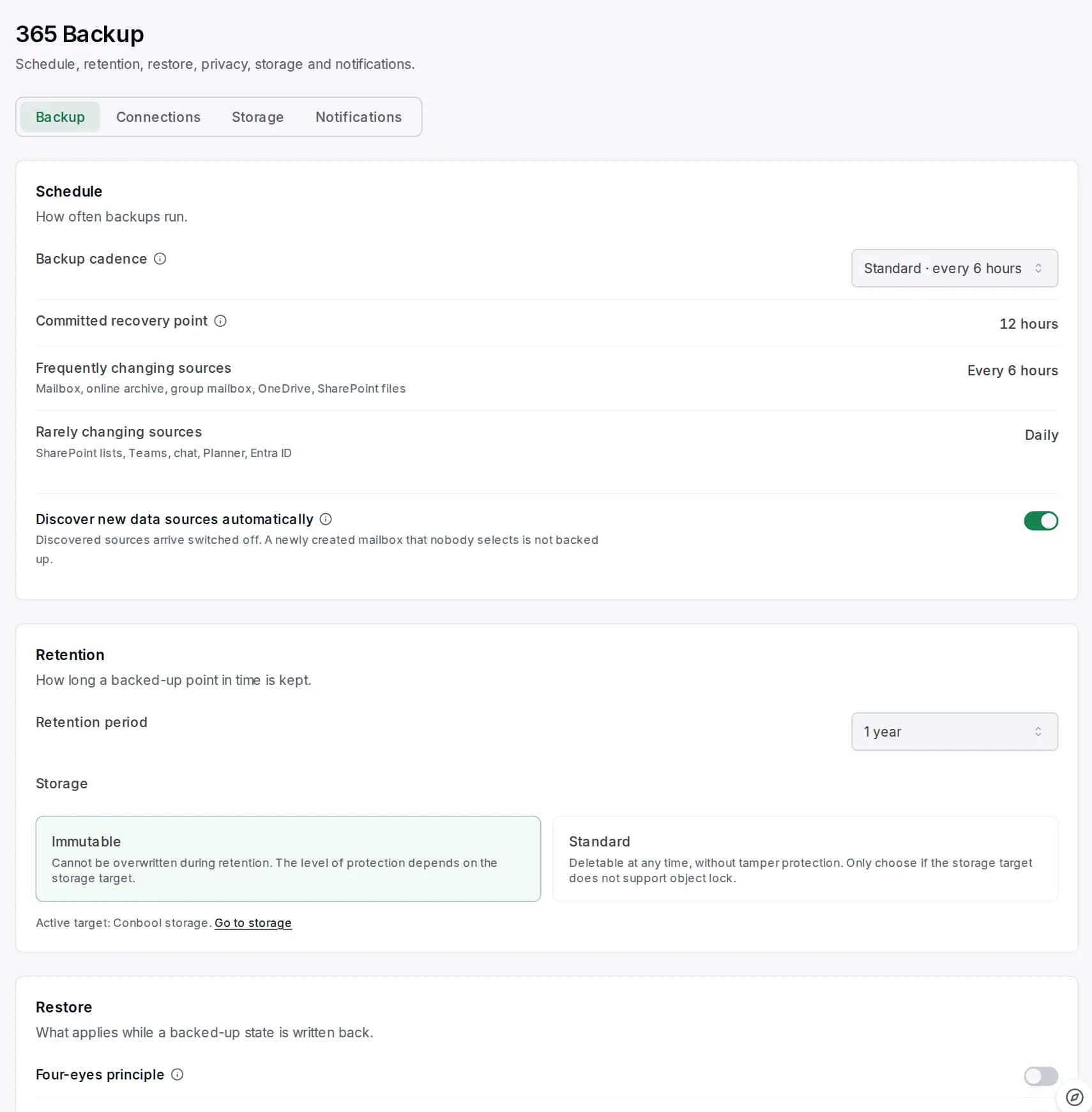
Conbool 365 Backup backs up the directory on a schedule, including:
- Users with office and address
- Groups including their memberships
- Custom roles including their assignments
- Conditional access policies
First the change plan, then the write-back
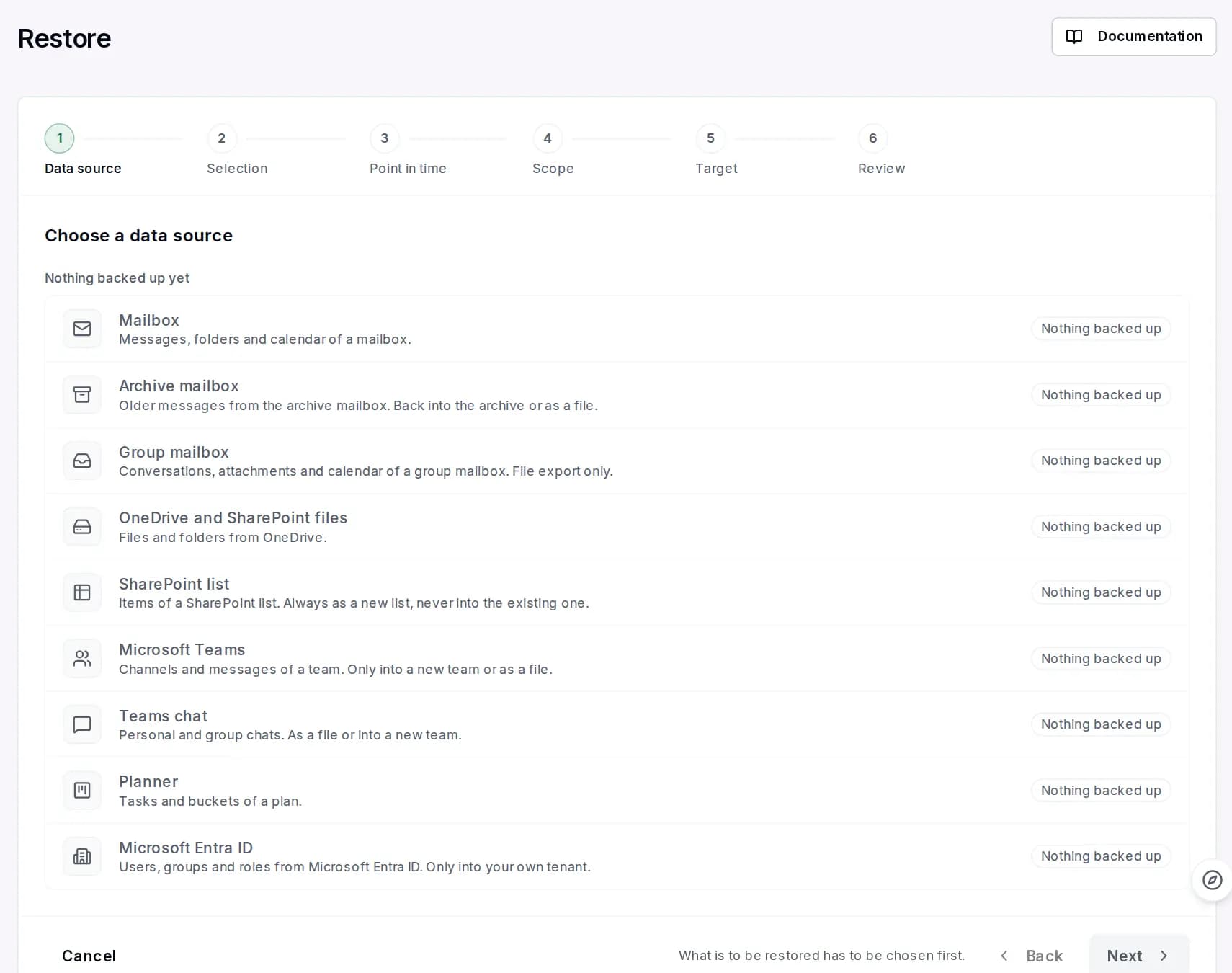
When restoring, 365 Backup does not blindly write the old state over the current one. First a change plan shows what is missing and what differs. You decide what comes back.
Written back are:
- Users with office and address
- Groups including their memberships
- Custom roles and missing role assignments
365 Backup does not remove anything that exists. Roles are only added: a missing assignment comes back, an existing one stays. Built-in Microsoft roles are not written. Roles go through a dedicated management application that you consent to separately, and each one needs approval by a second person. Privileged roles such as "Global Administrator" are highlighted in the approval.
Deleted conditional access policies are recreated in "report-only" mode. This lets you see their effect before they take hold. On request they also come back as backed up and enabled, through a dedicated management application that you consent to separately, and again only after approval by a second person.
What is not written back
Phone numbers are backed up but not written back, because Microsoft does not grant the permission for it. They remain visible in the backup.
Why the second person matters
A compromised administrator account is one of the most common ways into a Microsoft 365 tenant. Whoever may write back roles can also hand out permissions. Approval by a second person ensures that a single account cannot do this alone.
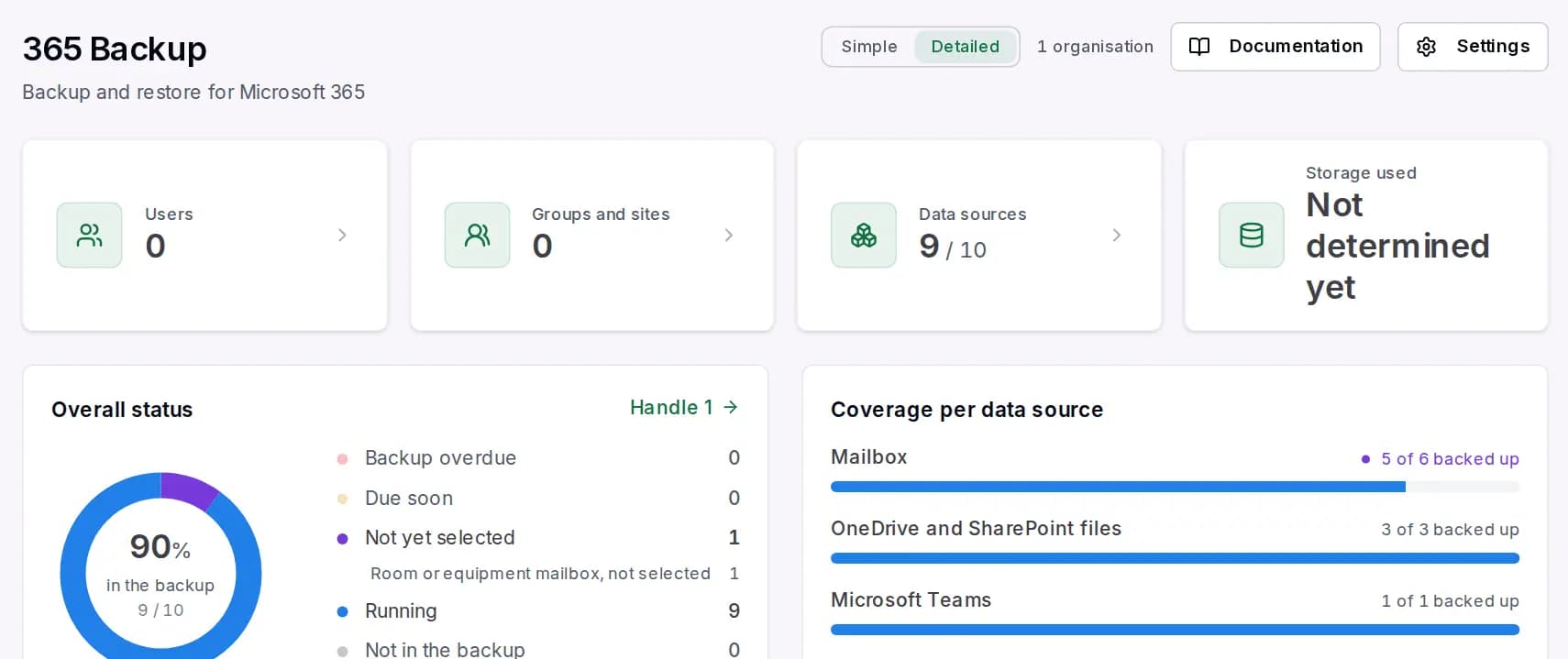
An overview is on the page Entra ID backup. The drive encryption keys of devices are covered in Back up BitLocker recovery keys.
Frequently asked questions
Can I restore deleted groups in Entra ID?
With Conbool 365 Backup, yes, including their memberships. A change plan first shows what is missing and what differs.
Are role assignments written back?
Yes, custom roles and missing role assignments. They are only added, never removed, and go through a dedicated management application with approval by a second person.
How do deleted conditional access policies come back?
They are recreated in "report-only" mode. On request also as backed up and enabled, through a dedicated management application and after approval by a second person.