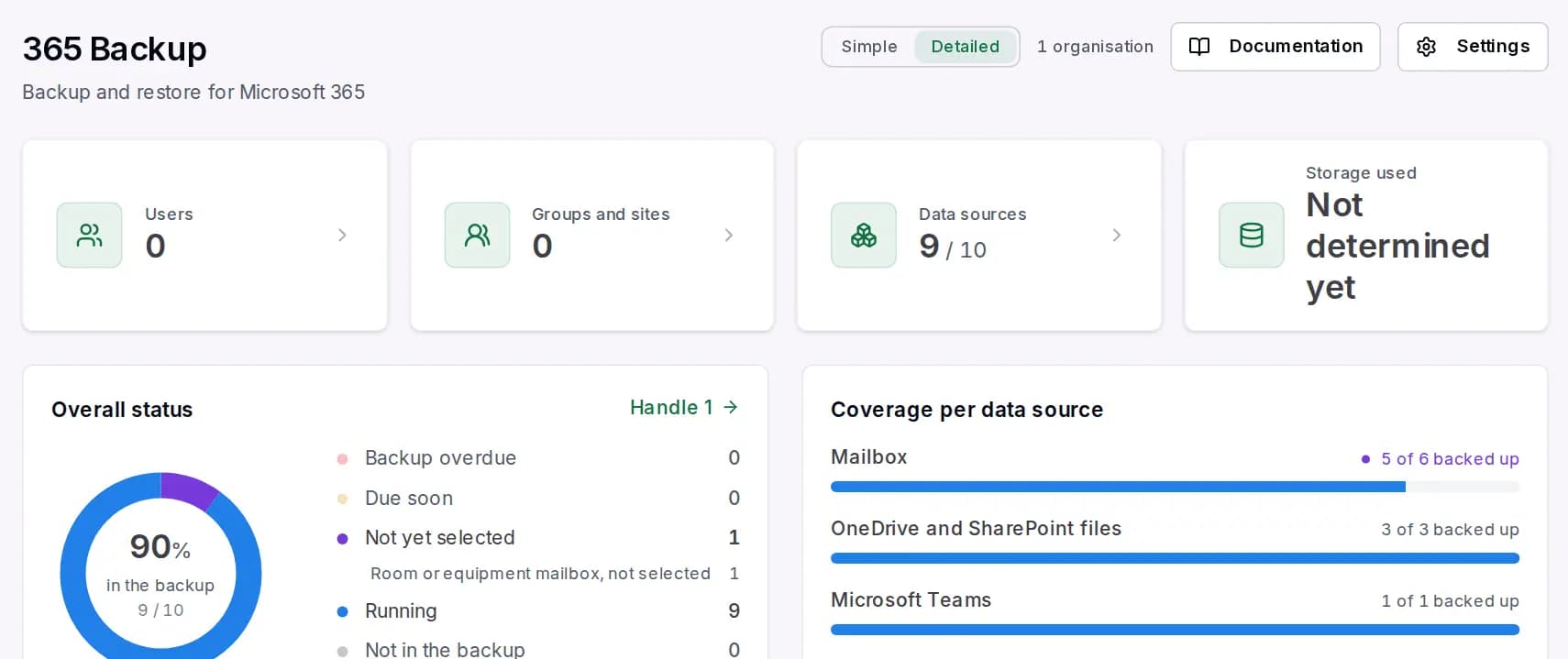
Most backups only get attention when something is missing. By then, asking whether it actually ran in recent weeks is too late. For management, insurers and the IT service provider it is therefore important to see the backup status regularly, without having to log in to the portal.
The monthly PDF report
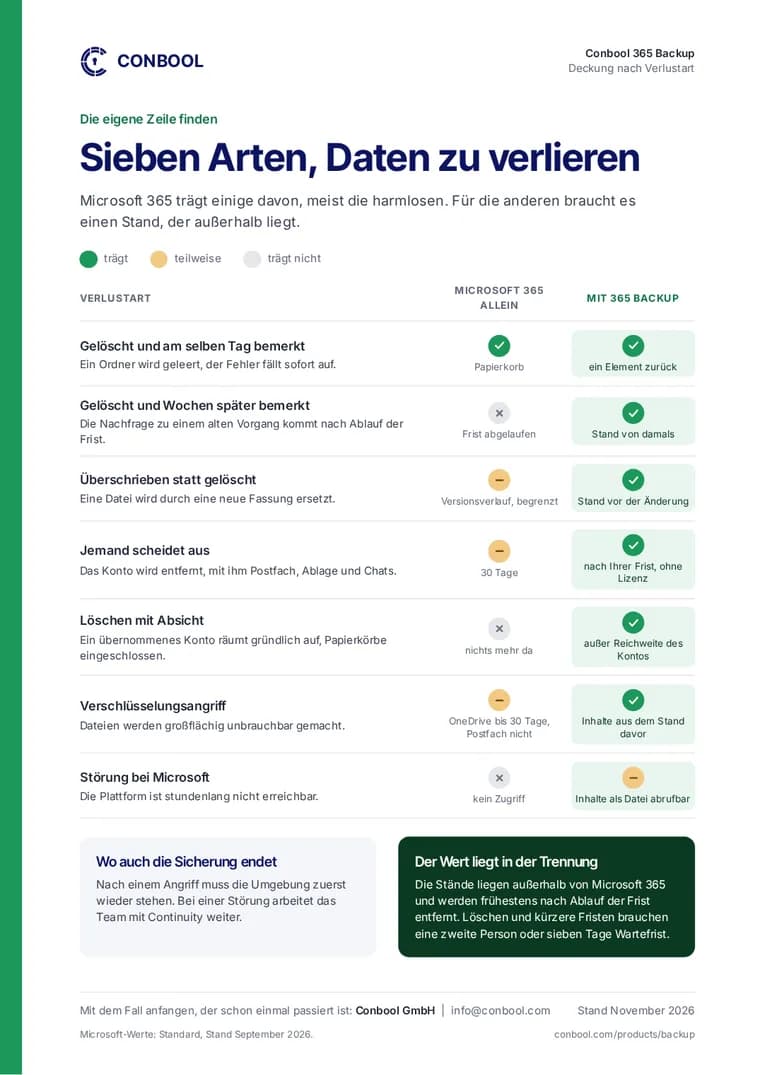
Conbool 365 Backup creates a PDF report every month. It shows the backup status for each day of the previous month. At a glance you can see whether there were days with problems and whether they were resolved.
The reports of the last twelve months are available in the portal. Anyone who needs proof for a conversation with management or an insurer finds it there, without compiling data themselves.
For partners: one report across all customers
IT service providers who look after 365 Backup for several customers additionally find the monthly report combined on their customer overview: one PDF across all customers, one page per customer. That makes the monthly review and the report to their own customers much easier.
Notifications of your choice
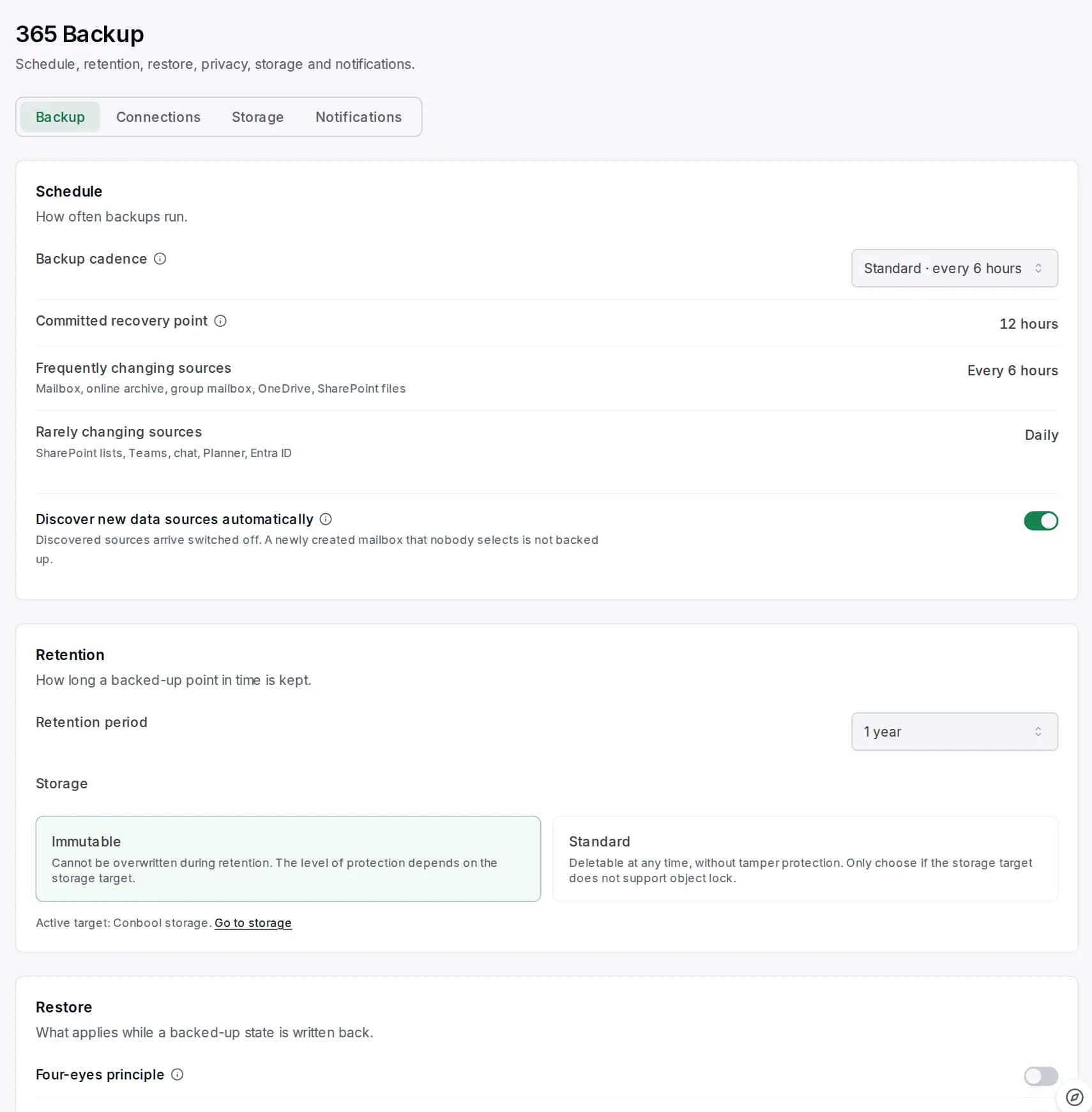
Besides the monthly report there are notifications when something needs attention, for example when a backup is overdue. Delivery can be chosen:
- Individually: each notification in its own email, as it occurs
- Daily summary: at most one email a day, only on days with something new
- Weekly: anything that needs action still arrives the same day, everything else is collected
On request, a short summary also arrives on quiet days, so that silence is not mistaken for a silent failure.
What good proof should show
- The period: every day, not just the last run
- The areas: mailboxes, OneDrive, SharePoint, Teams and directory, not just one total
- The deviations: days with problems and whether they were resolved
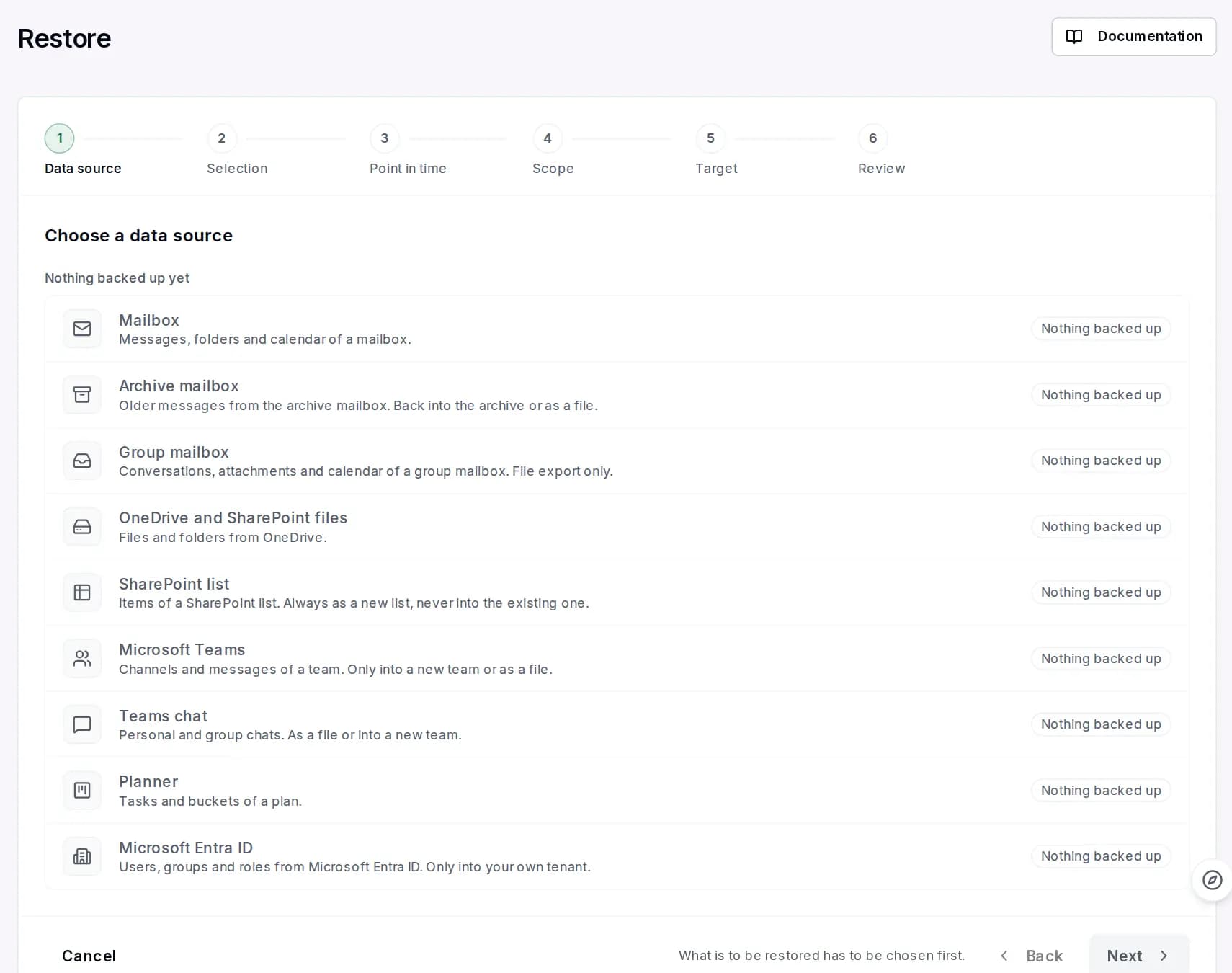
More on the backed-up areas and the storage location is on the product page of 365 Backup and on the page Microsoft 365 backup.
Frequently asked questions
How do I prove that my Microsoft 365 backup is running?
Conbool 365 Backup creates a PDF report every month with the status of each day of the previous month. The last twelve months are available in the portal.
Is there a report across all customers for IT service providers?
Yes. Partners find one PDF across all customers on their customer overview, one page per customer.
How often do notifications arrive?
Your choice: individually, as a daily summary or weekly. Anything that needs action arrives the same day even with weekly delivery.