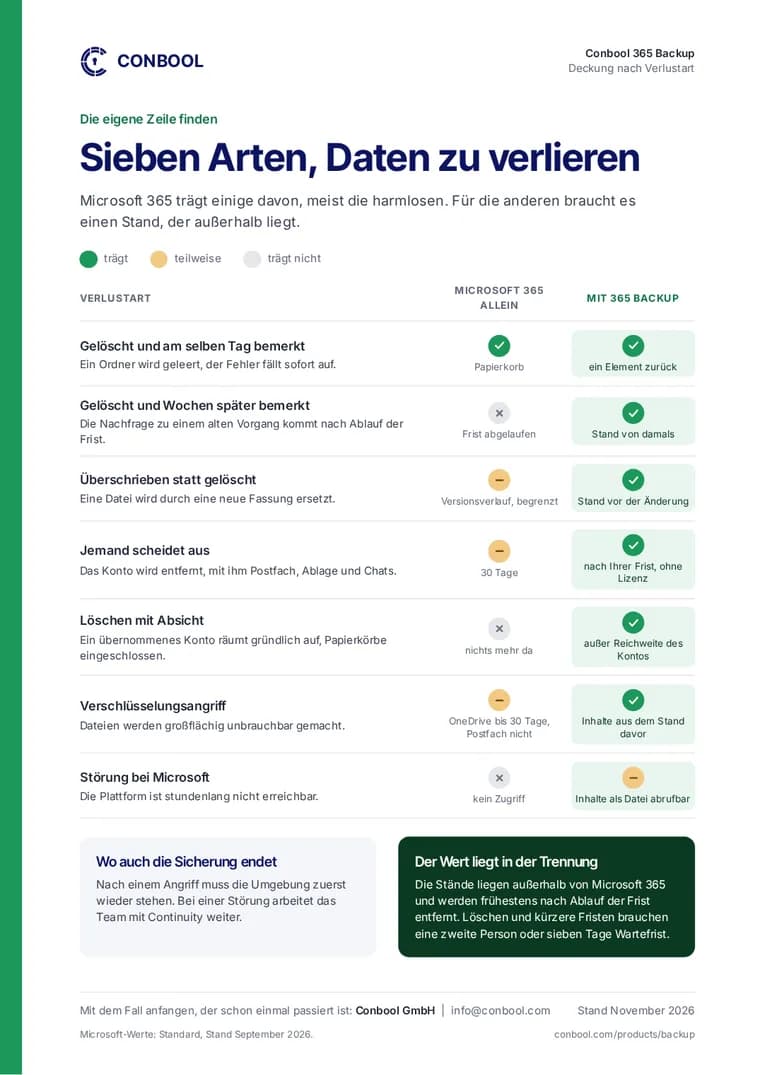
Intune often holds years of work: compliance policies, configuration profiles, Autopilot profiles, scripts. Microsoft offers no recycle bin for these settings. Anyone who deletes a policy or overwrites it by mistake rebuilds it from memory, while devices are already receiving different settings.
What Conbool 365 Backup backs up in Intune
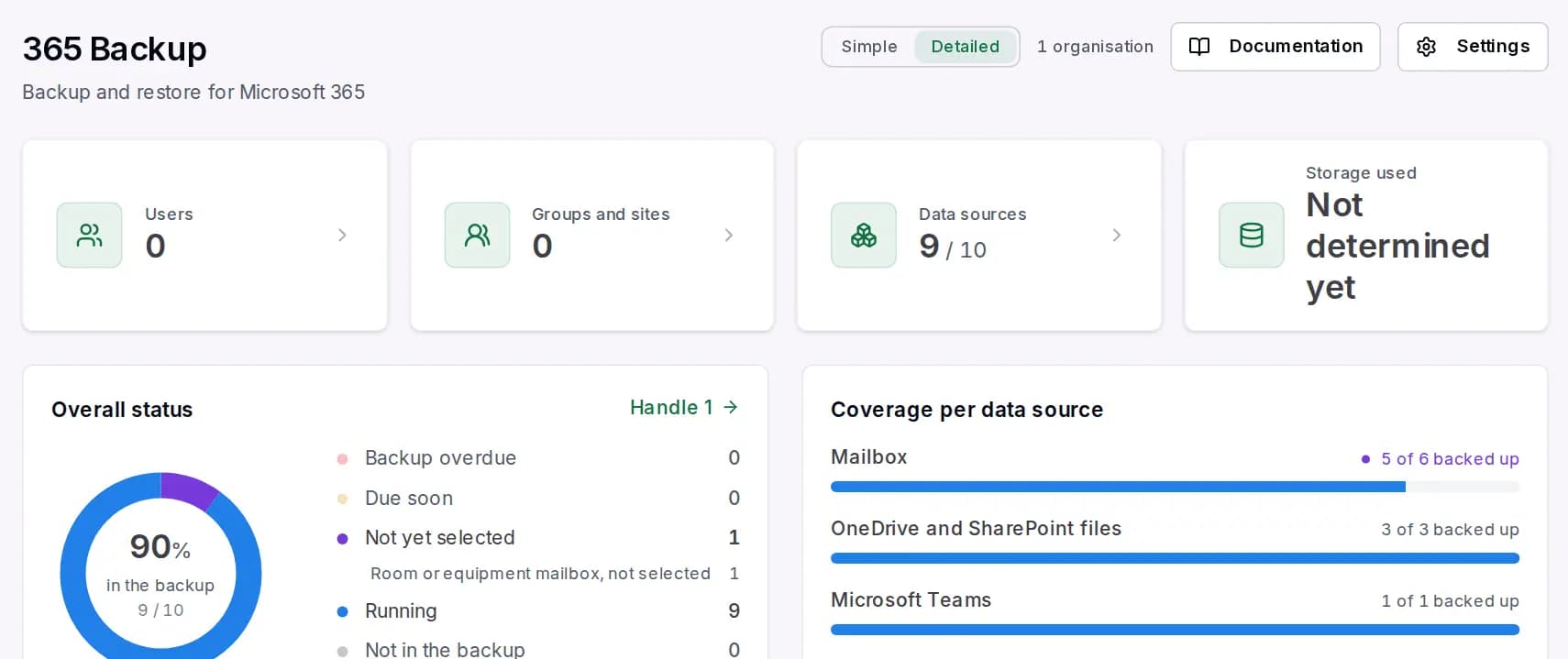
Conbool 365 Backup backs up the Intune configuration together with the directory, each with its assignments:
- Compliance policies in both forms, the classic one and the one from the settings catalog
- Device configuration and settings catalog
- Endpoint security and administrative templates
- Autopilot profiles and enrollment settings
- App protection for iOS and Android and app configuration
- Scripts for Windows and macOS as well as remediation scripts, including their content
- Managed devices, without personal details such as phone number or IMEI
The apps themselves are not included. The backup runs as soon as the tenant has an Intune license.
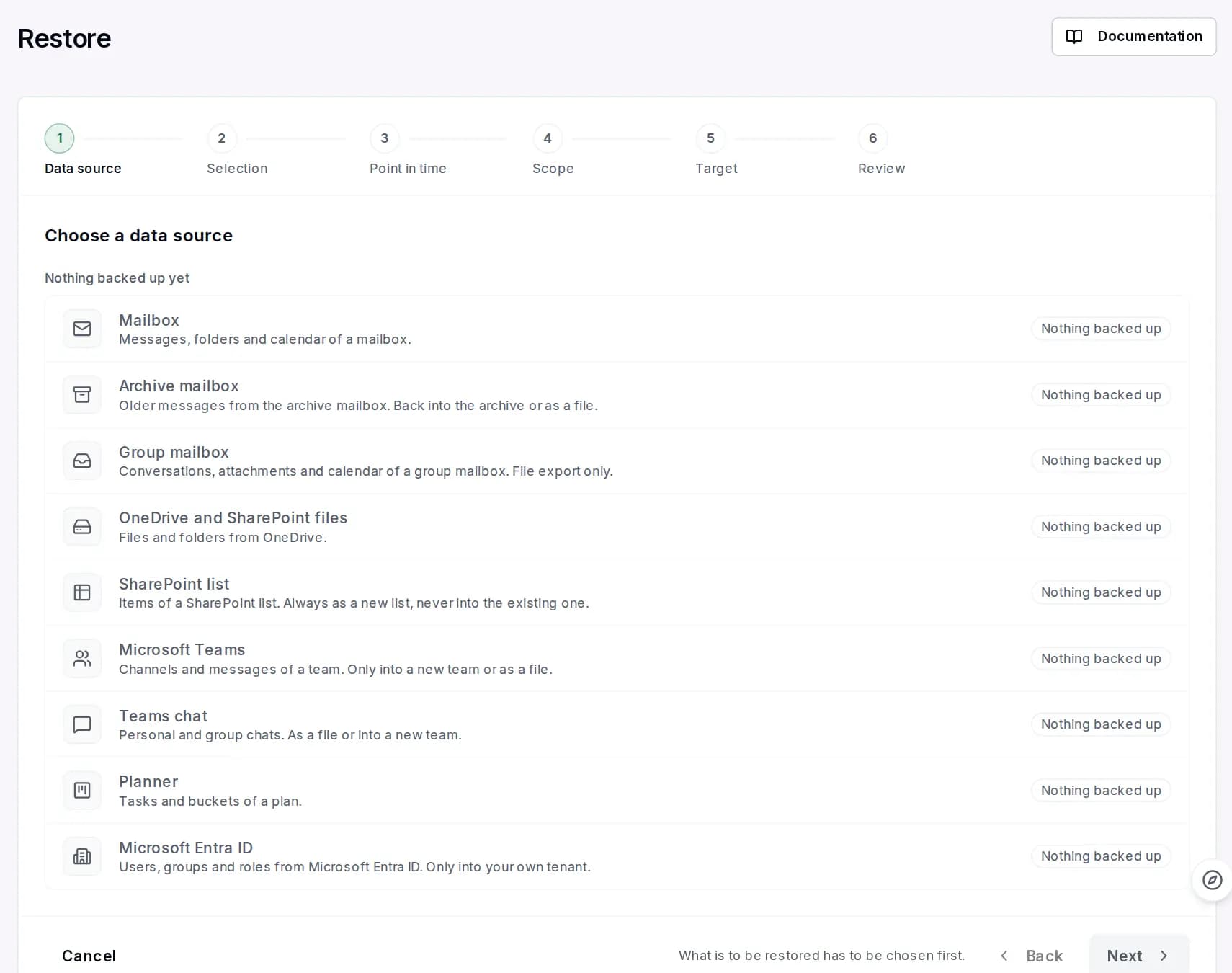
Restoring policies in a controlled way
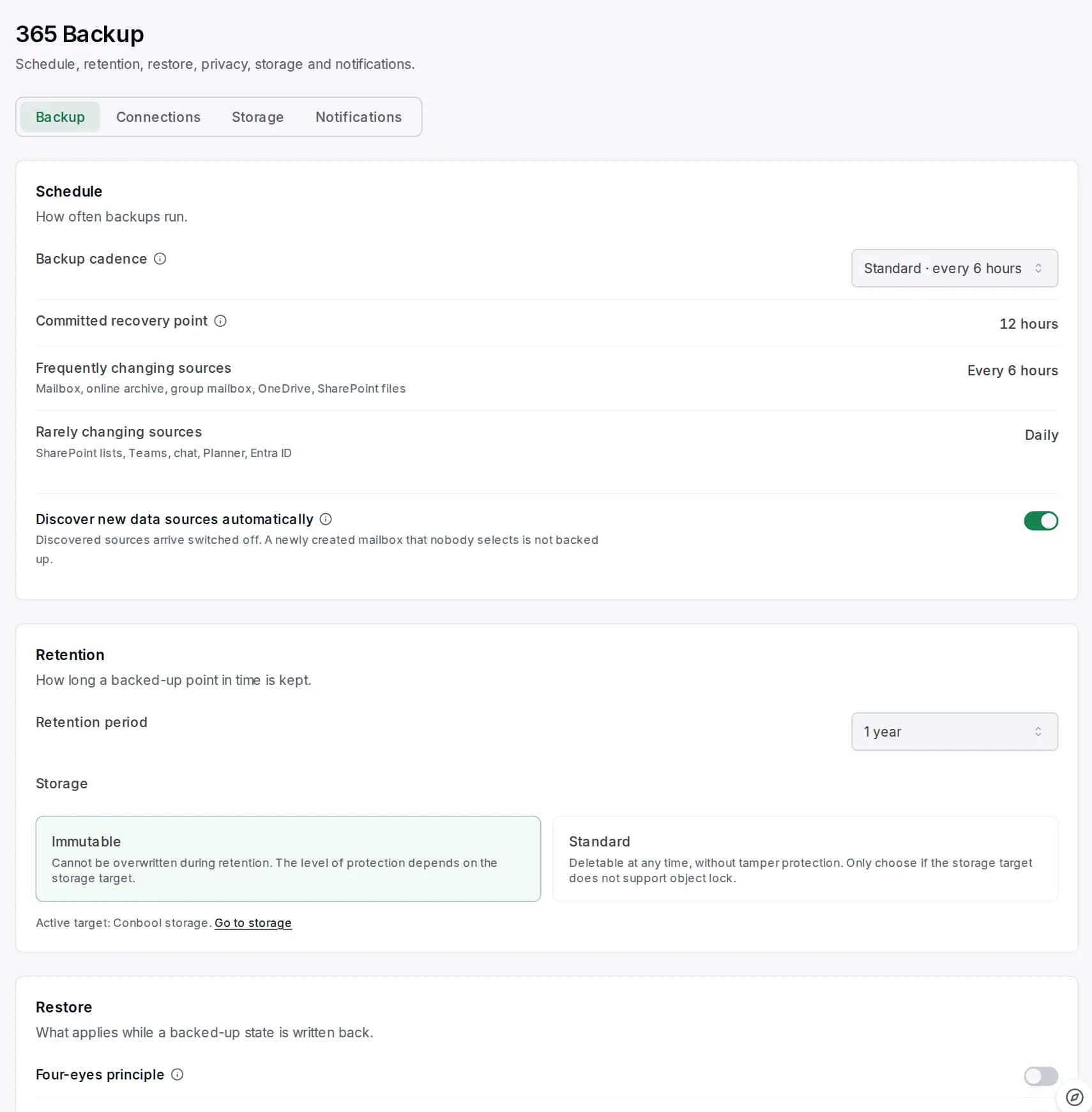
Restoring a policy affects devices. 365 Backup therefore proceeds carefully:
- Always as a new policy. A current policy is never changed. If the name is taken, the restored one gets the suffix "(zurückgeholt)", German for "restored".
- Without assignment by default. The policy only takes effect once you assign it. It comes back with the backed-up assignments only if you explicitly choose so.
- Approved by a second person, through a dedicated management application that you consent to separately.
Restorable are, among others, compliance policies, device configuration, settings catalog, enrollment settings, Autopilot profiles, app protection, app configuration and platform and remediation scripts. Endpoint security, administrative templates and devices are backed up and can be viewed and compared, but are not written back.
What Microsoft does not hand out
Microsoft does not return passwords, pre-shared keys or encrypted OMA-URI values when they are read. Policies containing such values are therefore skipped when restoring and need to be completed by hand.
Compare instead of guess
In the directory view of 365 Backup, backed-up versions can be searched and compared. This shows what changed in a policy before you restore anything.
More on backing up Intune is on the page Intune backup. The drive encryption keys of devices are covered in Back up BitLocker recovery keys.
Frequently asked questions
Does Intune have a recycle bin for deleted policies?
No. A deleted policy is gone in Intune. With Conbool 365 Backup it can be restored from the backup as a new policy.
Does restoring overwrite an existing policy?
No. 365 Backup always creates a new policy, without assignment by default, and only after approval by a second person.
Are passwords in Intune profiles backed up?
No. Microsoft does not hand out passwords, pre-shared keys or encrypted OMA-URI values. Such policies are skipped when restoring.