In many departments, OneNote is the real memory: meeting notes, work instructions, access paths to customer systems. That makes it all the more unpleasant when a notebook has been deleted or overwritten and the backup does not contain it.
Where OneNote notebooks live in Microsoft 365
A notebook you create in OneNote is stored in your OneDrive. The notebook of a team lives on the SharePoint site that belongs to the team. In File Explorer it looks like a folder, but for Microsoft it is an object of its own with sections and pages.
A team notebook adds one more detail: it sits in a system library of the team site that an ordinary listing of the libraries leaves out. A backup that does not account for this does not contain the team notebook. When restoring, exactly the content colleagues use every day is missing.
How Conbool 365 Backup backs up OneNote
Conbool 365 Backup recognizes notebooks as such and backs them up with all sections:
- Notebooks from OneDrive: Personal notebooks are backed up together with the rest of OneDrive, on the same schedule.
- The notebook of a team: It is backed up from the team site, together with the channels and their files. More in Back up private and shared Teams channels.
The backup is stored outside Microsoft 365 in the object storage of Impossible Cloud GmbH in Frankfurt am Main. A disruption at Microsoft therefore does not hit the original and the backup at the same time.
How a notebook comes back
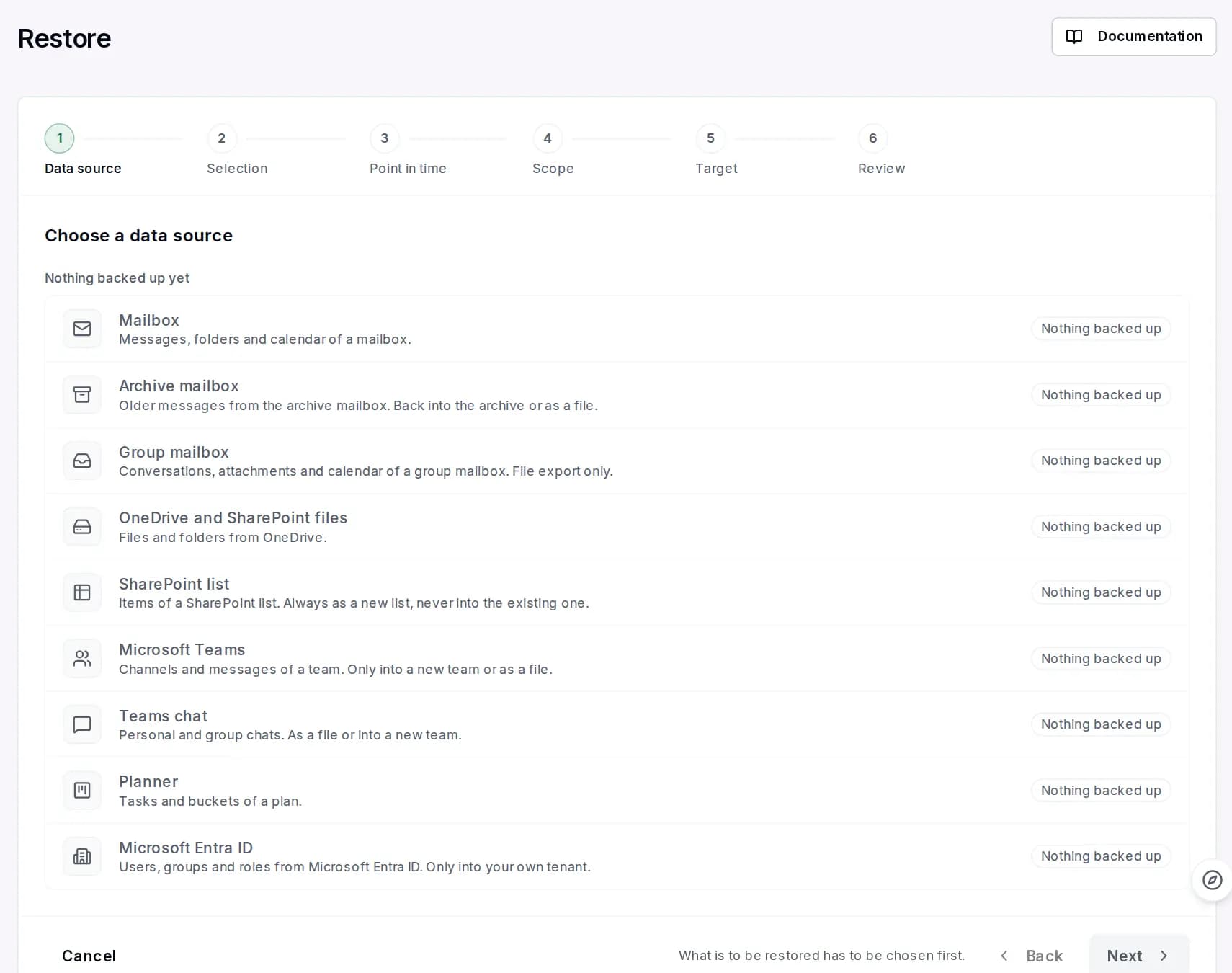
There are two ways to restore:
- As section files in a new folder. Each section comes back as its own file and can be opened in OneNote. The existing notebook stays untouched.
- As a .onepkg package. OneNote for Windows opens the package as a complete notebook, with all sections in the familiar structure.
One limitation belongs here: a notebook that appears directly in OneNote on the web can only be created by Microsoft itself. That is why this route is not available when restoring.
Who this matters for
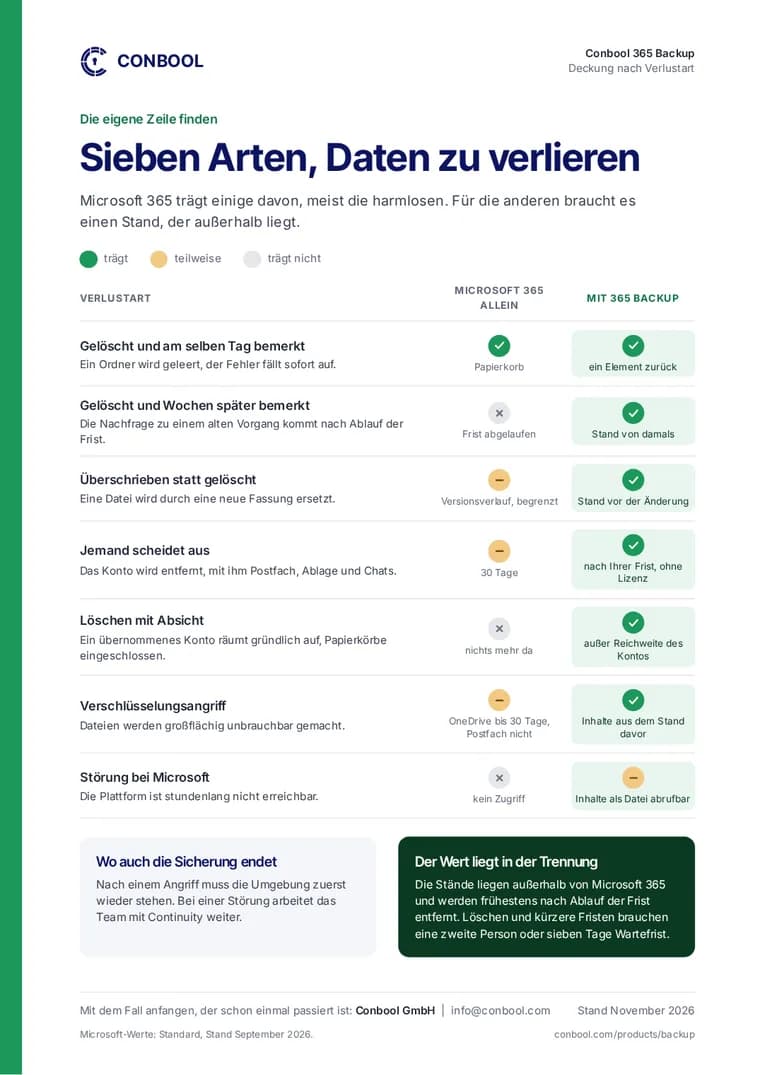
- Teams with a shared notebook: When a team is dissolved, its site and notebook are no longer reachable. In the backup they remain available.
- Departing employees: Personal notebooks disappear together with the OneDrive. If the account is backed up, the content can be restored selectively.
- Accidental deletion: A deleted section is often noticed weeks later, when the recycle bin has long been emptied.
An overview of all backed-up areas is on the page OneNote backup and on the product page of 365 Backup.
Frequently asked questions
Are OneNote notebooks in Microsoft 365 backed up automatically?
Microsoft keeps notebooks available, but a backup in the actual sense is the responsibility of the customer. Conbool 365 Backup backs up notebooks from OneDrive and the notebook of a team with all sections.
How do I restore a deleted OneNote notebook?
In Conbool 365 Backup, as section files in a new folder or as a .onepkg package that OneNote for Windows opens as a complete notebook.
Can a restored notebook appear directly in OneNote on the web?
No. A notebook for OneNote on the web can only be created by Microsoft itself. Restoring as section files or as a .onepkg package works.