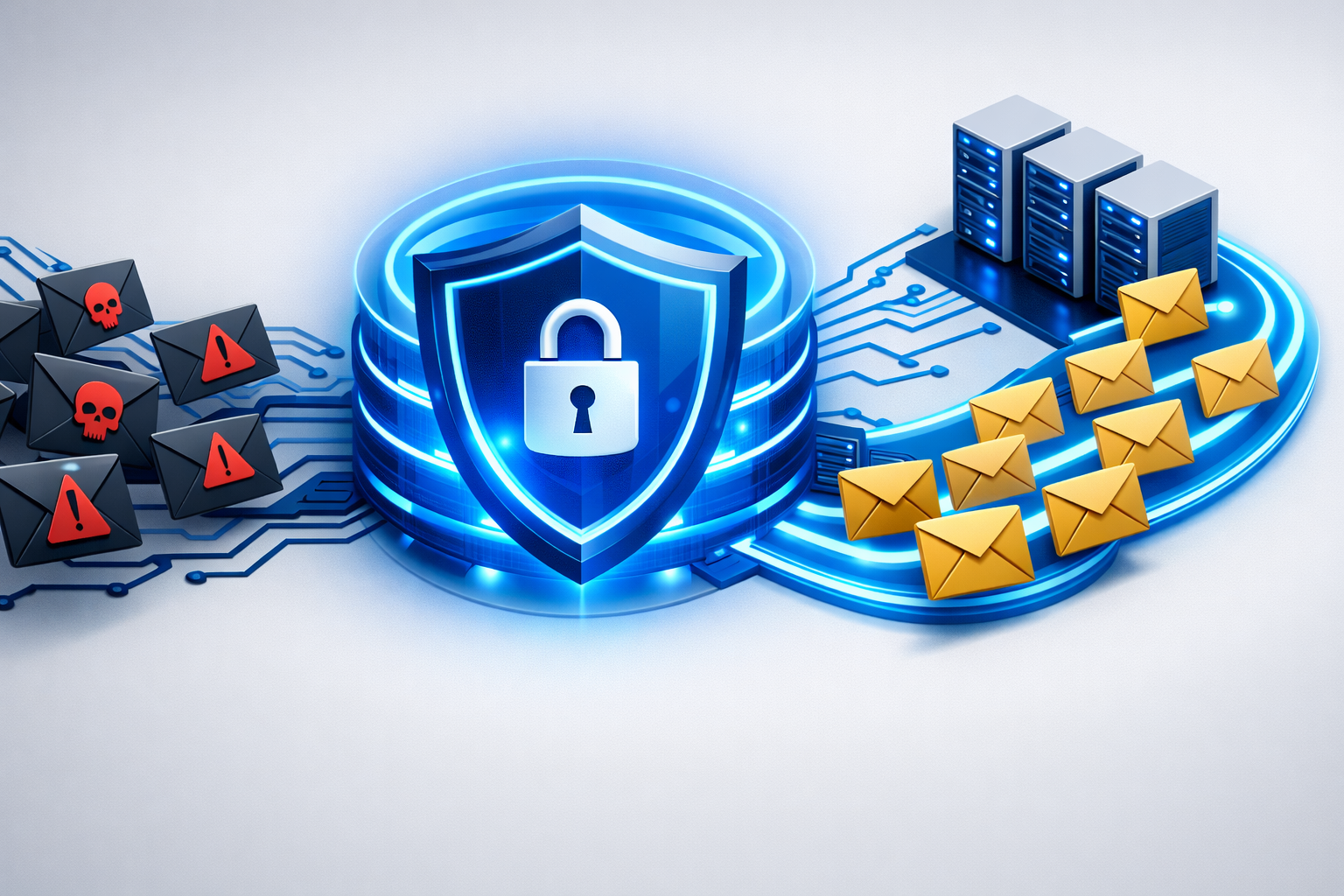
Email is the most important — and most vulnerable — communication channel in business. Over 90% of all cyberattacks begin with an email. Yet many organizations still rely on their email provider's built-in spam filter and hope for the best. An Email Security Gateway puts an end to this gamble and creates a central, automated line of defense.
In this guide, you'll learn everything you need to know about Email Security Gateways as an IT manager, executive, or compliance officer — from how they work, to comparing them with basic spam filters, to concrete selection criteria.
What Is an Email Security Gateway?
In brief: An Email Security Gateway (also Secure Email Gateway or SEG) is a security platform that sits between your email server and the internet. It checks every inbound and outbound email in real time for threats, automatically encrypts confidential messages, and centrally enforces compliance rules.
An Email Security Gateway acts as a highly specialized checkpoint for your entire email communication. Every message — whether inbound or outbound — is analyzed, evaluated, and processed according to your company-wide policies before it reaches the recipient.
Unlike client-side solutions (such as Outlook add-ins or desktop antivirus), a gateway operates server-side and centrally. This means:
- No user can bypass protection — it works regardless of the device
- No local installation required — smartphones, tablets, and web clients are automatically protected
- Uniform rules for everyone — whether CEO, intern, or external partner
Email Security Gateway vs. Spam Filter: The Critical Difference
Many businesses confuse a spam filter with an Email Security Gateway. The difference is fundamental:
| Feature | Spam Filter | Email Security Gateway |
|---|---|---|
| Spam detection | Yes | Yes |
| Phishing detection (spear phishing, BEC) | Limited | Multi-layered with AI analysis |
| Malware & ransomware protection | Limited | Sandbox analysis, zero-day protection |
| Email encryption (S/MIME, PGP) | No | Automatic |
| DLP (Data Loss Prevention) | No | Yes — prevents data leakage |
| Disclaimer & signature management | No | Centrally in the mail flow |
| Compliance reporting | No | Yes — audit trail & evidence |
| Quarantine management | Basic | Granular with notifications |
Bottom line: A spam filter is just one aspect of what an Email Security Gateway delivers. Relying solely on spam filters leaves phishing, data loss, and compliance gaps unprotected. Read more: Why the Microsoft 365 Spam Filter Alone Is Not Enough.
The 5 Core Functions of an Email Security Gateway
1. Multi-Layered Threat Protection
A modern Email Security Gateway detects threats at multiple levels:
- Reputation analysis: Checking sender IPs against global blacklists and reputation databases
- Header & authentication checks: Validating SPF, DKIM, and DMARC
- Content analysis: Heuristic detection of suspicious patterns, links, and attachments
- Sandbox analysis: Suspicious files are executed in an isolated environment and checked for malicious behavior
- AI-powered detection: Machine learning identifies even novel attack forms like Business Email Compromise (BEC)
Conbool's MailGuard module combines all these layers in one system and additionally provides detailed phishing protection for businesses.
2. Automatic Email Encryption
The biggest weak point in email encryption is people. When employees have to manually decide whether and how to encrypt, mistakes happen — or encryption is simply forgotten.
An Email Security Gateway automates this process completely:
- S/MIME encryption with centralized certificate management
- PGP encryption for maximum security
- Policy-based encryption: e.g., "All emails to @lawfirm-xyz.com are automatically encrypted"
- Fallback mechanisms: When the recipient doesn't support S/MIME or PGP, the gateway can offer alternative secure delivery methods
For regulated industries, this is essential — read our guide: Do Lawyers Need to Encrypt Their Emails?
Conbool's SecureMail module handles encryption fully automatically. Learn how SecureMail works as a native extension for Microsoft 365.
3. Data Loss Prevention (DLP)
DLP in an Email Security Gateway prevents unintentional or malicious leakage of sensitive data:
- Pattern recognition: Automatically detects sensitive data such as IBANs, credit card numbers, social security numbers, or contract data
- Policy-based blocking: Emails with sensitive content are stopped, quarantined, or forwarded to a supervisor for approval
- Attachment control: Blocking certain file types or encrypted archives
DLP is particularly relevant in the context of GDPR and NIS2, where protection against data leakage is explicitly required.
4. Central Disclaimer and Signature Management
Inconsistent email signatures are not just unprofessional — missing mandatory information can have legal consequences for businesses. An Email Security Gateway solves this problem at the root:
- Central templates for all departments and legal forms
- Automatic appending in the mail flow — regardless of the client
- Dynamic fields for name, title, phone number, etc.
- Campaign banners for marketing campaigns
In-depth guides:
- Email Disclaimer Management for Microsoft 365
- Email Signature Mandatory Information for Businesses 2026
- Automated Email Signatures: Benefits for Businesses
5. Compliance & Reporting
Regulations like NIS2 and GDPR require demonstrable protection. An Email Security Gateway provides:
- Audit trail: Complete documentation of all email processing steps
- Quarantine reports: Transparency about blocked threats
- Compliance dashboards: Overview of encryption rates, DLP events, and threat trends
- Incident reporting support: For NIS2 incident reporting requirements, the gateway provides the necessary data
Why Businesses Need an Email Security Gateway Now
The 2026 Threat Landscape
The numbers speak clearly:
- 90%+ of all cyberattacks begin with an email (BSI Situation Report)
- Business Email Compromise (BEC) causes billions in damages worldwide
- Ransomware attacks via email attachments have doubled in the last two years
- AI-generated phishing emails are nearly indistinguishable from genuine messages
Regulatory Pressure: NIS2 and GDPR
Since NIS2 came into effect, significantly more businesses are required to demonstrably ensure their communication security:
- NIS2 § 30 BSIG: Explicit requirement for communication security measures
- Executive liability: Personal liability for inadequate security measures
- GDPR encryption obligation: Art. 32 GDPR requires encryption as an "appropriate technical measure"
- NIS2 supply chain security: Email communication with suppliers must also be secured
Our comprehensive NIS2 Email Security Guide summarizes all obligations.
Selection Criteria: How to Find the Right Email Security Gateway
Evaluation Checklist
Before choosing a solution, check these criteria:
- Multi-layered threat detection — not just blacklists, but also sandbox, AI, and behavioral analysis
- Automatic encryption — S/MIME and PGP without manual user interaction
- DLP features — detection and blocking of sensitive data in outbound traffic
- Microsoft 365 integration — seamless integration as an MX relay or API connector
- Disclaimer management — central control in the mail flow
- Compliance reporting — audit trails and dashboards for NIS2/GDPR
- Data sovereignty — Where are your emails processed? EU hosting is essential for GDPR compliance
- Scalability — Does the solution grow with your business?
- Support & SLA — Local-language support, guaranteed response times
Why Conbool as Your Email Security Gateway?
Conbool combines all the above functions in one platform:
- MailGuard: Multi-layered threat protection with AI analysis
- SecureMail: Automatic S/MIME and PGP encryption
- Disclaimer: Central signature management in the mail flow
- Made in Germany: Development and hosting in Germany — digital sovereignty from Karlsruhe
- Microsoft 365 native: Seamless integration without workflow changes
- 30-day free trial: No risk, full feature set
How to Set Up an Email Security Gateway
Integrating a cloud-based Email Security Gateway is surprisingly straightforward:
- Update MX record: Your DNS entry is changed so emails pass through the gateway first
- Configure policies: Set spam thresholds, encryption rules, and DLP policies
- Set up certificates: Centrally store S/MIME certificates in the gateway
- Create disclaimers: Build templates for signatures and mandatory information
- Activate monitoring: Set up dashboards and notifications
With Conbool, basic configuration typically takes less than an hour. Detailed instructions are available in our documentation.
Frequently Asked Questions (FAQ)
What is an Email Security Gateway?
An Email Security Gateway is a central security platform that sits between your email server and the internet. It analyzes, filters, and protects all inbound and outbound email traffic in real time — against phishing, malware, spam, and data loss.
How is an Email Security Gateway different from a spam filter?
A spam filter only detects unwanted bulk emails. An Email Security Gateway additionally provides phishing detection, malware analysis, DLP, automatic encryption, disclaimer management, and compliance features.
Is an Email Security Gateway required for NIS2 and GDPR?
GDPR requires the protection of personal data using state-of-the-art technology. NIS2 explicitly mandates communication security measures. An Email Security Gateway with automatic encryption and threat protection is the most effective way to meet both requirements.
Does an Email Security Gateway work with Microsoft 365?
Yes. Modern Email Security Gateways like Conbool integrate seamlessly with Microsoft 365 and Exchange Online. They are placed as an MX relay in front and supplement native Microsoft protection with multi-layered analysis, encryption, and DLP.
How much does an Email Security Gateway cost?
Costs vary by provider and feature set. Cloud-based solutions like Conbool offer transparent per-mailbox pricing. Many providers offer a free trial — Conbool offers 30 days.
Conclusion: Email Security Starts at the Gateway
An Email Security Gateway is not an optional add-on — it is the foundation of every modern email security strategy. It protects against the most sophisticated threats, automates encryption and compliance, and gives IT teams the central control they need.
Whether mid-market, law firm, government agency, or enterprise: anyone who takes email communication seriously cannot do without an Email Security Gateway.
Further reading: