The confidential part of an email is rarely the body text. What is confidential is the draft contract, the payroll list, the medical report, the costing — and all of it travels as an attachment. Yet most encryption products decide solely on who receives the message, never on what is inside it.
Why the recipient alone is not enough
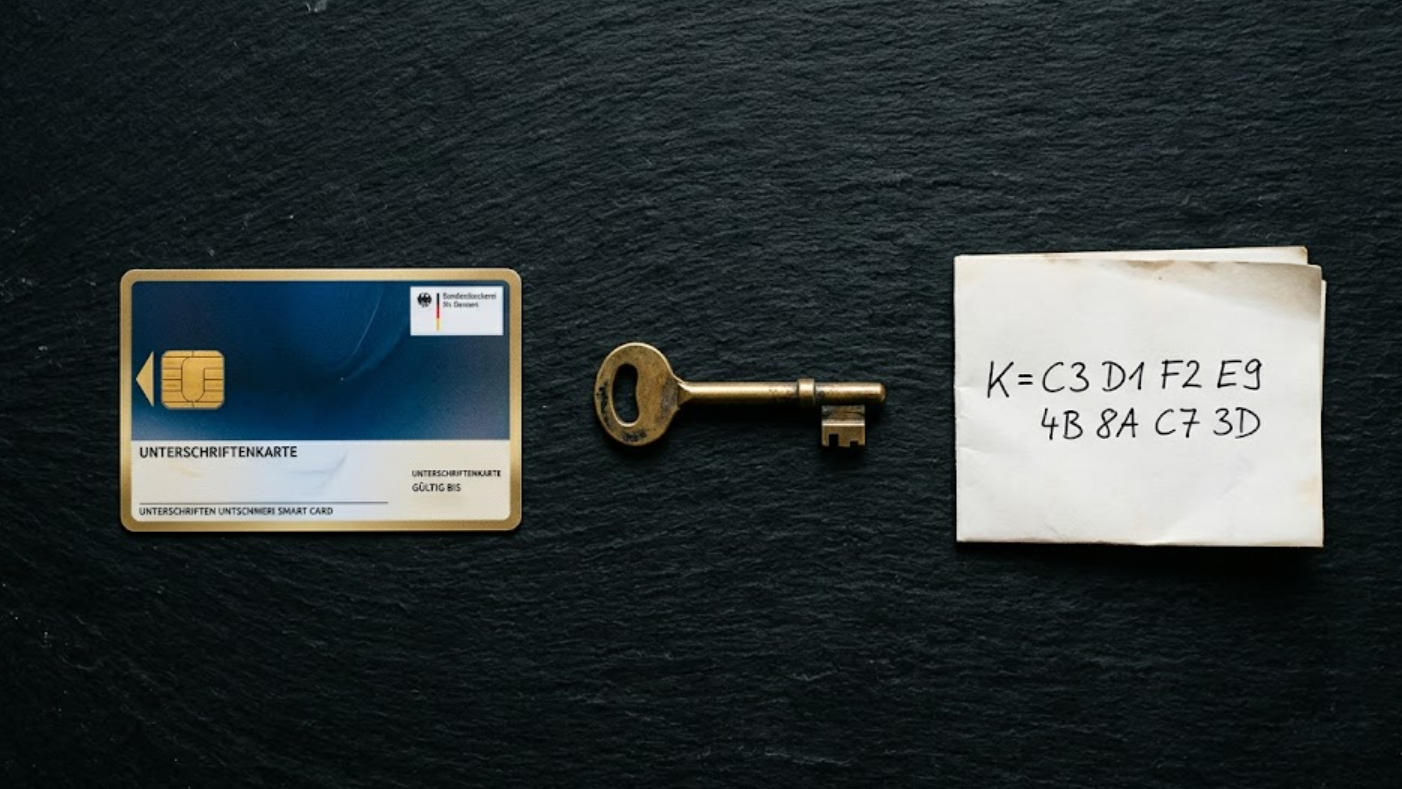
The usual logic goes: if the recipient has a certificate, use S/MIME; if they have a PGP key, use PGP; if they have neither, fall back to a portal or a password-protected PDF. That is correct and covers the normal case.
It also frames the PDF as a last resort. In practice it is often the better option — precisely whenever a file travels along. A password-protected PDF can be forwarded, filed and opened months later without anyone maintaining a certificate. For a three-line appointment confirmation, that same PDF is an imposition.
The rule of thumb: one rule, one method
The answer is unspectacular and robust for exactly that reason: a rule carries exactly one method. If you want two methods, you build two rules and tell them apart by the condition.
| Priority | Condition | Method |
|---|---|---|
| 10 | With attachment | PDF with password |
| 0 | — | S/MIME |
The first rule whose recipients and condition match wins. A message without an attachment passes rule 10 by and lands on S/MIME. A message with an attachment becomes a PDF. Nobody has to think about it while writing, nobody needs training, and there is no button left to forget.
How does a gateway recognise an attachment?
This is where naive implementations fail. A mail client also reports the logo from an HTML signature as an attachment. Build a rule on that and every single message from your sales team goes out as a PDF.
Only real attachments are counted. Embedded images referenced by a Content-ID in the message body are left out.
Two further dials refine the rule:
- Attachment types — Office documents, PDF, archives, images and more. Detection reads the file content, not the extension. A ZIP file renamed to
.pdfdoes not slip through. - Size — an upper limit for the whole message. Above it, a download link is the better route anyway.
Three rules that hold up in practice
Contracts and quotes as PDF. Condition: with attachment, types Office and PDF. Everything else stays on S/MIME. This is the standard case in law firms, tax advisory and sales.
Archives always to the portal. Condition: type Archives. ZIP files are the most common carrier for everything nobody wants to see travelling by email, and in the portal every access stays logged.
Filter out large messages. Condition: size at most 10 MB on the PDF rule. Above it the next rule takes over and the attachment goes out as a secure download link, instead of producing a 40 MB PDF that fails at every recipient gateway.
What this means for the GDPR
Article 32 requires measures appropriate to the risk and in line with the state of the art. That appropriateness is easier to justify with a rule tied to message content than with a blanket setting: the message carrying the payroll list is demonstrably treated differently from the appointment confirmation, automatically, and not according to the sender's mood that day.
How this plays together with S/MIME and PGP is covered in our comparison S/MIME vs PGP. What the GDPR actually obliges you to do is in our article on the GDPR and email encryption.
Frequently asked questions
Does the logo in my signature count as an attachment? No. Only real attachments are counted, embedded images with a Content-ID are not.
What happens if no rule matches? The message takes the route it would have taken before. A condition narrows a rule; it does not switch another one off.
Do I have to touch existing rules? No. Left empty, a rule applies as it always did.
Conclusion
The question is not which encryption method is best. The question is which one fits this message — and the answer is in the message itself. Two rules are enough to automate it.
To override the rule for a single message, choose the protected PDF while composing in the Conbool add-in for Outlook or Thunderbird.
How to set this up in Conbool SecureMail is shown on the page about PDF encryption.