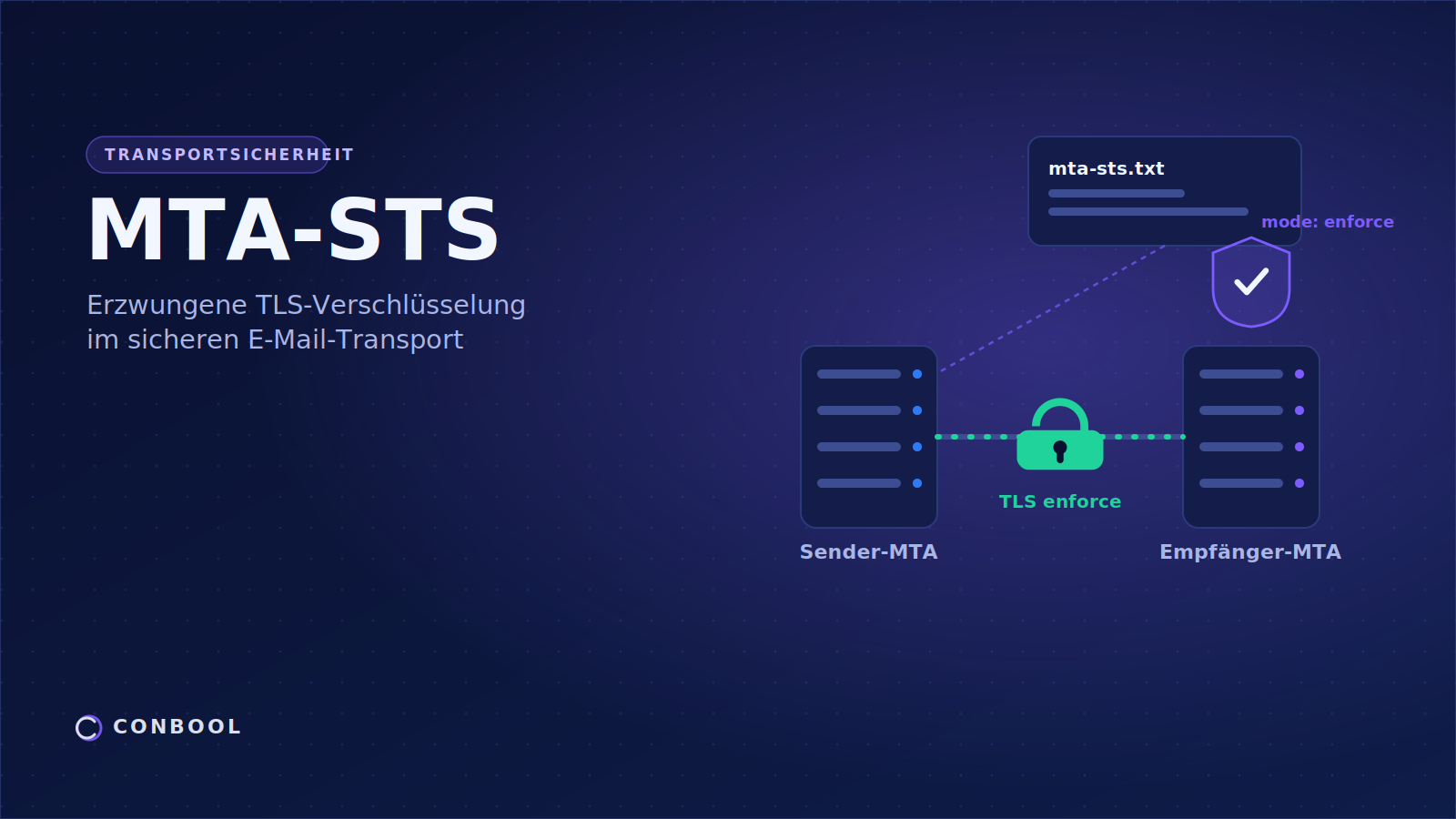
Email was never designed for confidentiality. For years, the protocol STARTTLS has stepped in to encrypt a message as it travels from one mail server to the next. The problem: STARTTLS is voluntary. If encryption fails or someone interferes, the email crosses the internet in plain text, with no warning at all. MTA-STS closes exactly this gap.
This guide explains in plain terms what MTA-STS is, how the policy works, how it differs from STARTTLS and DANE, and how organisations can roll out mandatory transport encryption cleanly.
What is MTA-STS?
TL;DR: MTA-STS, short for Mail Transfer Agent Strict Transport Security, is a mechanism standardised in RFC 8461. A domain publishes a policy that requires sending mail servers to accept delivery only over a verified TLS connection. Voluntary encryption becomes a binding requirement that protects against unencrypted delivery and downgrade attacks.
MTA-STS is a policy with which a domain declares to the world: my email may only be delivered encrypted. The policy names the mail servers responsible for a domain and requires a sending server to check both the hostname and the TLS certificate of the destination before delivery. If something does not match, delivery is aborted in the strictest mode instead of continuing unencrypted.
The standard addresses a specific risk of server-to-server communication, the transport between mail servers, not the end-to-end encryption of individual messages.
Why is STARTTLS alone not enough?
STARTTLS encrypts the connection between two mail servers as soon as both sides agree. The crucial weakness lies in the word opportunistic. There is no binding expectation that encryption will happen. That creates two points of attack:
- Silent downgrade: An attacker in a man-in-the-middle position strips the STARTTLS signal from the server conversation. Both sides assume the other cannot encrypt, and the message travels in plain text.
- Spoofed destination: Without checking hostname and certificate, a redirected connection can end up on a foreign server without the sending server noticing.
Because STARTTLS simply falls back to plain text on failure, the attack stays invisible. MTA-STS reverses this logic: a missing or untrusted TLS connection is not a reason to fall back, but a reason to refuse delivery.
How does MTA-STS work step by step?
The mechanism breaks down into four steps:
Step 1, a hint in DNS: A TXT record at _mta-sts.your-domain.com signals that a policy exists and carries a version identifier. When the policy changes, this record changes.
Step 2, the policy over HTTPS: The policy itself is served as a file at https://mta-sts.your-domain.com/.well-known/mta-sts.txt. It lists the permitted mail servers, the operating mode and the validity period. Fetching it over HTTPS with a valid certificate ensures the policy has not been tampered with.
Step 3, a check on delivery: When a foreign server wants to deliver to your domain, it fetches the policy, caches it and compares the destination against the allowed hostnames. It then checks the TLS certificate.
Step 4, the decision: If everything matches, the message is delivered encrypted. If not, the behaviour depends on the mode.
The three operating modes of MTA-STS
MTA-STS defines three modes that enable a low-risk rollout:
| Mode | Behaviour | Use |
|---|---|---|
| none | No enforcement, policy is withdrawn | Retirement or pause |
| testing | Violations are only reported, delivery continues | Observation before going live |
| enforce | Delivery is aborted on an invalid TLS connection | Production protection |
The recommended path runs through testing. In this mode you build a picture, through reports, of which partners encrypt cleanly, without risking mail flow. Only once the reports are stable do you switch to enforce.
MTA-STS and TLS-RPT belong together
MTA-STS enforces encryption, but on its own it tells you nothing about what happens in transport. That visibility comes from TLS-RPT, SMTP TLS Reporting. Through an additional DNS record, a domain requests daily reports that show how many connections were encrypted successfully and why failed deliveries failed. Only the combination of enforcement and reporting makes the move to enforce safely manageable.
MTA-STS, DANE and the question of DNSSEC
MTA-STS and DANE pursue the same goal, binding transport encryption, but take different routes. DANE binds a mail server certificate through a signed DNS record and strictly requires DNSSEC. MTA-STS works without DNSSEC and relies instead on the trust chain of common certificate authorities and on HTTPS. In practice the two do not compete, they complement each other. Germany's BSI recommends running both in parallel in its Technical Guideline TR-03108.
MTA-STS and compliance: NIS2 and BSI
Mandatory transport encryption is no longer just diligence. The BSI Technical Guideline TR-03108 names MTA-STS, DANE and TLS-RPT as building blocks for secure email transport. Through the NIS2 Directive and section 30 of the German BSIG, cryptography and secured communication become mandatory for many organisations. MTA-STS is a concrete, demonstrable measure that helps document part of these requirements, including the state of the art under Article 32 GDPR.
Setting up MTA-STS with Conbool MailGuard
The biggest practical hurdle with MTA-STS is serving the policy file from your own HTTPS subdomain with a permanently valid certificate. Platforms like Exchange Online do not do this themselves. Conbool MailGuard solves exactly that: the policy and subdomain are provided, the certificate stays valid automatically, the rollout from testing to enforce is guided, and the associated TLS reports are collected in one place.
If you would like to check the current status of a domain first, you can use the free transport security check. Details of the managed solution are on the MTA-STS page.
Frequently asked questions about MTA-STS
What is MTA-STS?
MTA-STS stands for Mail Transfer Agent Strict Transport Security. A domain publishes a policy that requires sending mail servers to accept delivery only over a verified TLS connection, turning transport encryption into a binding requirement.
How does MTA-STS work technically?
A DNS TXT record at _mta-sts indicates that a policy exists. The policy itself is served as a file mta-sts.txt on an HTTPS subdomain and lists allowed mail servers, mode and validity. Sending servers check the destination hostname and certificate and abort in enforce mode on a mismatch.
Why is plain STARTTLS not enough?
STARTTLS is opportunistic and silently falls back to plain text on failure. An attacker can strip the STARTTLS signal and force an unencrypted transfer. MTA-STS prevents this because an invalid TLS connection in enforce mode aborts delivery.
Does MTA-STS work with Microsoft 365 and Google Workspace?
Yes. Both platforms evaluate inbound MTA-STS policies and send TLS reports. For your own domain the policy must be served from a reachable HTTPS subdomain, which Exchange Online does not host itself. This hosting can be delegated.
Is MTA-STS free?
The standard is open and carries no licence cost. Effort comes from serving the policy file over HTTPS, keeping a valid certificate and monitoring results. Managed services take on these tasks for a fee per domain.
Conclusion
MTA-STS closes the biggest gap in server-to-server email encryption: the voluntary nature of STARTTLS. An optional safeguard becomes a binding requirement that protects against downgrade attacks and silent plain-text delivery. Combined with TLS-RPT and DANE, it builds robust, demonstrable transport protection that maps directly onto the requirements of the BSI and NIS2.
The next step is yours: check your domain with the transport security check and see how Conbool MailGuard handles the setup.
Further reading: