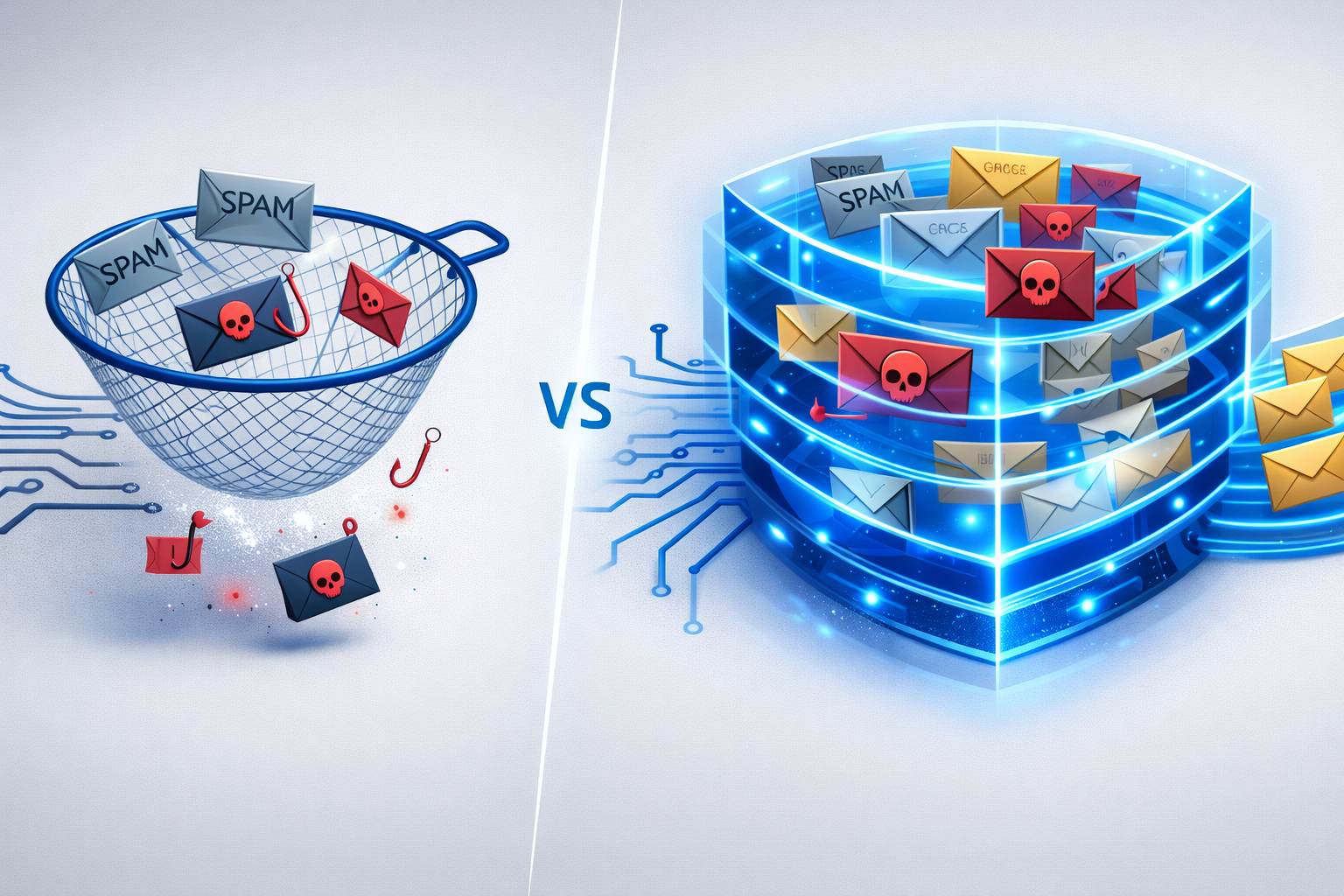
"But we already have a spam filter" — IT security professionals hear this regularly when proposing an Email Security Gateway. But this statement reveals a fundamental misconception: a spam filter and an Email Security Gateway are not the same thing. The difference can determine whether your organization faces millions in damages, data loss, or personal liability.
What Exactly Is a Spam Filter?
A spam filter is a single security mechanism that detects and blocks unwanted bulk emails (spam). It primarily works with:
- Blacklists/Blocklists: Known spam senders are blocked
- Keyword filters: Typical spam terms trigger blocking
- Bayesian classifiers: Statistical models learn from emails marked as spam
Spam filters are one aspect of email security — but only one part.
What an Email Security Gateway Does Beyond That
An Email Security Gateway is a comprehensive security platform that integrates the spam filter as one of many protection layers. Here are the 7 critical differences:
Difference 1: Phishing Detection
| Spam Filter | Email Security Gateway | |
|---|---|---|
| Bulk spam | ✅ Good | ✅ Good |
| Spear phishing | ❌ Unreliable | ✅ AI-based detection |
| Business Email Compromise | ❌ Not detected | ✅ Behavioral analysis |
| CEO fraud | ❌ Not detected | ✅ Sender validation |
Spear phishing emails are individually tailored and contain no typical spam characteristics. A spam filter doesn't stand a chance. An Email Security Gateway analyzes the context, sender reputation, and communication patterns instead.
Learn more: Phishing Protection for Businesses with MailGuard
Difference 2: Malware and Ransomware Protection
A spam filter at best checks whether an attachment appears on a known malware signature list. An Email Security Gateway offers:
- Sandbox analysis: Suspicious files are executed in an isolated environment
- Zero-day protection: Detection of new, unknown threats through behavioral analysis
- URL rewriting: Links are checked in real time when clicked, not just upon receipt
Difference 3: Email Encryption
Spam filters don't encrypt anything. An Email Security Gateway automates the entire encryption process:
- S/MIME and PGP fully automatic
- Policy-based: "All emails to domain X are encrypted"
- Centralized certificate management: No manual handling by users
This is essential for GDPR encryption obligations and NIS2 requirements.
Difference 4: Data Loss Prevention (DLP)
Spam filters only look at incoming emails. An Email Security Gateway also protects outbound traffic:
- Detection of sensitive data (IBANs, contract numbers, personal data)
- Blocking or quarantine for policy violations
- Escalation to supervisors for approval
Difference 5: Disclaimer and Signature Management
Spam filters cannot manage signatures. An Email Security Gateway automatically supplements every outgoing email with:
- Legally compliant mandatory information
- Uniform corporate signatures
- Dynamic fields and campaign banners
Details: Email Disclaimer Management for Microsoft 365
Difference 6: Compliance and Audit
Spam filters offer no compliance features. An Email Security Gateway provides:
- Audit trail: Traceability of every email processing step
- Reporting: Dashboard with threat statistics
- Evidence obligations: Documentation for NIS2 audits and GDPR inquiries
Difference 7: Central Control
A spam filter is a passive filter. An Email Security Gateway is an active control instance:
- Define and enforce company-wide policies centrally
- Granular rules per department, domain, or recipient
- Real-time intervention during threats
When Is a Spam Filter Sufficient — and When Not?
A spam filter may be sufficient if:
- You are a private individual without sensitive data
- You are not subject to any regulatory requirements
You need an Email Security Gateway if:
- You are a business, law firm, government agency, or practice
- You process personal data via email (GDPR)
- You fall under NIS2, critical infrastructure, or industry-specific regulations
- You use Microsoft 365 or Exchange Online
- You want to automate encryption
- You need a unified signature/disclaimer solution
The Solution: Conbool as Your Email Security Gateway
Conbool combines multi-layered threat protection (MailGuard), automatic encryption (SecureMail), and disclaimer management (Disclaimer) in one platform — Made in Germany, GDPR and NIS2 compliant.
FAQ
Is a spam filter sufficient for business security?
No. A spam filter only detects unwanted bulk emails. For protection against phishing, data loss, and to meet NIS2/GDPR requirements, you need an Email Security Gateway.
Can I use an Email Security Gateway in addition to the Microsoft 365 spam filter?
Yes, this is the recommended configuration. A gateway is placed in front of Microsoft 365 and supplements native protection. Read more: Why the Microsoft 365 Spam Filter Alone Is Not Enough.
Further reading: