Choosing the right Email Security Gateway is one of the most important IT security decisions for businesses. But the market is confusing: dozens of providers promise "comprehensive protection," yet the actual features, data processing, and pricing models differ considerably.
This guide helps you make the right decision — with a structured evaluation matrix and the key questions you should ask every provider.
The 8 Decisive Comparison Criteria
1. Threat Detection
Not every gateway protects equally well. Look for:
- Detection layers: Reputation analysis, header checks, content analysis, sandbox, AI — the more layers, the better
- Zero-day protection: Can the system detect unknown threats?
- BEC detection: Does the gateway recognize Business Email Compromise without malware attachments?
- Update frequency: How often are threat databases updated?
Question for the provider: "Can you show a recent incident where your system detected a zero-day attack?"
2. Encryption
Not all encryption is created equal:
| Criterion | Important | Why |
|---|---|---|
| S/MIME support | ✅ | Standard for government agencies and law firms |
| PGP support | ✅ | Standard for maximum security |
| Centralized certificate management | ✅ | Without central management, implementation fails |
| Policy-based encryption | ✅ | Automation without user interaction |
| Fallback mechanisms | ✅ | What happens when the other side doesn't support S/MIME? |
More on the differences: S/MIME vs. PGP: Comparison for Businesses
3. Data Loss Prevention (DLP)
- Does the gateway detect sensitive data in outbound emails?
- Does it support custom patterns and regex?
- Are there escalation workflows (quarantine → approval by supervisor)?
- Can DLP rules be differentiated per department/domain?
4. Disclaimer and Signature Management
- Central HTML templates with dynamic fields?
- Responsive display across all devices?
- Campaign banners and seasonal adjustments?
- Rule-based per department or recipient?
Details: Email Disclaimer Management for Microsoft 365
5. Integration with Existing Infrastructure
- Microsoft 365 / Exchange Online: MX relay or API integration?
- Google Workspace: Is it supported?
- On-premise Exchange: Hybrid scenarios possible?
- SIEM integration: Can logs be forwarded to your Security Operations Center?
6. Data Sovereignty and Compliance
For GDPR compliance, the following is critical:
- Where are emails processed? EU-only or also US/third countries?
- Data processing agreement: Is a DPA per Art. 28 GDPR available?
- Certifications: ISO 27001, SOC 2, BSI C5?
- NIS2 readiness: Does the provider support NIS2 requirements?
Also read: Digital Sovereignty in Email Encryption
7. Usability and Support
- How complex is the initial setup?
- Is there an intuitive admin interface?
- Local-language support?
- Guaranteed response times (SLA)?
- Is a trial period available?
8. Pricing Model
- Per mailbox/month vs. flat rate vs. by volume
- Are there hidden costs for features (DLP, sandbox, encryption)?
- Is the solution scalable without price jumps?
- Contract terms and cancellation periods?
Evaluation Matrix: The Key Questions
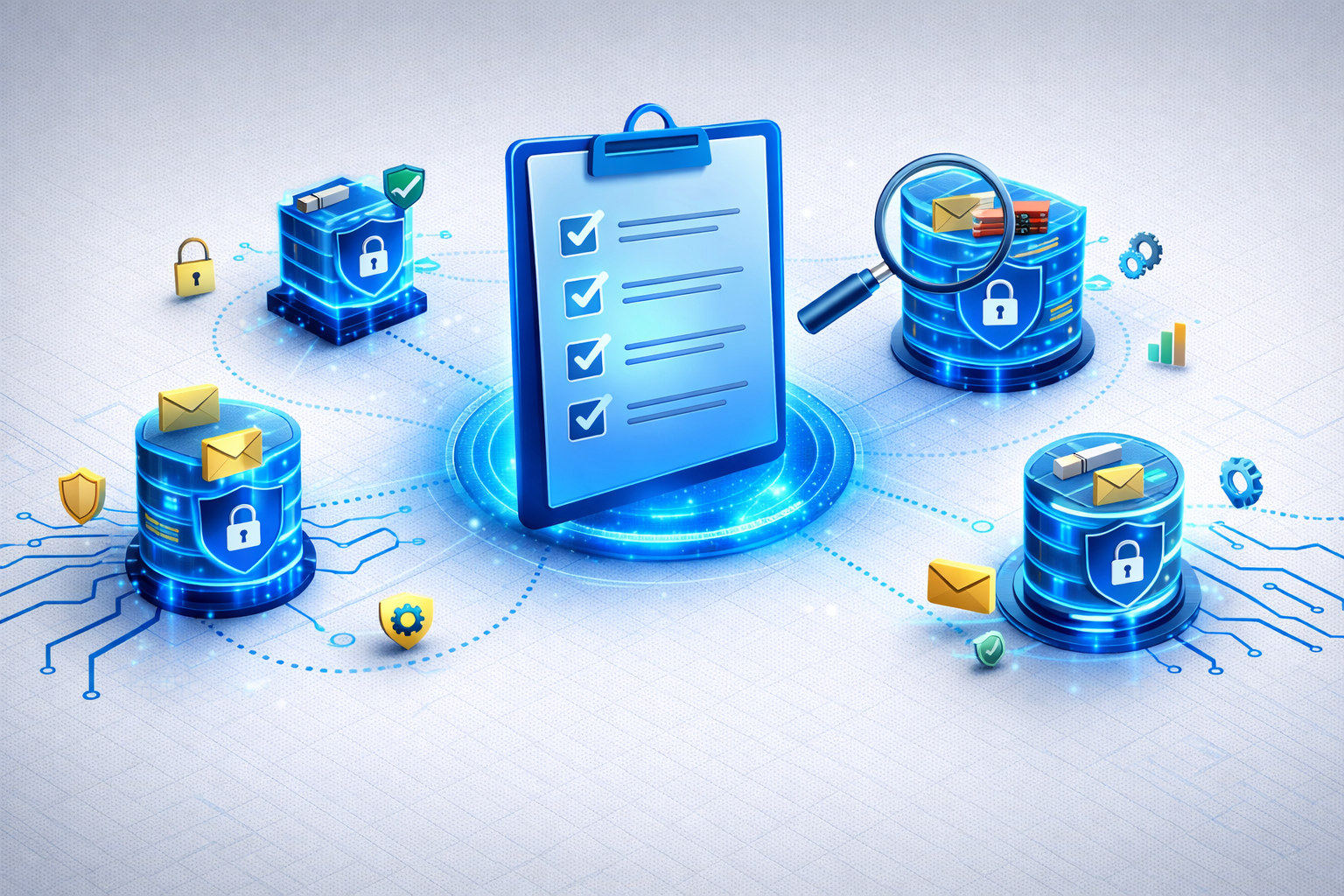
Use this checklist during evaluation:
- [ ] Multi-layered threat detection (sandbox + AI)?
- [ ] Automatic S/MIME and PGP encryption?
- [ ] DLP for outbound emails?
- [ ] Central disclaimer management in the mail flow?
- [ ] EU hosting and GDPR-compliant data processing?
- [ ] Microsoft 365 integration (MX relay)?
- [ ] NIS2-compliant reporting and audit features?
- [ ] Local-language support with SLA?
- [ ] Free trial period?
- [ ] Transparent pricing with no hidden costs?
Typical Pitfalls in Selection
Pitfall 1: "Feature Checklist Thinking"
Many providers list impressive feature lists, but the actual implementation is often superficial. Always test yourself with a proof-of-concept phase.
Pitfall 2: Vendor Lock-in
Some gateways bind you to proprietary formats or workflows. Look for standard protocols (SMTP, S/MIME, PGP) and easy migration.
Pitfall 3: US Cloud = GDPR Risk
Gateways that process emails in the US carry a GDPR risk — even with the EU-US Data Privacy Framework. For maximum security, choose EU hosting and digital sovereignty.
Pitfall 4: Overly Complex Setup
A gateway that takes weeks to set up becomes a project killer. Cloud-native solutions like Conbool are ready in under an hour.
Why Businesses Choose Conbool
Conbool meets all 8 comparison criteria:
| Criterion | Conbool |
|---|---|
| Threat detection | ✅ Multi-layered with AI (MailGuard) |
| Encryption | ✅ S/MIME + PGP automatic (SecureMail) |
| DLP | ✅ Pattern-based, granular rules |
| Disclaimers | ✅ Dynamic templates (Disclaimer) |
| Microsoft 365 | ✅ Native MX integration |
| Data sovereignty | ✅ EU-only, Made in Germany |
| Support | ✅ Local-language, guaranteed SLA |
| Pricing | ✅ Transparent per mailbox |
FAQ
Which Email Security Gateway is the best?
That depends on your requirements. For German and European businesses with GDPR and NIS2 requirements, a gateway with EU hosting, automatic encryption, and local-language support is crucial.
How much does an Email Security Gateway cost?
Cloud-based gateways typically cost between 2 and 10 euros per mailbox/month. Many providers offer free trial periods — Conbool offers 30 days.
Further reading: