Registration and Login
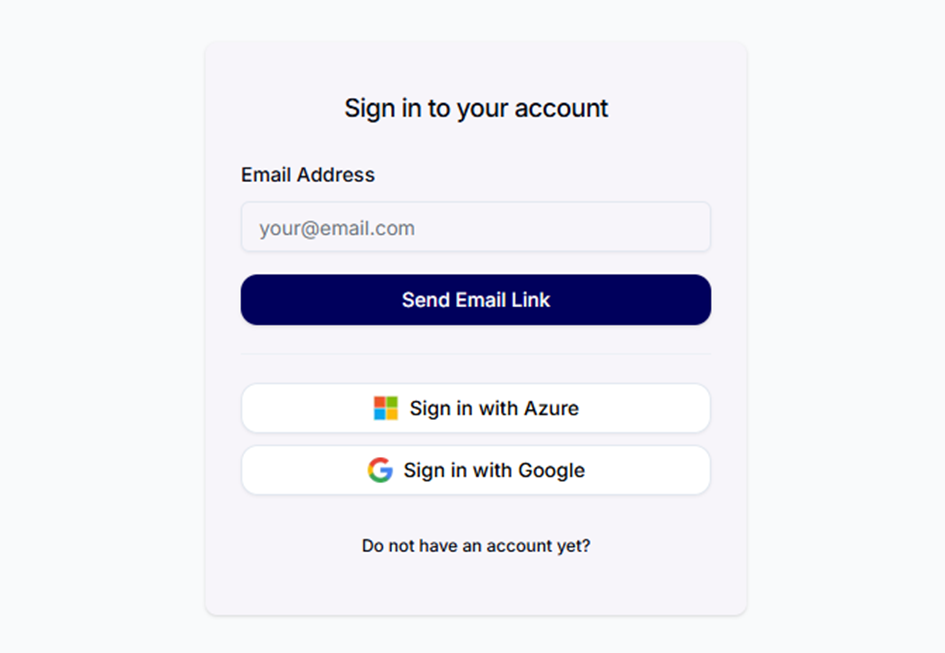
Registration and login to Conbool via email, Azure or Google.
Getting started with Conbool is simple and fast.
Registration
Create your account via the dedicated sign-up page. Conbool supports multiple authentication methods:
- Password authentication: Register with your email address and a password.
- Azure / Google: Convenient registration via your existing Azure or Google account.
The intuitive registration process guides you smoothly through all steps.
Login
After successful registration, you can log in and start using Conbool immediately. The following login methods are available:
- Password: Sign in with your email address and password. If you have forgotten your password, you can recover it via the password reset function.
- Magic Link: Receive a secure one-time link via email.
- OTP (One-Time Password): Authentication via a one-time code.
- Azure / Google: Direct login via your existing provider.
MFA / 2FA Verification
If multi-factor authentication (MFA/2FA) is enabled for your account, you will be prompted for additional verification after the primary login.
Tip
Use the security options of your Azure or Google account to optimally protect your access to Conbool.
Next Step
→ Create a Tenant to set up an isolated working environment.