Create Tenant
Create and configure a new tenant.
All tenants are isolated from each other. This ensures the highest level of security and privacy.
Step-by-Step Guide
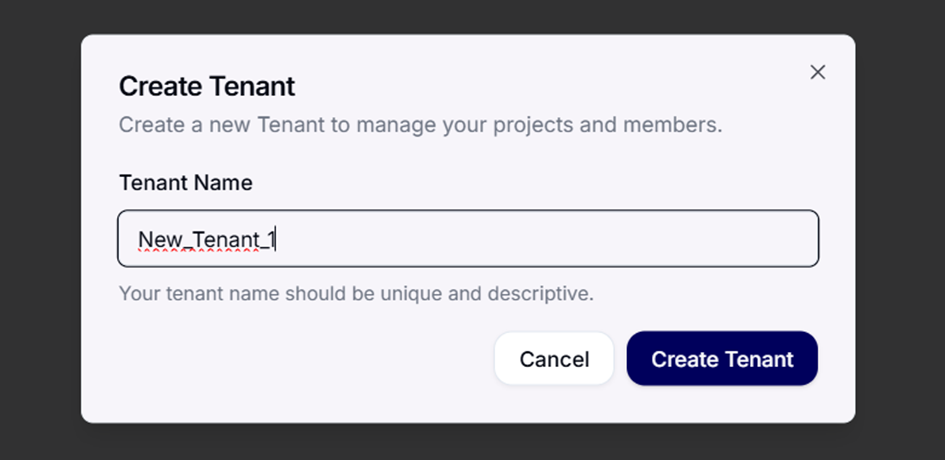
1. Add Tenant
- Open the home page.
- Select "Add a Tenant" to start the process.
2. Assign a Name
- Give your tenant a clear and descriptive name so it can be easily identified.
- If the name contains non-Latin characters, an additional URL slug field will appear. This slug is used for the tenant's URL and may only contain Latin letters, numbers and hyphens.
3. Confirm Creation
- Click on "Create Tenant".
- Your new tenant will now be created automatically.
Important Notes
🔑 Only the primary owner of the tenant is authorized to delete it.
Make sure this role is clearly assigned.
📑 After creation, you will be redirected directly to the billing page.
There you can manage your subscription and activate modules.
Next Step
The trial runs 30 days automatically once the tenant is created, no action required.
→ Continue with Configuration: register the domain, set DNS records, and connect the mail server to Conbool.
To unlock the Full Version directly instead of waiting for trial expiry, see Subscription & Billing.