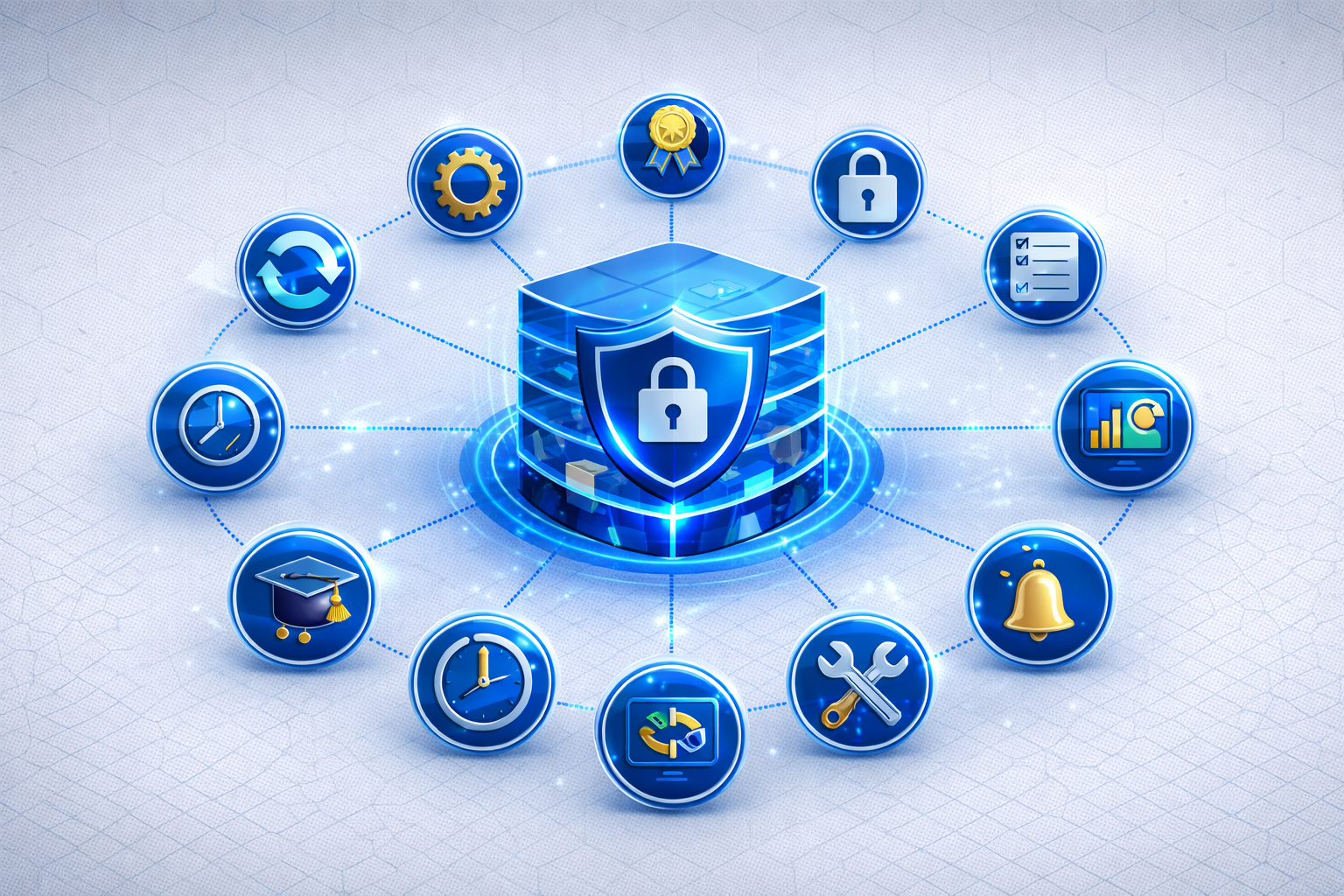
Buying a Secure Email Gateway (SEG) is the first step — configuring it correctly is what matters. A misconfigured gateway can block legitimate emails (false positives), leave security gaps open, or miss compliance requirements.
These 10 best practices are based on our experience with hundreds of enterprise installations and help you set up your Secure Email Gateway optimally from day one.
Best Practice 1: Verify SPF, DKIM, and DMARC Before Activation
Before activating your gateway, your DNS authentication records must be correct:
- SPF (Sender Policy Framework): Defines which servers are authorized to send emails for your domain. After gateway setup, the gateway IP must be included in the SPF record.
- DKIM (DomainKeys Identified Mail): Cryptographically signs outgoing emails. The gateway must be able to preserve or re-sign DKIM signatures.
- DMARC (Domain-based Message Authentication): Combines SPF and DKIM and defines what happens with unauthenticated emails.
Why first? An incorrectly configured SPF record after the MX changeover causes your own emails to be classified as spam.
Best Practice 2: Monitoring Mode Before Enforcement
Don't switch your gateway to "Block" immediately. Instead:
- Weeks 1-2: Monitoring mode — the gateway analyzes but doesn't block
- Analysis: Review quarantine reports for false positives
- Whitelisting: Add legitimate senders that were incorrectly flagged
- Week 3: Gradual activation of blocking rules
This approach prevents business-critical emails from being lost.
Best Practice 3: Clearly Define Encryption Policies
Define your encryption strategy before configuration:
- Mandatory encryption: Which domains/partners always require encryption?
- Opportunistic encryption: Encrypt when the other side supports it
- Protocol hierarchy: S/MIME preferred, PGP as fallback, or vice versa?
- Fallback: What happens when no encryption protocol is available?
More on protocols: S/MIME vs. PGP: Comparison for Businesses
Best Practice 4: Introduce DLP Rules Gradually
Start with few, clear DLP rules and expand gradually:
- Stage 1: Obvious patterns (IBAN, credit card numbers)
- Stage 2: Industry-specific data (client files, patient data)
- Stage 3: Custom patterns for your organization
Every new rule should run in log mode first before actively blocking.
Best Practice 5: Define Quarantine Workflows
An overflowing quarantine mailbox that nobody checks is useless. Define:
- Who reviews the quarantine? IT team, department, or automated?
- How quickly? SLA for quarantine reviews (e.g., within 4 hours)
- Notifications: Inform end users about quarantined emails?
- Self-service: Can users release certain emails themselves?
Best Practice 6: Design Disclaimer Templates Carefully
Invest time in your disclaimer templates:
- Legal review: Have mandatory information reviewed by your legal department
- Responsive design: Test on desktop, smartphone, and webmail
- Dynamic fields: Use variables for name, department, phone
- A/B tests: Test different CTA banners for marketing campaigns
Guide: Email Signature Mandatory Information for Businesses 2026
Best Practice 7: Regularly Analyze Threat Reports
A Secure Email Gateway generates valuable security data. Use it:
- Weekly: Review quarantine overview and false positive rate
- Monthly: Analyze threat trends — are phishing attempts increasing?
- Quarterly: Check encryption rate — are enough emails being encrypted?
- Annually: Compliance review for NIS2 and GDPR audits
Best Practice 8: Plan Emergency Bypass
What happens if the gateway fails? Plan for:
- Failover MX: Secondary MX record that delivers directly to Exchange
- Emergency process: Documented procedure for gateway outage
- Check SLA: What availability does your provider guarantee?
Best Practice 9: Training for IT Team and End Users
Technology alone is not enough:
- IT team: Training on gateway administration, quarantine management, and incident response
- End users: Awareness training on phishing, social engineering, and safe email behavior
- Executives: Briefing on executive liability under NIS2
Best Practice 10: Update and Optimize Regularly
A Secure Email Gateway is not a "set and forget" system:
- Adjust rules: New threat patterns require new rules
- Renew certificates: S/MIME certificates have expiration dates
- Maintain whitelists: Partners and suppliers change
- Check updates: Always use the latest gateway version
Checklist: Your Secure Email Gateway in 10 Steps
- [ ] SPF, DKIM, and DMARC correctly configured
- [ ] Monitoring mode activated for 2 weeks
- [ ] Encryption policies defined and configured
- [ ] DLP rules introduced gradually
- [ ] Quarantine workflows with SLA defined
- [ ] Disclaimer templates reviewed and activated
- [ ] Threat reporting set up
- [ ] Emergency bypass planned
- [ ] IT team and users trained
- [ ] Review cycle established (weekly/monthly/quarterly)
Conclusion
Proper configuration determines whether your Secure Email Gateway becomes a security asset or a productivity killer. With these 10 best practices, you ensure your gateway provides maximum protection with minimal friction.
Conbool MailGuard supports you with optimal configuration — from initial setup to ongoing operations.
Further reading: